Pablo Borysenco(@pavlo_borysenco)
34,196 Posts
Quote from Pablo Borysenco on April 21, 2021, 09:47
Hello
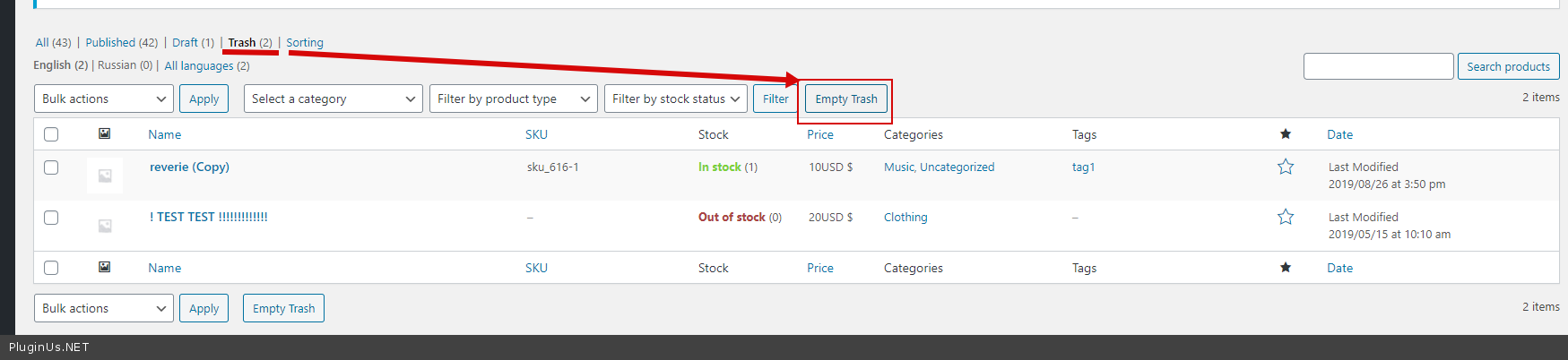
Please try to press this btn - https://c2n.me/4bLTqPY.png
Hello
Please try to press this btn - https://c2n.me/4bLTqPY.png
Pablo Borysenco(@pavlo_borysenco)
34,196 Posts
Quote from Pablo Borysenco on April 27, 2021, 12:53
Hello
Unfortunately I do not see your screenshots
Better create custom page with your images and drop me a link
Is there a way to filter by missing thumbnail without manually selecting each one? - unfortunately the plugin does not have such a feature
Hello
Unfortunately I do not see your screenshots
Better create custom page with your images and drop me a link
Is there a way to filter by missing thumbnail without manually selecting each one? - unfortunately the plugin does not have such a feature
Pablo Borysenco(@pavlo_borysenco)
34,196 Posts
Quote from Pablo Borysenco on April 28, 2021, 09:25
Hello
Ok! Please drop me wp-admin access( https://c2n.me/43SC6rb.png ->https://c2n.me/42BAoj4.png ) I will check it
Hello
Ok! Please drop me wp-admin access( https://c2n.me/43SC6rb.png ->https://c2n.me/42BAoj4.png ) I will check it
Pablo Borysenco(@pavlo_borysenco)
34,196 Posts
Quote from Pablo Borysenco on April 29, 2021, 10:11
Hello
Ok! I got it
Please add FTP access
Hello
Ok! I got it
Please add FTP access
Pablo Borysenco(@pavlo_borysenco)
34,196 Posts
Quote from Pablo Borysenco on April 29, 2021, 16:31
Hello
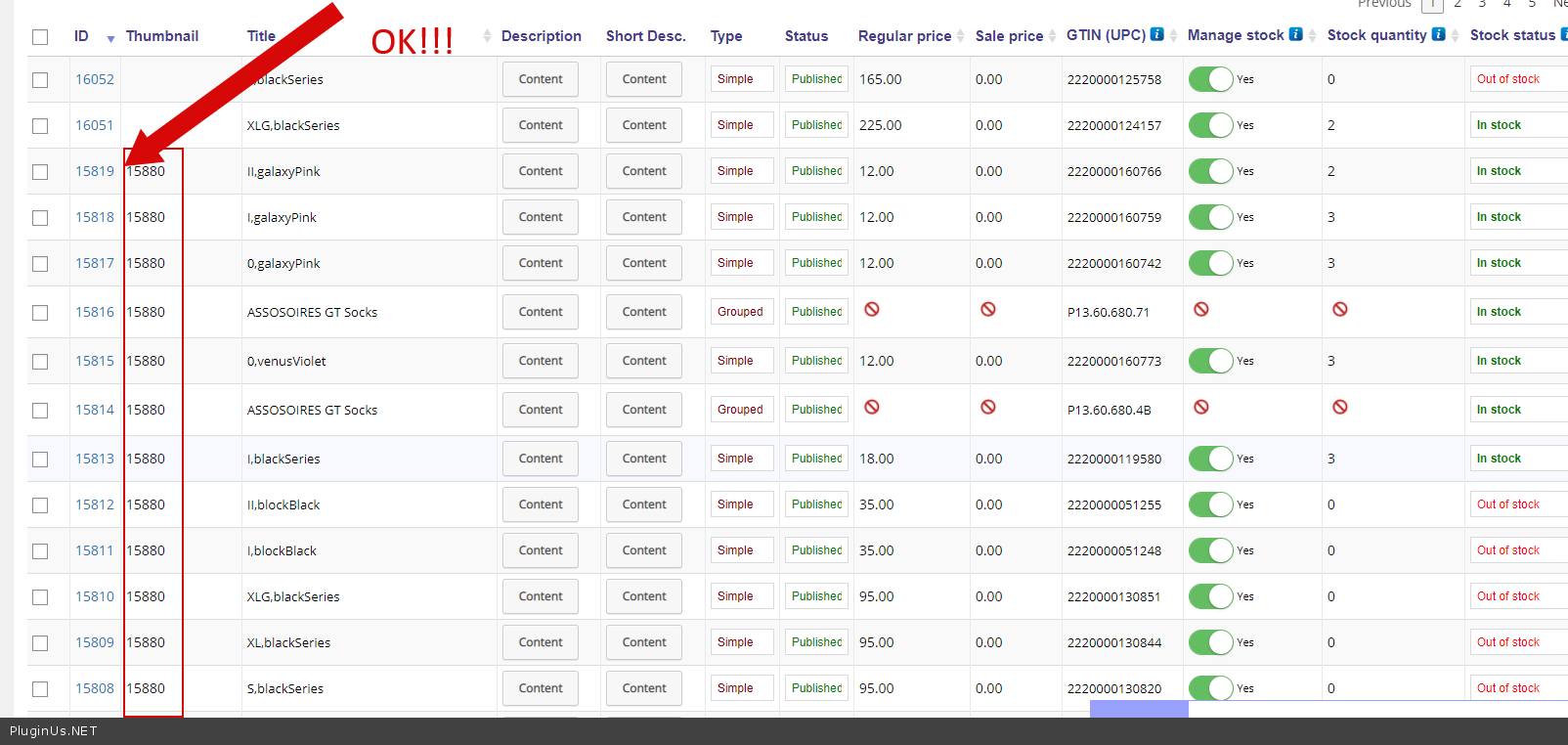
I made a setting to display the ID of the image - https://c2n.me/4bSyJr0.png ( This is how images are stored for all post types. ) But for this product - https://c2n.me/4bSyGGo.png
The reason is that a third-party plugin does not add images correctly - https://c2n.me/4bSyVDx.png
My test - https://c2n.me/4bSyAeC
Hello
I made a setting to display the ID of the image - https://c2n.me/4bSyJr0.png ( This is how images are stored for all post types. ) But for this product - https://c2n.me/4bSyGGo.png
The reason is that a third-party plugin does not add images correctly - https://c2n.me/4bSyVDx.png
My test - https://c2n.me/4bSyAeC
Pablo Borysenco(@pavlo_borysenco)
34,196 Posts
Quote from Pablo Borysenco on April 30, 2021, 17:34
Hello
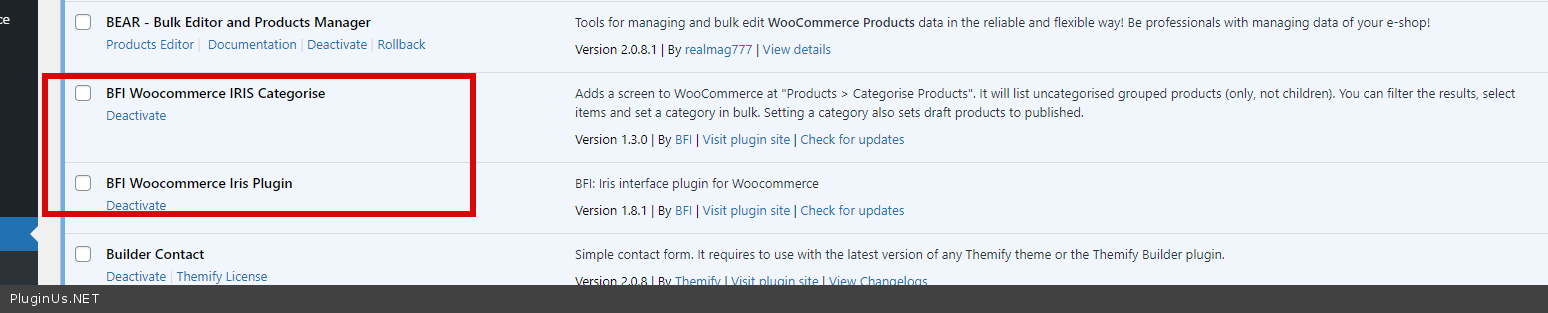
if there is anything that can be done for your plugin to work with iris. - I doubt it. This third party plugin uses very strange functionality for image replacement.
Hello
if there is anything that can be done for your plugin to work with iris. - I doubt it. This third party plugin uses very strange functionality for image replacement.