Pablo Borysenco(@pavlo_borysenco)
34,196 Posts
Quote from Pablo Borysenco on February 8, 2021, 12:55
Hello Peggy
Paste your license key here - https://c2n.me/43SC6rb.png -> https://c2n.me/42HBIt7.png
1 This is a very logical behavior. On the category page, you can show ONLY products that belong to the category OR child category. It makes sense to show only child categories( of the current category ), because clicking on any other category will always give zero products )
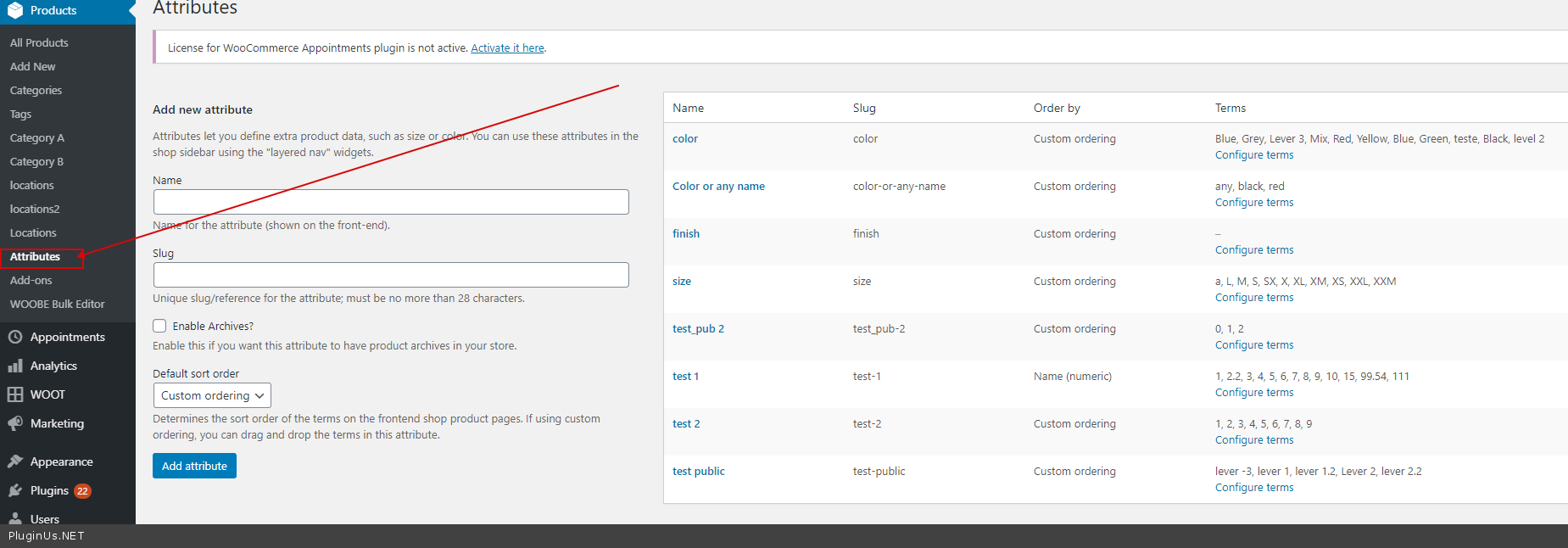
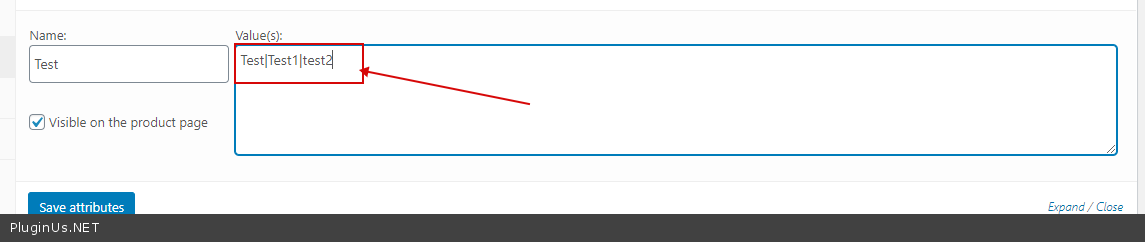
2 There are colors and sizes setup in the WooCommerce attributes. - ??? Woocommerce only supports such attributes ( taxonomies) - https://c2n.me/4aRzrEH.png Unfortunately there is no filter that can work with custom text attributes - https://c2n.me/4aRA5VV.png
3 To change order - https://wordpress.org/plugins/custom-taxonomy-order-ne/
Hello Peggy
Paste your license key here - https://c2n.me/43SC6rb.png -> https://c2n.me/42HBIt7.png
1 This is a very logical behavior. On the category page, you can show ONLY products that belong to the category OR child category. It makes sense to show only child categories( of the current category ), because clicking on any other category will always give zero products )
2 There are colors and sizes setup in the WooCommerce attributes. - ??? Woocommerce only supports such attributes ( taxonomies) - https://c2n.me/4aRzrEH.png Unfortunately there is no filter that can work with custom text attributes - https://c2n.me/4aRA5VV.png
3 To change order - https://wordpress.org/plugins/custom-taxonomy-order-ne/