PluginUs.Net - Business Tools for WooCommerce and WordPress

[realize your idea - make your dreams come true]

Support Forum

You need to log-in to create request (topic) to the support

Urgent: WOOF Product Filter Not Working Properly on My Website

The support doesn work on Saturdays and Sundays, so some Friday requests can be answered on Monday. If you have problems with registration ask help on contact us page please
If you not got email within 24~36 business hours, firstly check your spam box, and if no any email from the support there - back to the forum and read answer here. DO NOT ANSWER ON EMAILS [noreply@pluginus.net] FROM THE FORUM!! Emails are just for your info, all answers should be published only here.
The support doesn work on Saturdays and Sundays, so some Friday requests can be answered on Monday.

Hi Team,

I hope you’re doing well. I’m reaching out because the WOOF product filter on my website is currently not working, and I need assistance resolving this issue urgently.

Here are the details:

  • The tire filter section is not functioning.

  • When I select any filter, the preloader continues to run, but the page does not move forward or load the filtered products.

  • No error message is displayed, but the filter results simply do not load.

If you need backend access or further details, please let me know. Thank you in advance for your support.

Best Regards,
Foysal Bhuiyan

Hello Foysal

Share please in the private area of this ticket wp-admin acess to the site or stage site AND exect link with the issue. Also you can do test: disable all plugins exept woo+woof and check if issue still there, javascript error can be generated by any another plugin

https://share.pluginus.net/image/i20230222134241.png
https://share.pluginus.net/image/i20230222134615.png
https://share.pluginus.net/image/i20230222134511.png

urgently - read please support conditions https://pluginus.net/support-conditions/

Hello,

I am already share my access. please check privet data.

Thank you.

Foysal Bhuiyan

Hello Foysal

I see installed old premium version on your site and wp-admin/admin.php?page=wc-settings&tab=woof has 500 error

So, update please to the latest version of the plugin, a lot of fixes done, and provide please actual purchase code

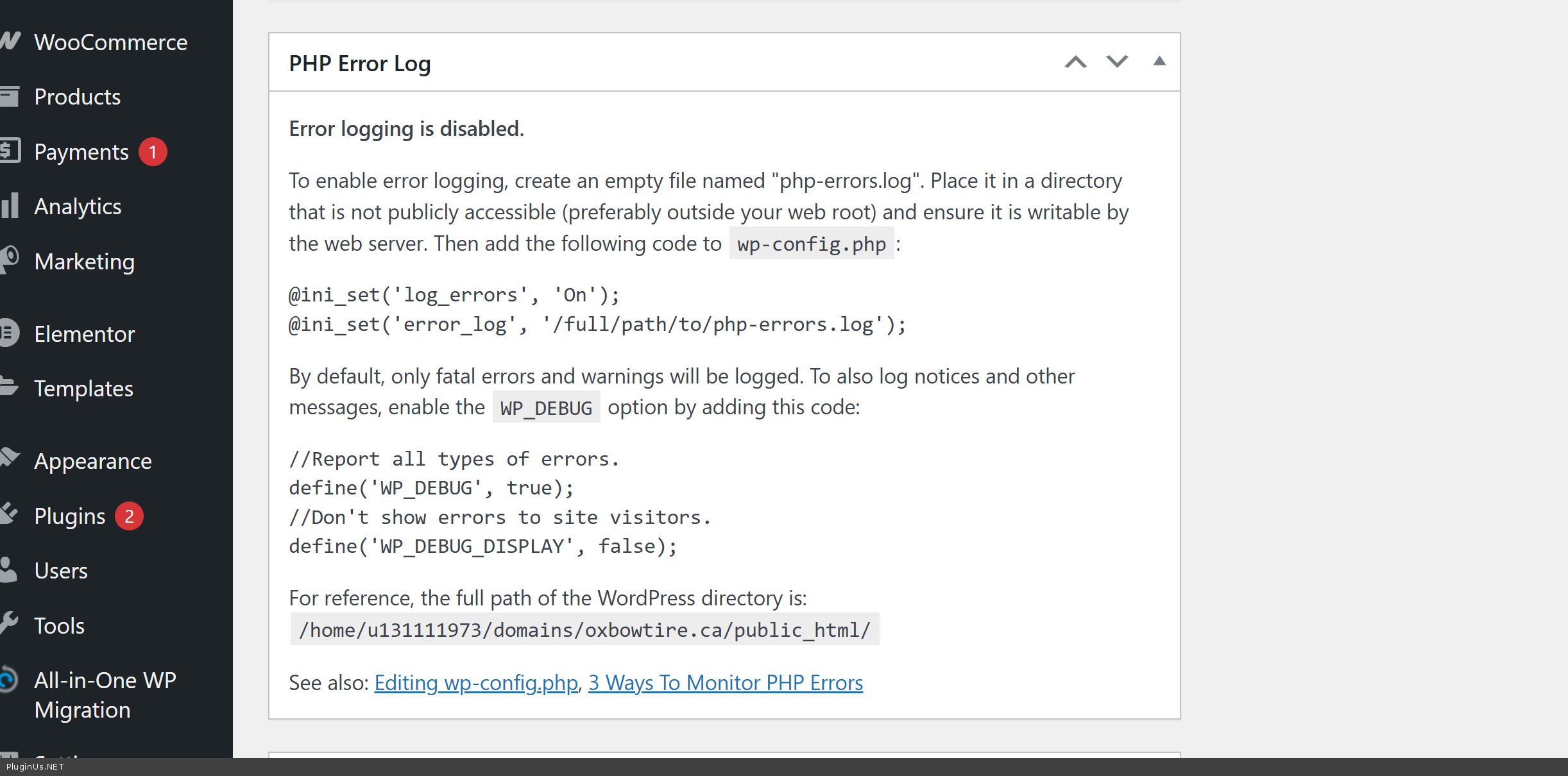
I installed plugin PHP error log, but its need activation in wp-config.php

After updating the plugin you can provide in the secret area ftp access to the site to let me look the code closer, but I think plugin update can resolve the issue