Holland Child(@holland-child)
1 Post
Customers
Quote from Holland Child on December 10, 2025, 20:41
Dear FOX/Woocs customer service team!
I am currently using FOX - Currency Switcher Professional for WooCommerce (v.2.4.3.1) software on a multilingual WooCommerce website, where Barion (Barion Payment Gateway for WooCommerce) is the main payment gateway.
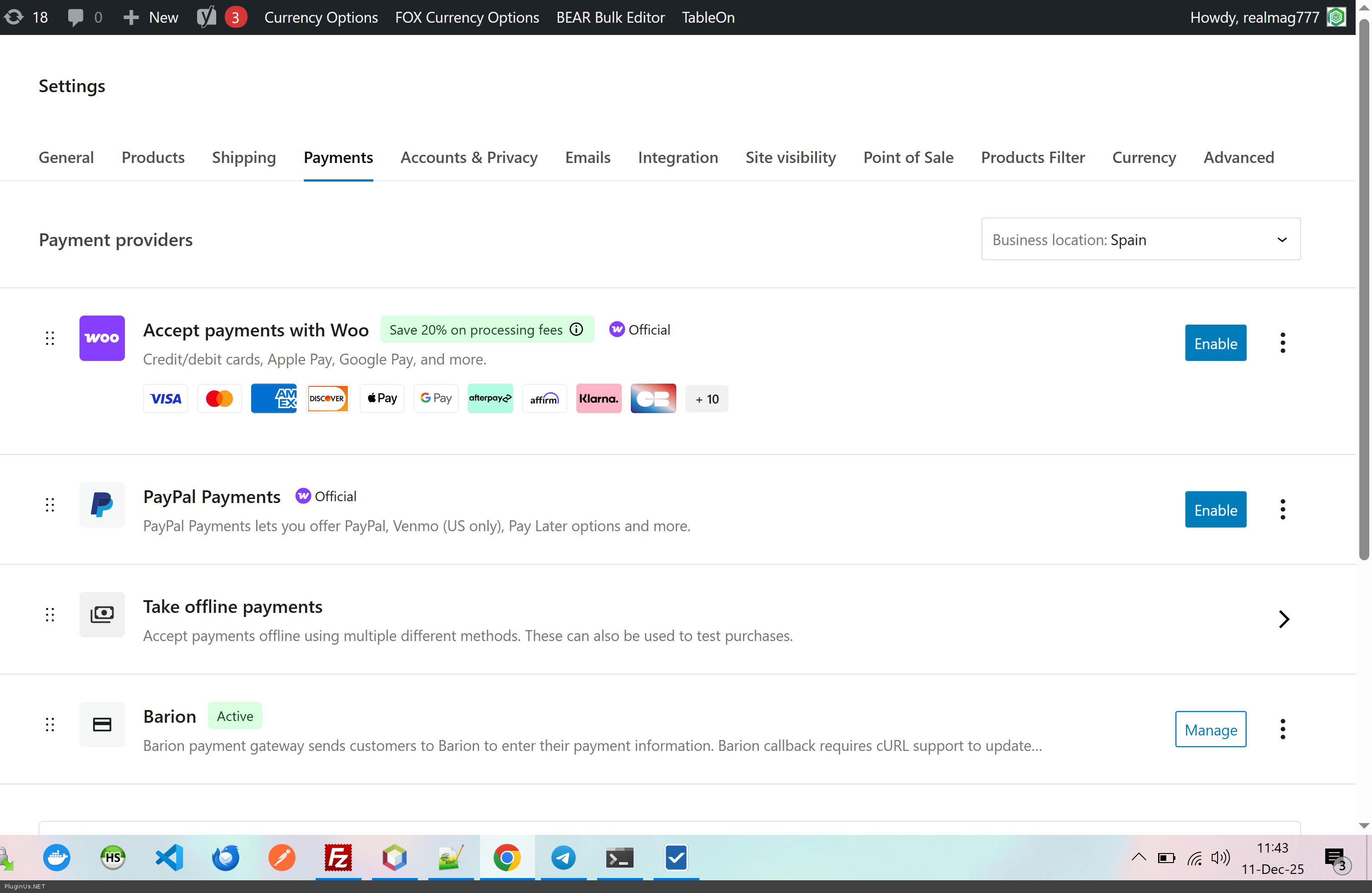
The error I noticed: If the FOX plugin is not enabled, I can activate the Barion plugin on the Woocommerce/Payment page with the Enable button (the gray Inactive label changes to green Active).
If I activate the FOX plugin, the green Active label changes back to Inactive, and clicking the Enable button does not change the situation. One more piece of information: even if I set the Enable/Disable checkbox to enable on the Manage page, the Barion plugin is still inactive.
What could be the problem?
Thank you in advance for your help.
Dear FOX/Woocs customer service team!
I am currently using FOX - Currency Switcher Professional for WooCommerce (v.2.4.3.1) software on a multilingual WooCommerce website, where Barion (Barion Payment Gateway for WooCommerce) is the main payment gateway.
The error I noticed: If the FOX plugin is not enabled, I can activate the Barion plugin on the Woocommerce/Payment page with the Enable button (the gray Inactive label changes to green Active).
If I activate the FOX plugin, the green Active label changes back to Inactive, and clicking the Enable button does not change the situation. One more piece of information: even if I set the Enable/Disable checkbox to enable on the Manage page, the Barion plugin is still inactive.
What could be the problem?
Thank you in advance for your help.