Pablo Borysenco(@pavlo_borysenco)
34,196 Posts
Quote from Pablo Borysenco on June 23, 2021, 10:09
Hello
your link - https://share.pluginus.net/image/i20210623110706.png - I can't check it
Hello
your link - https://share.pluginus.net/image/i20210623110706.png - I can't check it
Pablo Borysenco(@pavlo_borysenco)
34,196 Posts
Quote from Pablo Borysenco on June 23, 2021, 11:38
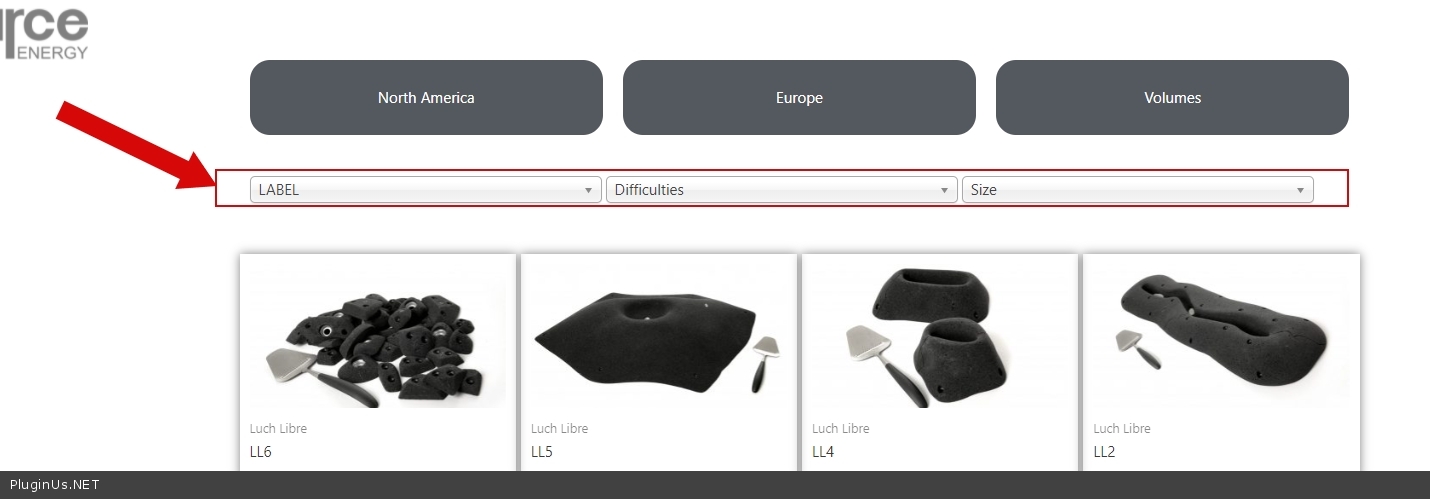
Try to add CSS
.woof_container {
display: inline-block;
width: 32%;
}
result - https://c2n.me/4ctr2my.jpg
To show the title select this setting in the additional options
Try to add CSS
.woof_container {
display: inline-block;
width: 32%;
}
result - https://c2n.me/4ctr2my.jpg
To show the title select this setting in the additional options
Pablo Borysenco(@pavlo_borysenco)
34,196 Posts
Quote from Pablo Borysenco on June 28, 2021, 13:11
Hello
Delete your custom code - https://share.pluginus.net/image/i20210628140604.png
Please add CSS
.woof .woof_block_html_items{
display: inline-block;
}
Result - https://c2n.me/4cwqcBH.png
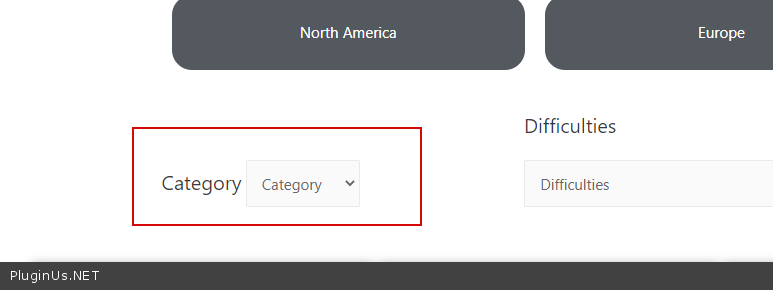
I want my category name to be my title but not as a default drop down value ex - In this case, you need customization of the code.
In file - \wp-content\plugins\woocommerce-products-filter\views\html_types\select.php - delete this code - https://share.pluginus.net/image/i20210628141056.png and paste your text
Hello
Delete your custom code - https://share.pluginus.net/image/i20210628140604.png
Please add CSS
.woof .woof_block_html_items{
display: inline-block;
}
Result - https://c2n.me/4cwqcBH.png
I want my category name to be my title but not as a default drop down value ex - In this case, you need customization of the code.
In file - \wp-content\plugins\woocommerce-products-filter\views\html_types\select.php - delete this code - https://share.pluginus.net/image/i20210628141056.png and paste your text