

Filters not retained when moving to next page
The support doesn work on Saturdays and Sundays, so some Friday requests can be answered on Monday. If you have problems with registration ask help on contact us page pleaseIf you not got email within 24~36 business hours, firstly check your spam box, and if no any email from the support there - back to the forum and read answer here. DO NOT ANSWER ON EMAILS [noreply@pluginus.net] FROM THE FORUM!! Emails are just for your info, all answers should be published only here.
The support doesn work on Saturdays and Sundays, so some Friday requests can be answered on Monday.

Quote from sweet on December 6, 2025, 00:45Hello,
I am also experiencing the issue when changing pages, that filter criteria are not retained. I saw your fix recommendation to another user but I don't understand. Could you please provide step by step instructions.
Thank you.
Hello,
I am also experiencing the issue when changing pages, that filter criteria are not retained. I saw your fix recommendation to another user but I don't understand. Could you please provide step by step instructions.
Thank you.

Quote from Alex Dovlatov on December 8, 2025, 13:10Hello
Give me please more details here, link to the ticket you mean
Maybe you mean storage https://bulk-editor.com/document/more-settings-implicit/ , in such case:
- go here /wp-admin/theme-editor.php
- select file functions.php
- go to the same bottom of it
- paste code
add_filter('woobe_storage_type', function($type) { return 'session';//session, transient });- save file
- use
Hello
Give me please more details here, link to the ticket you mean
Maybe you mean storage https://bulk-editor.com/document/more-settings-implicit/ , in such case:
- go here /wp-admin/theme-editor.php
- select file functions.php
- go to the same bottom of it
- paste code
add_filter('woobe_storage_type', function($type) { return 'session';//session, transient }); - save file
- use
Quote from sweet on December 8, 2025, 20:03Thanks for your reply. When I click to page 2 of my filtered list, the filters disappear and all of my products are shown.
Here is the link to the ticket I was referencing https://pluginus.net/support/topic/filtration-criteria-not-retained-when-changing-pages/
My web developer already implemented the recommended fix and it hasn't solved the issue.
Please advise.
Thank you.
Thanks for your reply. When I click to page 2 of my filtered list, the filters disappear and all of my products are shown.
Here is the link to the ticket I was referencing https://pluginus.net/support/topic/filtration-criteria-not-retained-when-changing-pages/
My web developer already implemented the recommended fix and it hasn't solved the issue.
Please advise.
Thank you.
Quote from Alex Dovlatov on December 9, 2025, 12:30Hello
Use please transient. If it already there - something another not allows to the plugin works, in such case I need to see the full picture of what is happening, in the private area share please wp-admin access + ftp, you can create stage site using duplicator plugin https://wordpress.org/plugins/duplicator/
https://share.pluginus.net/image/i20230222134241.png
https://share.pluginus.net/image/i20230222134615.png
https://share.pluginus.net/image/i20230222134511.png
Hello
Use please transient. If it already there - something another not allows to the plugin works, in such case I need to see the full picture of what is happening, in the private area share please wp-admin access + ftp, you can create stage site using duplicator plugin https://wordpress.org/plugins/duplicator/
https://share.pluginus.net/image/i20230222134241.png
https://share.pluginus.net/image/i20230222134615.png
https://share.pluginus.net/image/i20230222134511.png


Quote from sweet on December 9, 2025, 23:03Hello,
It was set to transient, but changing it didn't fix the issue. I have shared wp admin access privately.
Thanks
Hello,
It was set to transient, but changing it didn't fix the issue. I have shared wp admin access privately.
Thanks
Quote from Alex Dovlatov on December 10, 2025, 12:43Hello
Check access please, I could not login into /secure (password not fit for thr user) and now access is locked
about ftp: looks like you provided wp-admin acces to one site, and ftp to another one https://clip2net.com/s/4nsNGSk
Hello
Check access please, I could not login into /secure (password not fit for thr user) and now access is locked
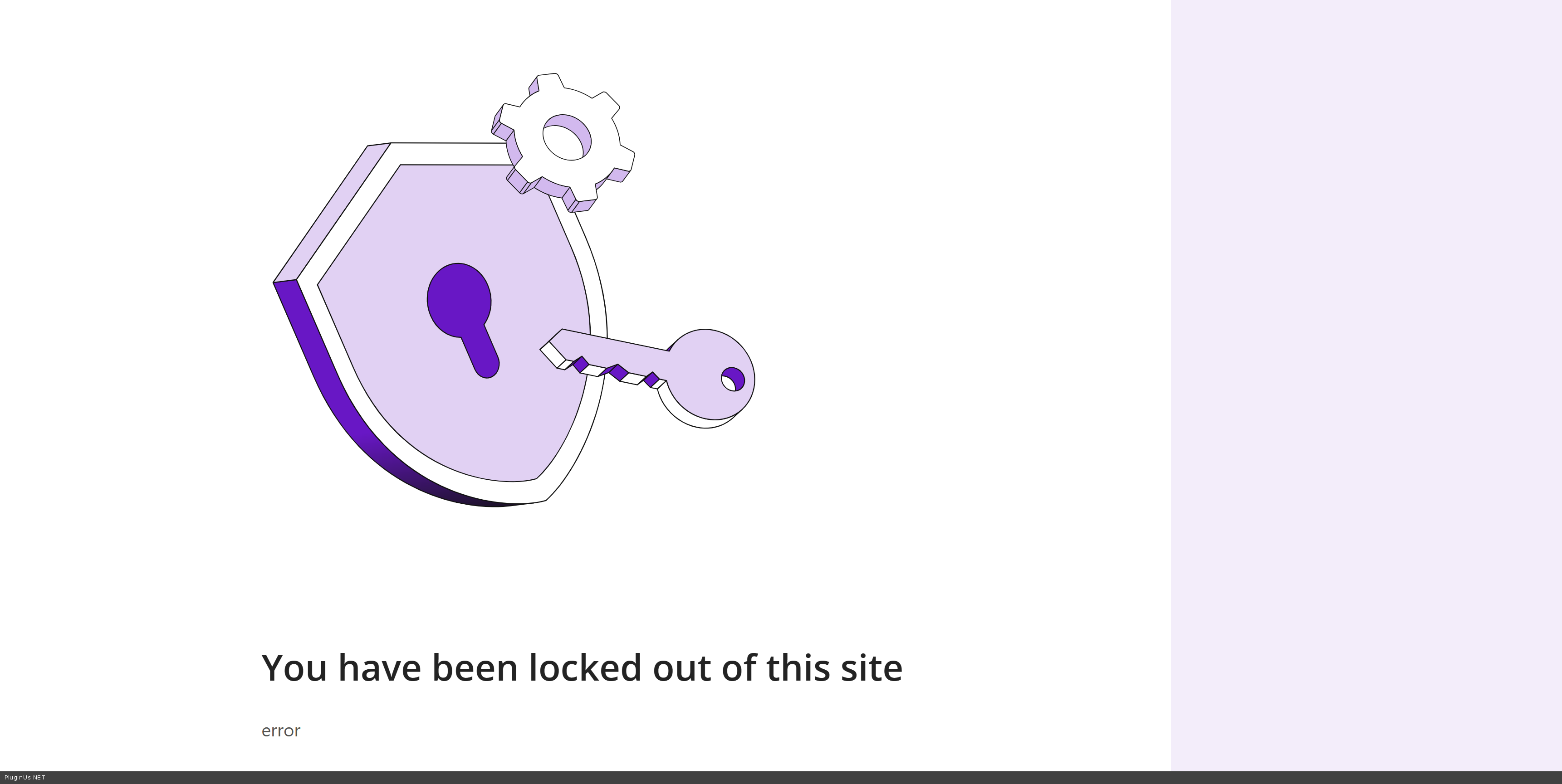
about ftp: looks like you provided wp-admin acces to one site, and ftp to another one https://clip2net.com/s/4nsNGSk
Quote from sweet on December 15, 2025, 21:49Apologies for the delay. Login credentials have been updated in the private area.
Thanks.
Apologies for the delay. Login credentials have been updated in the private area.
Thanks.

Quote from admin on December 16, 2025, 13:16Hello
Done, works
I put to /public_html/site-content/themes/sweet-impressions next code:
add_filter('woobe_storage_type', function($type) { return 'session';//session, transient });
You have installed plugin "object cache" - and its cached requests to database, I disabled it and all became works, the pasted the code, and enabled cache - works, but if in future you will meet such issues - firstly disable cache plugin and see how is it.
Hello
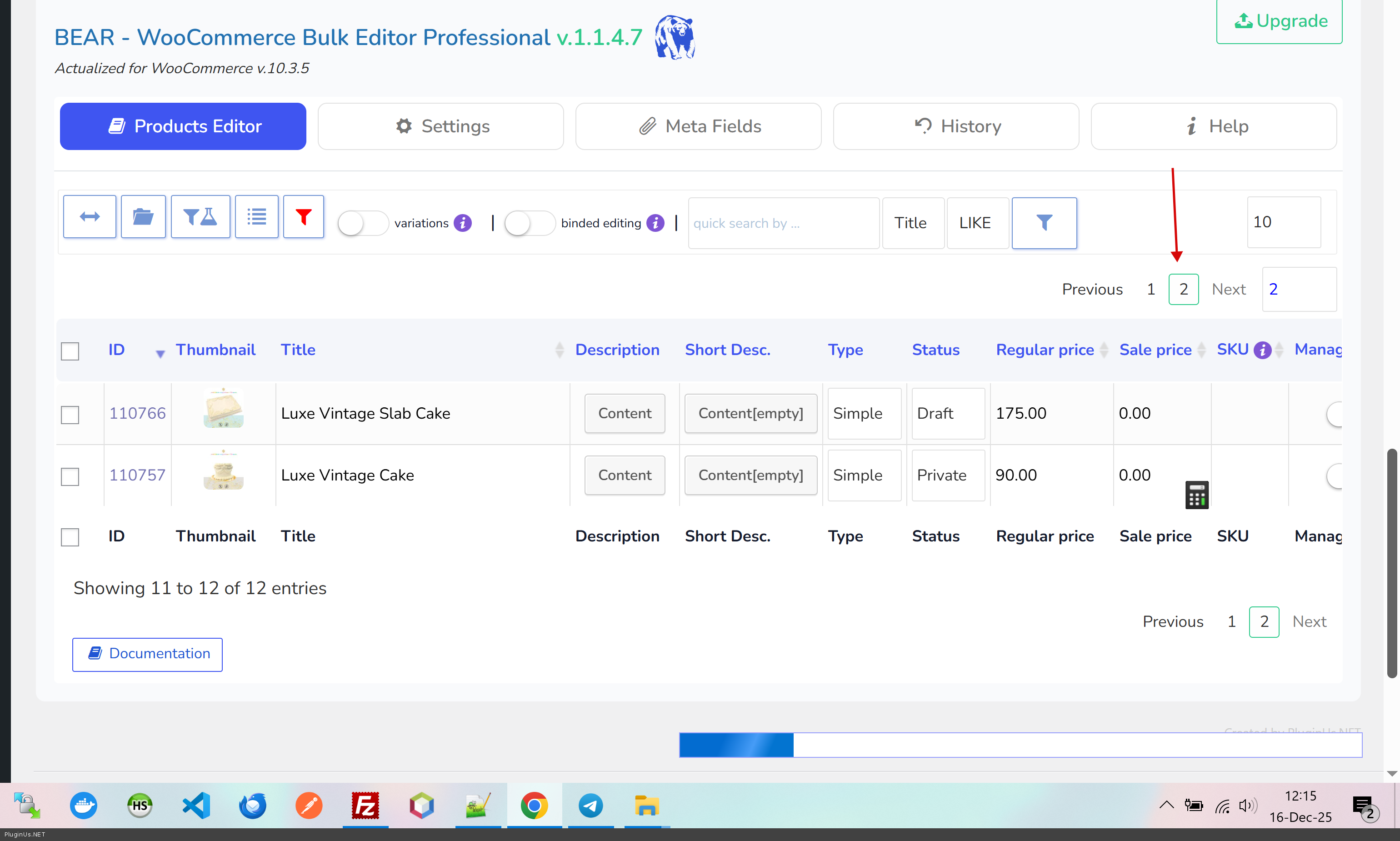
Done, works
I put to /public_html/site-content/themes/sweet-impressions next code:
add_filter('woobe_storage_type', function($type) { return 'session';//session, transient });
You have installed plugin"object cache" - and its cached requests to database, I disabled it and all became works, the pasted the code, and enabled cache - works, but if in future you will meet such issues - firstly disable cache plugin and see how is it.
Quote from sweet on December 16, 2025, 16:53Thank you for your help!
Thank you for your help!
Quote from sweet on December 16, 2025, 21:53Sorry, this doesn't work with the object cache plugin enabled. My site developer would prefer not to disable it because it will impact my site performance. Is there another way to make this work?
Thanks
Sorry, this doesn't work with the object cache plugin enabled. My site developer would prefer not to disable it because it will impact my site performance. Is there another way to make this work?
Thanks
Quote from Alex Dovlatov on December 17, 2025, 12:22Hello
In this case, please refer to your cache plugin's documentation regarding how to exclude sessions and transients from being cached in the wp-admin section. It would be best to either reach out to the cache plugin's support team or consult their documentation for guidance. I am sure things on wp-admin part should not be cached.
Hello
In this case, please refer to your cache plugin's documentation regarding how to exclude sessions and transients from being cached in the wp-admin section. It would be best to either reach out to the cache plugin's support team or consult their documentation for guidance. I am sure things on wp-admin part should not be cached.
Quote from sweet on December 19, 2025, 21:33Thank you. I reached out to the cache plugin support and they said:
It sounds like that the BEAR bulk editor is incompatible with WordPress' object cache API. They need to update their plugin, or tell you which cache groups to ignore.
Thank you. I reached out to the cache plugin support and they said:
It sounds like that the BEAR bulk editor is incompatible with WordPress' object cache API. They need to update their plugin, or tell you which cache groups to ignore.
Quote from Alex Dovlatov on December 22, 2025, 13:06Hello
Thank you for cooperation, if its nessesaru to make any compatibility we are opened for collaboration, just let they contact us using this forum or contact form https://pluginus.net/contact-us/
Thank you ...
Hello
Thank you for cooperation, if its nessesaru to make any compatibility we are opened for collaboration, just let they contact us using this forum or contact form https://pluginus.net/contact-us/
Thank you ...