Pablo Borysenco(@pavlo_borysenco)
34,196 Posts
Quote from Pablo Borysenco on March 19, 2021, 13:38
Hello
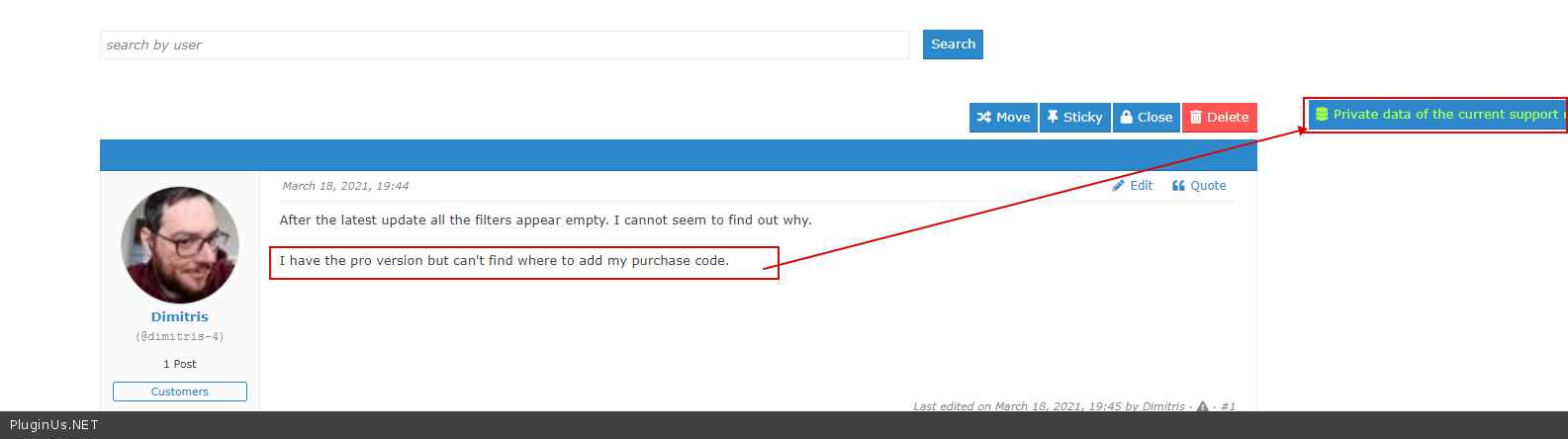
I have the pro version but can't find where to add my purchase code. - https://c2n.me/4bmTXuj.png
Paste exact link to the issue
Hello
I have the pro version but can't find where to add my purchase code. - https://c2n.me/4bmTXuj.png
Paste exact link to the issue
Pablo Borysenco(@pavlo_borysenco)
34,196 Posts
Quote from Pablo Borysenco on March 22, 2021, 14:29
Hello
I checked your site. It looks like the filter is working correctly
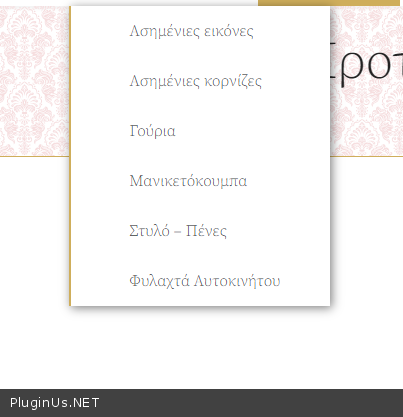
https://c2n.me/4boEylZ.png - as I see all these categories do not have any product
Hello
I checked your site. It looks like the filter is working correctly
https://c2n.me/4boEylZ.png - as I see all these categories do not have any product
Pablo Borysenco(@pavlo_borysenco)
34,196 Posts
Quote from Pablo Borysenco on March 23, 2021, 12:37
Hello
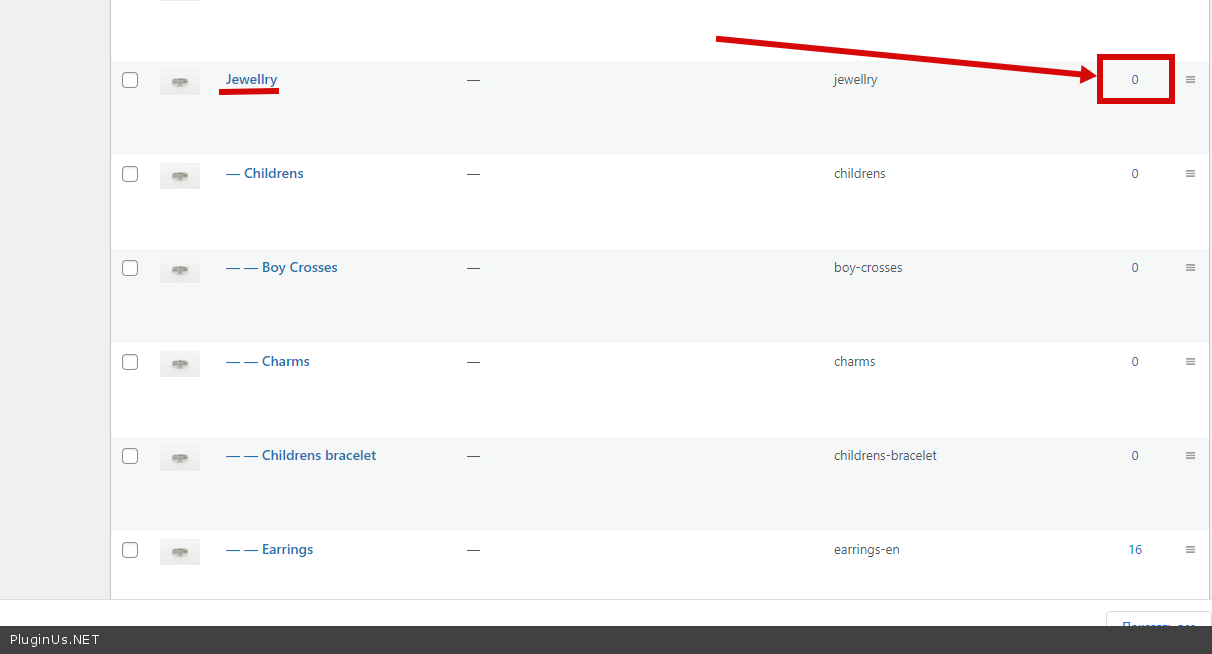
Ok! This category - https://c2n.me/4bpss05.png
Hello
Ok! This category - https://c2n.me/4bpss05.png
Pablo Borysenco(@pavlo_borysenco)
34,196 Posts
Quote from Pablo Borysenco on March 24, 2021, 12:29
Hello
Ok! how many products should a search query show "products where category = jawellry" - result is zero
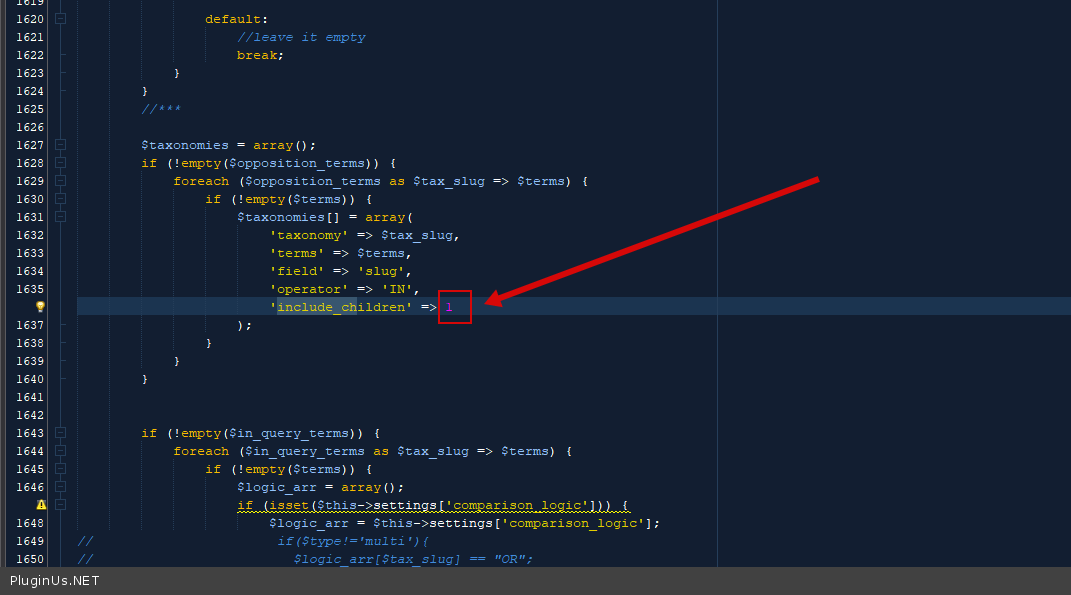
You can in file - wp-content\plugins\woocommerce-products-filter\index.php - change code - https://c2n.me/4bqogJA.png and do a test
Hello
Ok! how many products should a search query show"products where category = jawellry" - result is zero
You can in file - wp-content\plugins\woocommerce-products-filter\index.php - change code - https://c2n.me/4bqogJA.png and do a test
Pablo Borysenco(@pavlo_borysenco)
34,196 Posts
Quote from Pablo Borysenco on March 24, 2021, 13:03
It's boolean true(1) OR falso(0)
Btw if you issue an update I will lose that change right? - Since you are the second who wrote this, maybe we will add it in the next version.
It's boolean true(1) OR falso(0)
Btw if you issue an update I will lose that change right? - Since you are the second who wrote this, maybe we will add it in the next version.