PluginUs.Net - Business Tools for WooCommerce and WordPress

[realize your idea - make your dreams come true]

Support Forum

You need to log-in to create request (topic) to the support

Can't disable ARS currency for users outside Argentina

The support doesn work on Saturdays and Sundays, so some Friday requests can be answered on Monday. If you have problems with registration ask help on contact us page please
If you not got email within 24~36 business hours, firstly check your spam box, and if no any email from the support there - back to the forum and read answer here. DO NOT ANSWER ON EMAILS [noreply@pluginus.net] FROM THE FORUM!! Emails are just for your info, all answers should be published only here.
The support doesn work on Saturdays and Sundays, so some Friday requests can be answered on Monday.

Hi,

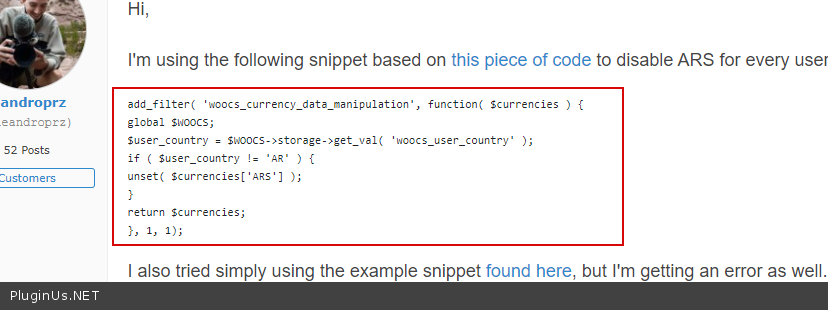
I'm using the following snippet based on this piece of code to disable ARS for every user outside Argentina, but I'm getting a"critical error" and the website shows just a blank page.

add_filter( 'woocs_currency_data_manipulation', function( $currencies ) {
global $WOOCS;
$user_country = $WOOCS->storage->get_val( 'woocs_user_country' );
if ( $user_country != 'AR' ) {
unset( $currencies['ARS'] );
}
return $currencies;
}, 1, 1);

I also tried simply using the example snippet found here, but I'm getting an error as well.

To clarify, I need to disable ARS for every user outside Argentina. Or maybe another way to do this could be by disabling certain payment gateways for users outside Argentina.

Hello

Drop me  text  of  the error please

I'm just getting the default WordPress blank error: https://i.ibb.co/JHWxws1/critical-error-wordpress.png

I checked my FTP and there's no error or debug log (I enabled debug on wp-config.php).

Maybe I'm missing a configuration on the plugin settings?

Hello

Please try  to  use  these  plugins   to check  error - https://wordpress.org/plugins/query-monitor/ OR https://wordpress.org/plugins/error-log-monitor/

Hi,

Here's the log: https://pastebin.com/S91rv8up

Hello

Ok!  Add  this  code  to  functions.php of the  current  theme

Hi Pablo,

Sorry, but I don't see any code on your post. Maybe it didn't got posted?

hello

Sorry I meant this code (your  code) - https://c2n.me/4c0CmlH.png

That fixed it. Thank you!

Hello

Welcome;)