Thomymaster1985(@thomymaster1985)
43 Posts
Customers
Quote from Thomymaster1985 on May 31, 2020, 12:08
WordPress version: 5.4.1
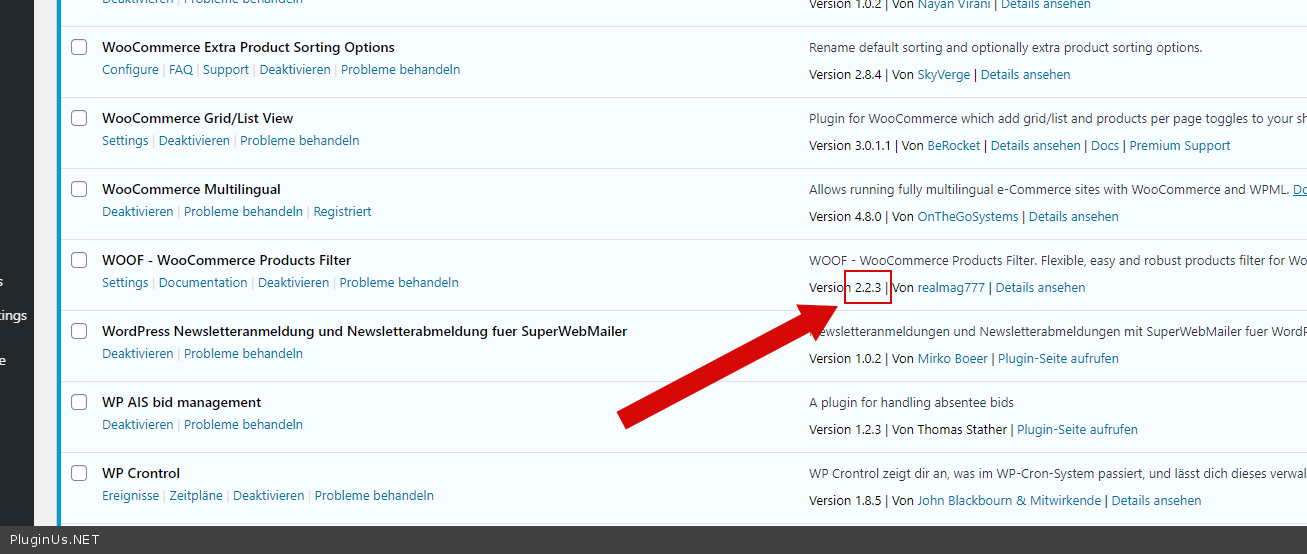
Plugin version: 2.2.3 (bought via Codecanyon)
Theme: Storefront (child) 2.5.5
WPML: 4.3.10
String Translation: 3.0.8
I run a german / english site with WOOF to filter the product tags.
I wanted to activate the option "Optimize loading of WOOF JavaScript files" to optimize the page laoding speed.
If i do so i can change the categories in the dropdown, but there is no searching.
Please help me fix this.
Best,
Thomas
WordPress version: 5.4.1
Plugin version: 2.2.3 (bought via Codecanyon)
Theme: Storefront (child) 2.5.5
WPML: 4.3.10
String Translation: 3.0.8
I run a german / english site with WOOF to filter the product tags.
I wanted to activate the option"Optimize loading of WOOF JavaScript files" to optimize the page laoding speed.
If i do so i can change the categories in the dropdown, but there is no searching.
Please help me fix this.
Best,
Thomas

Pablo Borysenco(@pavlo_borysenco)
34,196 Posts
Quote from Pablo Borysenco on June 1, 2020, 12:31
Hello Thomas
Please update the plugin to latest version - https://products-filter.com/how-to-make-auto-update-for-wordpress-plugins-and-themes-bought-on-envato/
"Optimize loading of WOOF JavaScript files" - If you are already using JS code optimization this setting may not work
Hello Thomas
Please update the plugin to latest version - https://products-filter.com/how-to-make-auto-update-for-wordpress-plugins-and-themes-bought-on-envato/
"Optimize loading of WOOF JavaScript files" - If you are already using JS code optimization this setting may not work
Thomymaster1985(@thomymaster1985)
43 PostsTopic Author
Customers
Quote from Thomymaster1985 on June 1, 2020, 14:57
I updated to 2.2.4 but its still not working
Im not using any other form/plugin for JS optimization
I updated to 2.2.4 but its still not working
Im not using any other form/plugin for JS optimization
Pablo Borysenco(@pavlo_borysenco)
34,196 Posts
Quote from Pablo Borysenco on June 2, 2020, 11:23
Hello
Your site - https://c2n.me/47OlvBq.png
Hello
Your site - https://c2n.me/47OlvBq.png
Thomymaster1985(@thomymaster1985)
43 PostsTopic Author
Customers
Quote from Thomymaster1985 on June 2, 2020, 21:11
Hi
I updated the data to point to my live site, where i have updated the plugin.
Hi
I updated the data to point to my live site, where i have updated the plugin.
Pablo Borysenco(@pavlo_borysenco)
34,196 Posts
Quote from Pablo Borysenco on June 3, 2020, 10:39
Hello
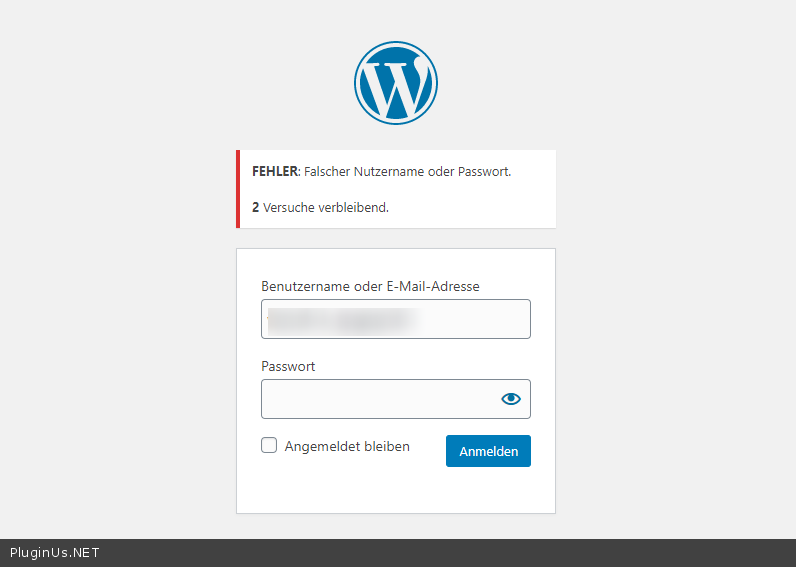
Ok! Please check your access - https://c2n.me/47Pt1Bz.png
Hello
Ok! Please check your access - https://c2n.me/47Pt1Bz.png
Thomymaster1985(@thomymaster1985)
43 PostsTopic Author
Customers
Quote from Thomymaster1985 on June 10, 2020, 23:01
It is working now, you can login.
It is working now, you can login.
Pablo Borysenco(@pavlo_borysenco)
34,196 Posts
Quote from Pablo Borysenco on June 11, 2020, 13:00
Hello
Unfortunately, I can not find the cause of the error.
A conflict may be caused by a third-party plugin or current theme.
Hello
Unfortunately, I can not find the cause of the error.
A conflict may be caused by a third-party plugin or current theme.