PluginUs.Net - Business Tools for WooCommerce and WordPress

[realize your idea - make your dreams come true]

Support Forum

You need to log-in to create request (topic) to the support

WOOF listing products but all with zero stock

The support doesn work on Saturdays and Sundays, so some Friday requests can be answered on Monday. If you have problems with registration ask help on contact us page please
If you not got email within 24~36 business hours, firstly check your spam box, and if no any email from the support there - back to the forum and read answer here. DO NOT ANSWER ON EMAILS [noreply@pluginus.net] FROM THE FORUM!! Emails are just for your info, all answers should be published only here.
The support doesn work on Saturdays and Sundays, so some Friday requests can be answered on Monday.

Hi,

strange behaviour here: dev.unterrassner.ch

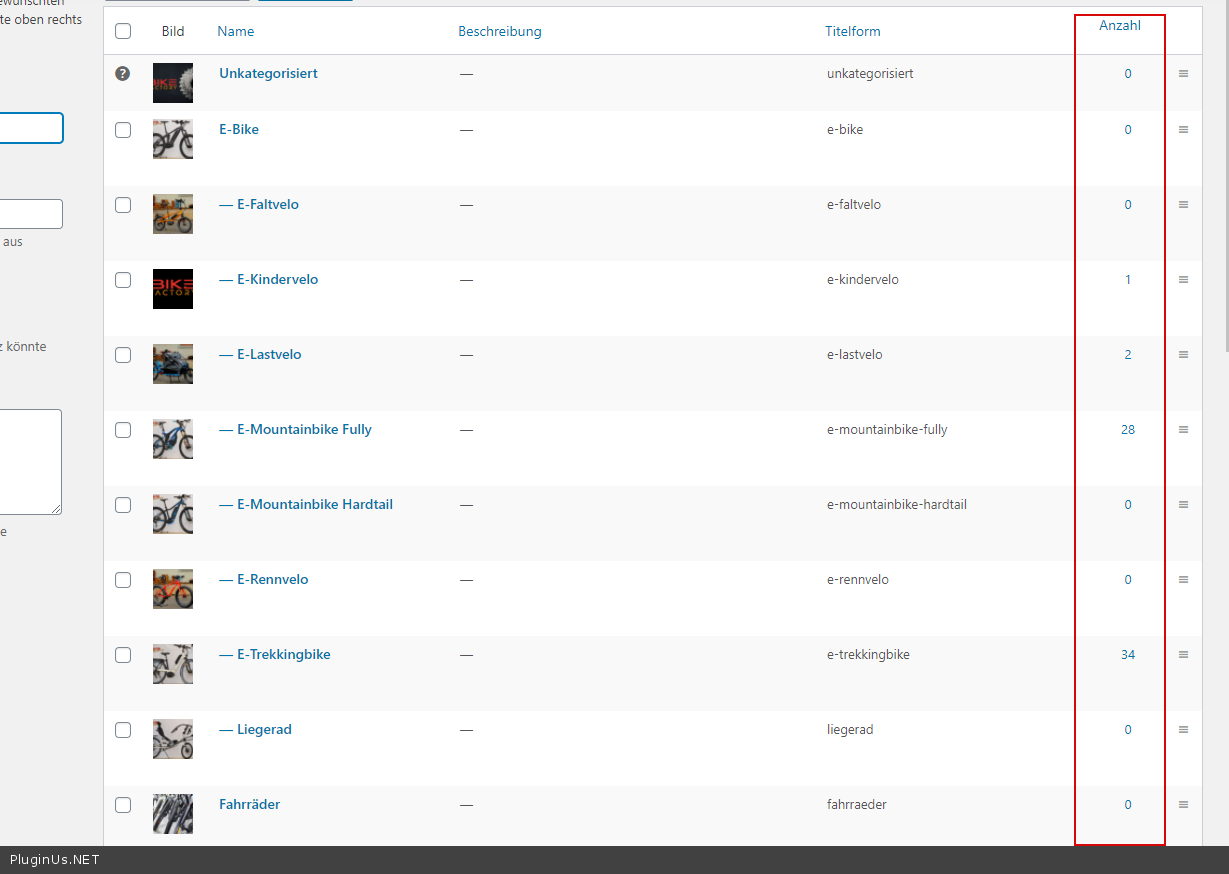
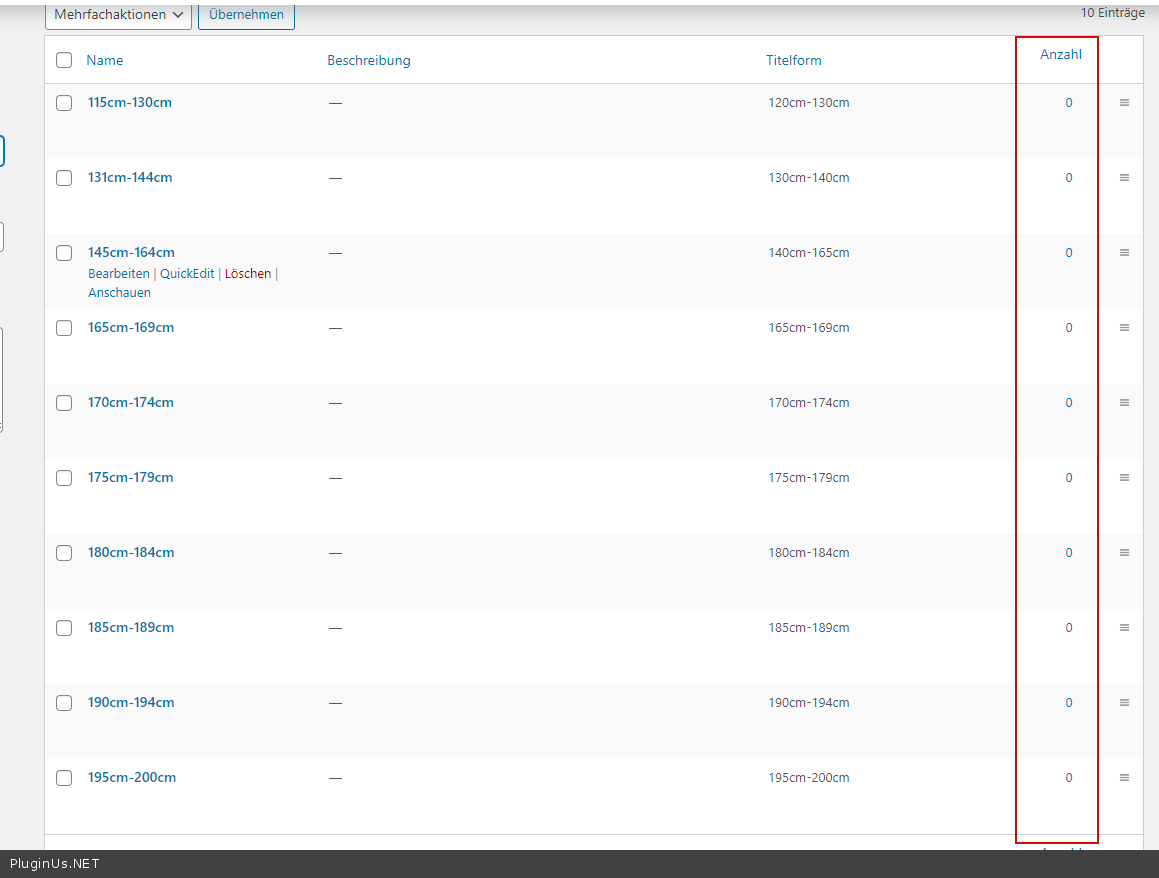
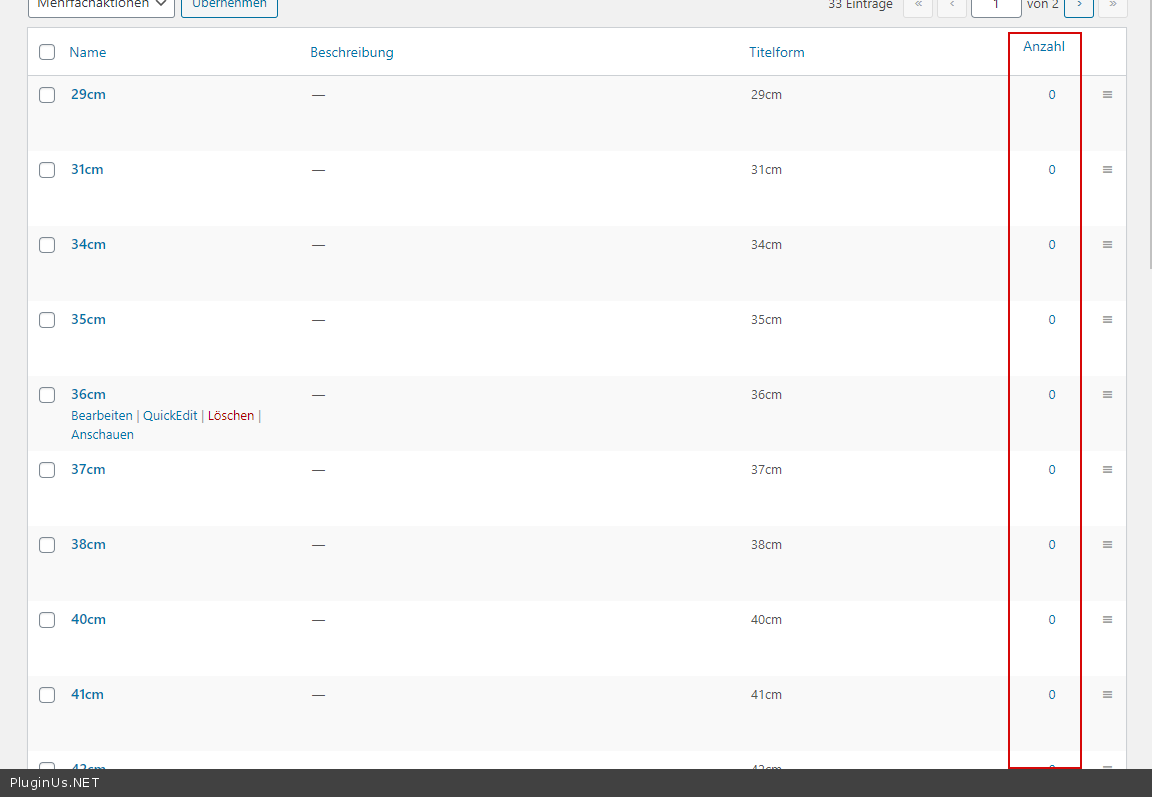
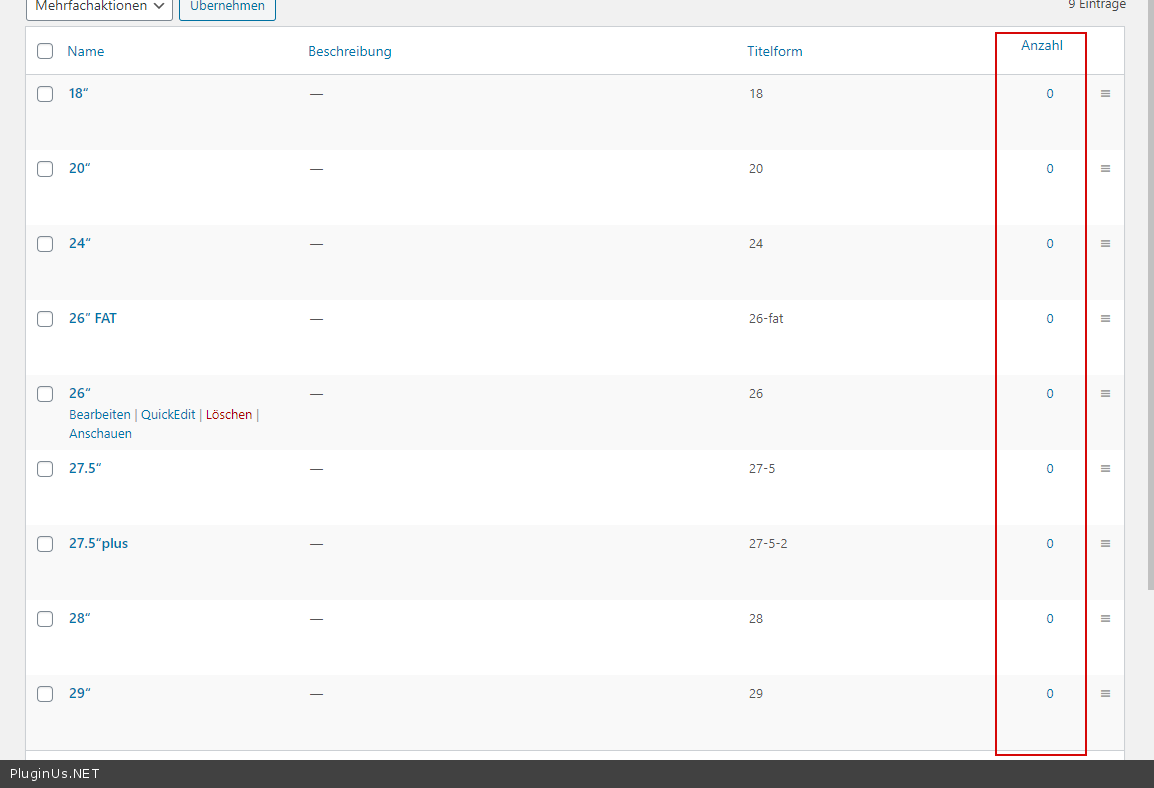
The subcategories are listed, but all shown with (0) availability. Therefore, no chance to filter them. Just the main categories are clickable.

Any help appreciated.

Martin

Hello Martin

Means products do not have such taxonomies

You  can drop me  wp-admin access(https://c2n.me/43SC6rb.png ->https://c2n.me/42BAoj4.png)  I  will  check  it

Hi Pablo,

thanks so far! Just one thing: the products are not created in WC, but are imported from the cyclist CRM. Therefore, changing the product info is not a good idea ;-)
But: If you change one product to make it work, I'll check with the customer if he has the possibility to add this info BEFORE exporting to WC; just to show him what is missing.

I checked  your site - https://c2n.me/4aYrBLS.png and  https://c2n.me/4aYrT0f.png and   and  https://c2n.me/4aYs0jU.png and  https://c2n.me/4aYs6rw.png

You have no products with these taxonomies

Hi Pablo,

sorry for my complete ignorance (I'm usually and since 15 years working with Joomla/VM ;-)):

The products all have the respective attributes. What is meant with taxonomy in this case?

N.B: can this been automatized in some way?

...I get this when checking the attributes:

Got the issue:

When importing automatically from the CRM, the customer had not defined the attributes exactly the same as they used to be on the site. Therefore, the filter plugin still referred to the old (empty) attributes. I just have to assign the filters now to the new attributes...

Thanks anyway!

Hello

Ok!  Welcome;)