PluginUs.Net - Business Tools for WooCommerce and WordPress

[realize your idea - make your dreams come true]

Support Forum

You need to log-in to create request (topic) to the support

Woof filters don't display dynamically on the Search results page.

The support doesn work on Saturdays and Sundays, so some Friday requests can be answered on Monday. If you have problems with registration ask help on contact us page please
If you not got email within 24~36 business hours, firstly check your spam box, and if no any email from the support there - back to the forum and read answer here. DO NOT ANSWER ON EMAILS [noreply@pluginus.net] FROM THE FORUM!! Emails are just for your info, all answers should be published only here.
The support doesn work on Saturdays and Sundays, so some Friday requests can be answered on Monday.

Hi,

We have the setup where we have only filters showing for the products available in the category. Such as only colors available for the product selection will show. It works everywhere but on the Search results page. That is if a person goes to the search form and enters a value, then on the Results he gets 1 product but all possible colors/filters for the catalogue.


Can you help?

Link to check: https://europespares.com/?s=g973&post_type=product

Second issue we seem to have is that our breadcrumbs don't show on this pages (2nd,3rd, etc. in pagination) :

https://europespares.com/shop/page/5/?swoof=1

This causes a problem as then it breaks our design. Not sure if it's related but I needed to deactivate the Try to ajaxify the shop option as it was duplicating our pagination.

Thanks again!

Hello

Please paste your license key here - https://c2n.me/43SC6rb.png -> https://c2n.me/42HBIt7.png

Update  plugin  to  latest  version - https://products-filter.com/how-to-make-auto-update-for-wordpress-plugins-and-themes-bought-on-envato/

Done. The issues haven't been fixed with it.


Hello

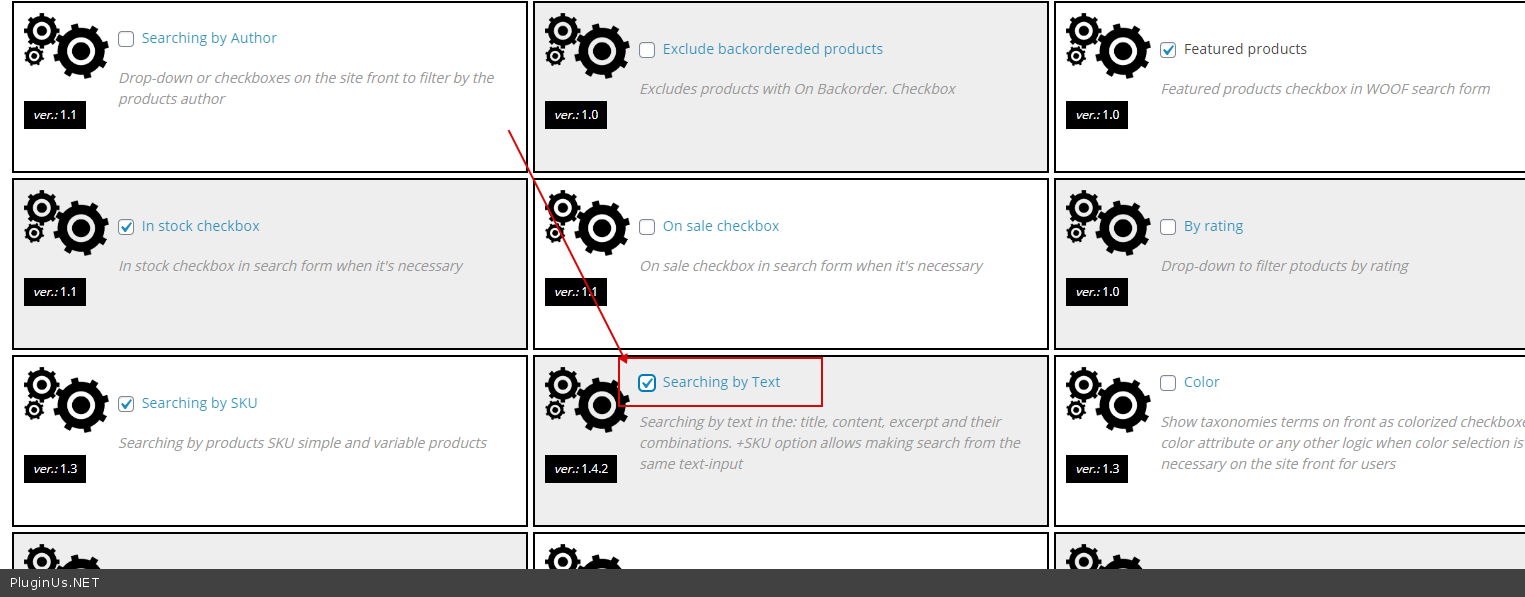
  1. Please  activate  this  extension - https://c2n.me/485QOom.png
  2. Add  this  CSS:
    body .woof_search_is_going nav.woocommerce-breadcrumb {

    }

Hi,

Thank you, now the first issue seems to have been solved.

The second code didn't fix the problem yet, sorry. You can check now that I have added, there is no change.

Hello

Ok!  Try  this  CSS:

body.woof_search_is_going nav.woocommerce-breadcrumb {

}

OK, great, thank you. This worked so we can close the thread.

Hello

Great!  Welcome;)