Pablo Borysenco(@pavlo_borysenco)
34,196 Posts
Quote from Pablo Borysenco on September 23, 2021, 11:23
Hello
Please paste your license key here - https://share.pluginus.net/image/i20210618130558.png -> https://share.pluginus.net/image/i20210618130614.png
Hello
Please paste your license key here - https://share.pluginus.net/image/i20210618130558.png -> https://share.pluginus.net/image/i20210618130614.png
Pablo Borysenco(@pavlo_borysenco)
34,196 Posts
Quote from Pablo Borysenco on September 24, 2021, 13:40
Hello
Great! Please add FTP+wp-admin access - https://share.pluginus.net/image/i20210618130558.png -> https://share.pluginus.net/image/i20210618130637.png
Hello
Great! Please add FTP+wp-admin access - https://share.pluginus.net/image/i20210618130558.png -> https://share.pluginus.net/image/i20210618130637.png
Pablo Borysenco(@pavlo_borysenco)
34,196 Posts
Quote from Pablo Borysenco on September 27, 2021, 13:38
Hello
Is that just access to the cpanel? - No! Please ask to do it in hosting support(they will give you access or explain how to do it)
Hello
Is that just access to the cpanel? - No! Please ask to do it in hosting support(they will give you access or explain how to do it)
Pablo Borysenco(@pavlo_borysenco)
34,196 Posts
Quote from Pablo Borysenco on September 28, 2021, 13:08
Hello
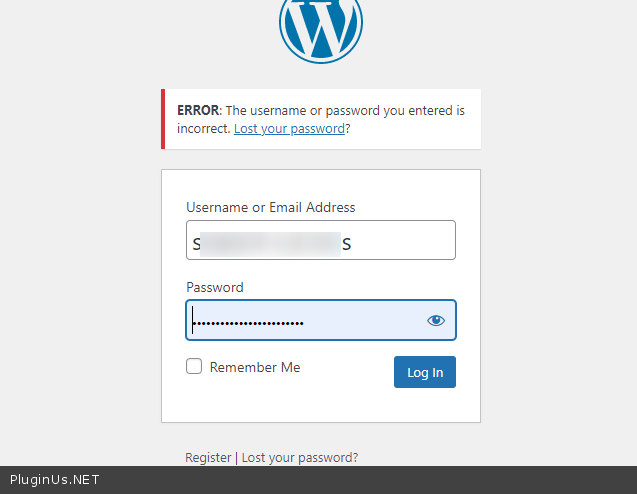
Please check your wp-admin access - https://c2n.me/4dtPMIv.png
and fix this error - https://share.pluginus.net/image/i20210928140816.png
Hello
Please check your wp-admin access - https://c2n.me/4dtPMIv.png
and fix this error - https://share.pluginus.net/image/i20210928140816.png
Pablo Borysenco(@pavlo_borysenco)
34,196 Posts
Quote from Pablo Borysenco on September 30, 2021, 15:33
Hello
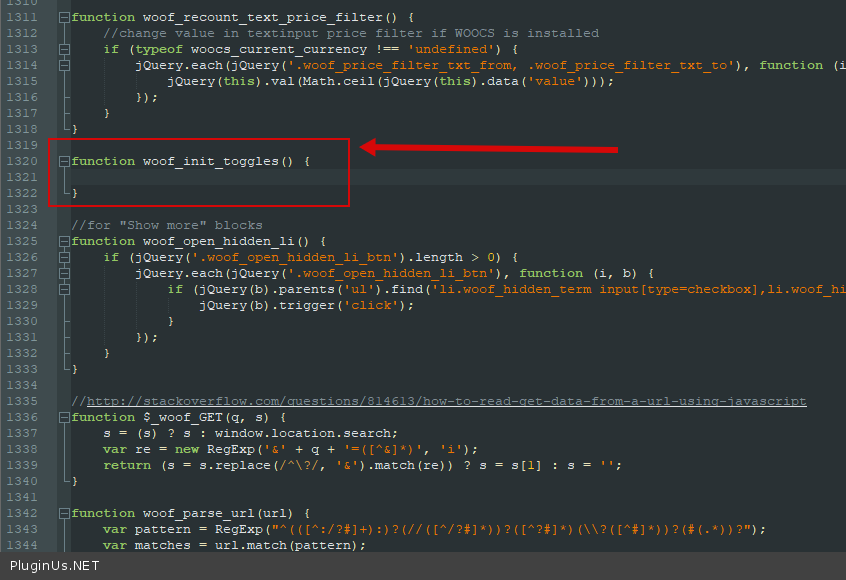
It looks like you are using custom code and this is causing a conflict
I removed the code that performs this functionality (without this code it shouldn't work at all) - https://c2n.me/4dvFBBu.png - and now everything works correctly - https://share.pluginus.net/video/v20210930163231.mp4
Hello
It looks like you are using custom code and this is causing a conflict
I removed the code that performs this functionality (without this code it shouldn't work at all) - https://c2n.me/4dvFBBu.png - and now everything works correctly - https://share.pluginus.net/video/v20210930163231.mp4
Pablo Borysenco(@pavlo_borysenco)
34,196 Posts
Quote from Pablo Borysenco on October 1, 2021, 12:46
Hello
Welcome;)
Hello
Welcome;)