PluginUs.Net - Business Tools for WooCommerce and WordPress

[realize your idea - make your dreams come true]

Support Forum

You need to log-in to create request (topic) to the support

upgrade

The support doesn work on Saturdays and Sundays, so some Friday requests can be answered on Monday. If you have problems with registration ask help on contact us page please
If you not got email within 24~36 business hours, firstly check your spam box, and if no any email from the support there - back to the forum and read answer here. DO NOT ANSWER ON EMAILS [noreply@pluginus.net] FROM THE FORUM!! Emails are just for your info, all answers should be published only here.
The support doesn work on Saturdays and Sundays, so some Friday requests can be answered on Monday.

Hi,
thank you for the recent upgrade. At preset I haven't upgraded. I have a few small cosmetic changes I've done to woof.php, I therefore wondered what files are upgraded and the reasons why so I can direct upgrade the files?

I was also thinking of putting the filter in a second place on the site. How can I call the filter with short or long code?

Kind regards
Mike

Hello Mike

Please  watch   videos - https://products-filter.com/video-tutorials#video_beGT6p_look  AND  https://products-filter.com/video-tutorials#video_kmrp4dAsrrw

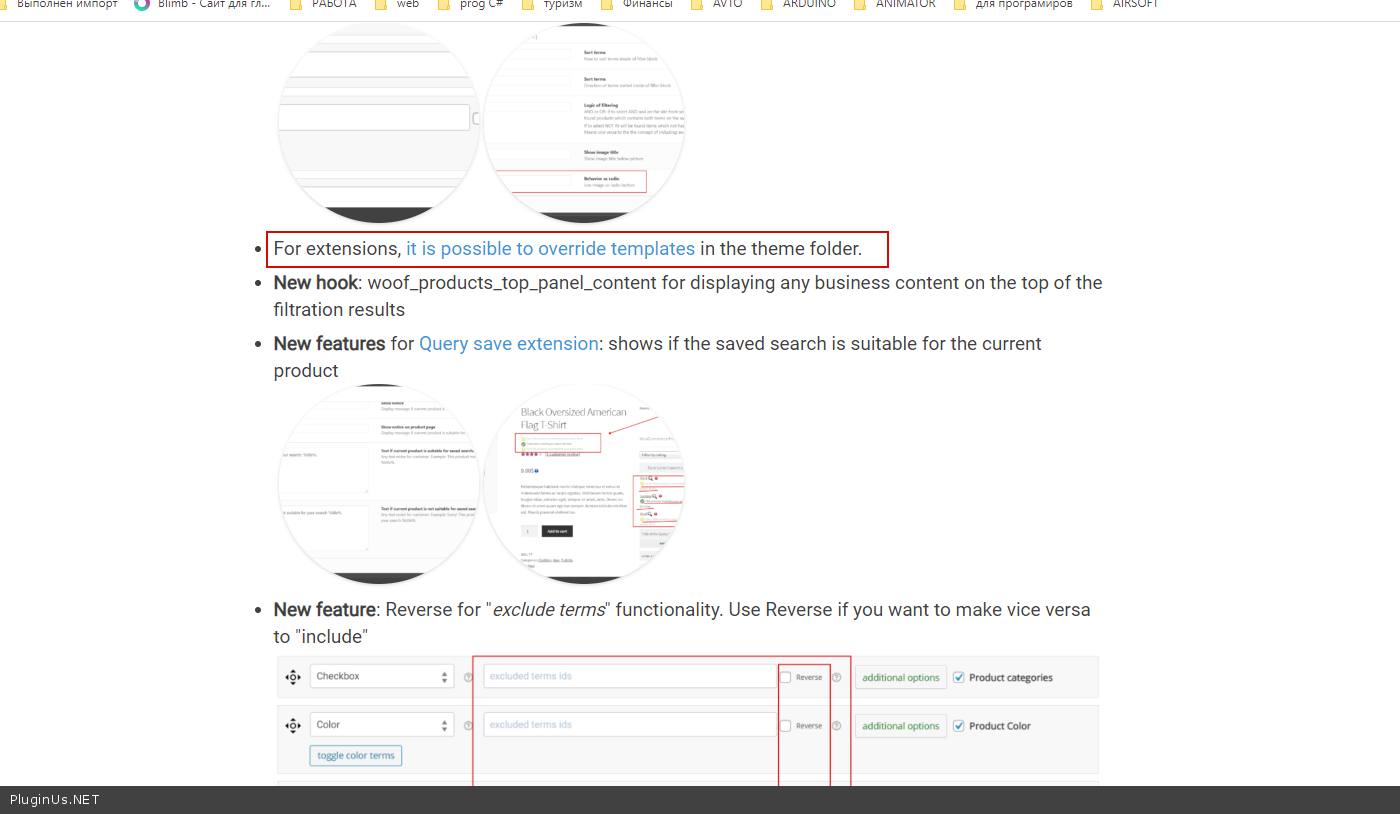
Read  this  please ( https://c2n.me/47IDSKt.png ) - https://products-filter.com/update-woocommerce-products-filter-v-2-2-4/