PluginUs.Net - Business Tools for WooCommerce and WordPress

[realize your idea - make your dreams come true]
Botoscope is currently in early access

Support Forum

You need to log-in to create request (topic) to the support

Turbo Mode provides 0 results

The support doesn work on Saturdays and Sundays, so some Friday requests can be answered on Monday. If you have problems with registration ask help on contact us page please
If you not got email within 24~36 business hours, firstly check your spam box, and if no any email from the support there - back to the forum and read answer here. DO NOT ANSWER ON EMAILS [noreply@pluginus.net] FROM THE FORUM!! Emails are just for your info, all answers should be published only here.
The support doesn work on Saturdays and Sundays, so some Friday requests can be answered on Monday.

When Turbo mode is initiated, I get 0 results for any filter option selected.

Hello

Please  read  this - https://products-filter.com/extencion/turbo-mode/

Yes, I followed that guide. It doesn't work. I also don't have Hierarchy Drop Down enabled. I tried re-running the update after settings were saved. No good.

Hello

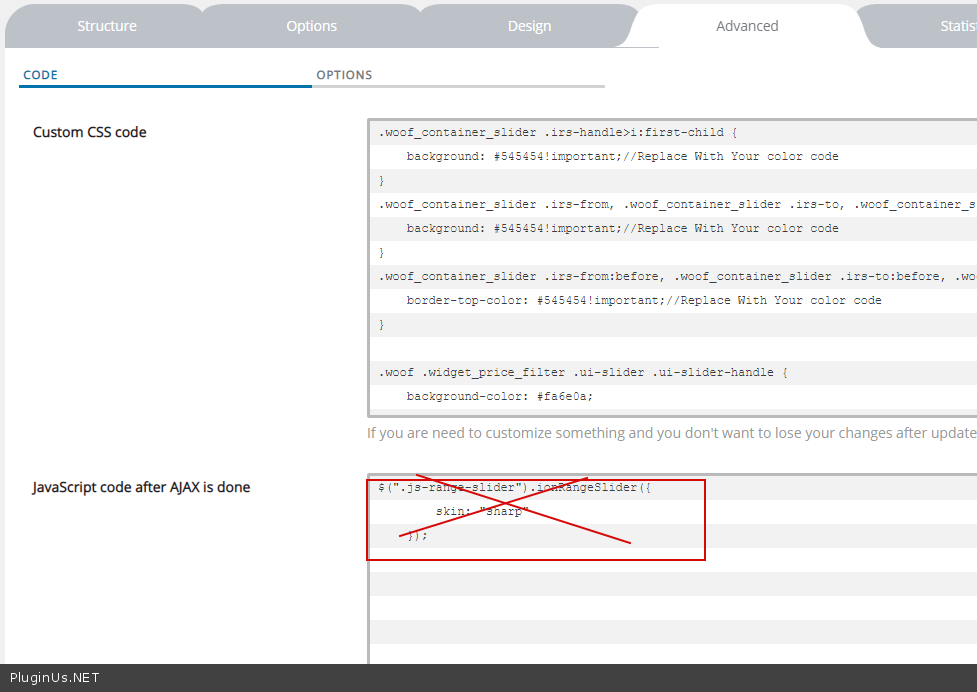
I deleted  your wrong  code - https://c2n.me/4bUROID.png - and  did  a test   - https://c2n.me/4bURLZ6.mp4

So, it works when browsing the base shop. It does not work when browsing any categories. ex: /product-category/discs/

Hello

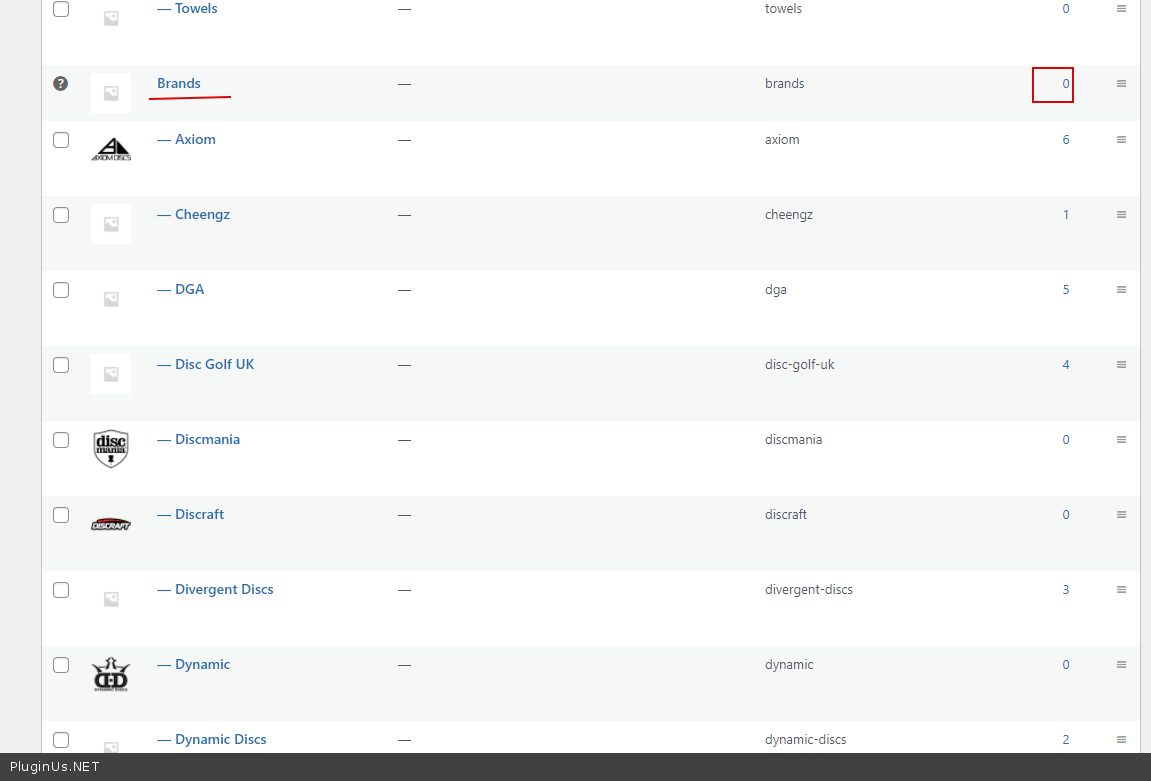
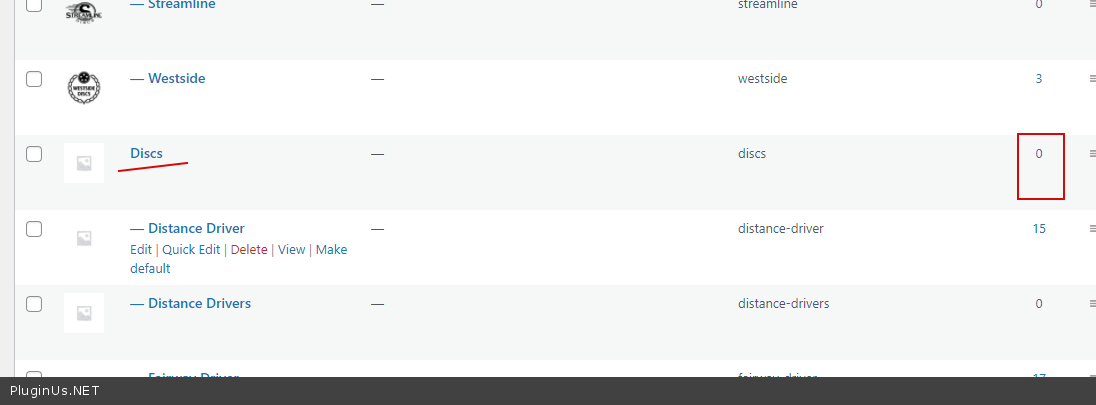
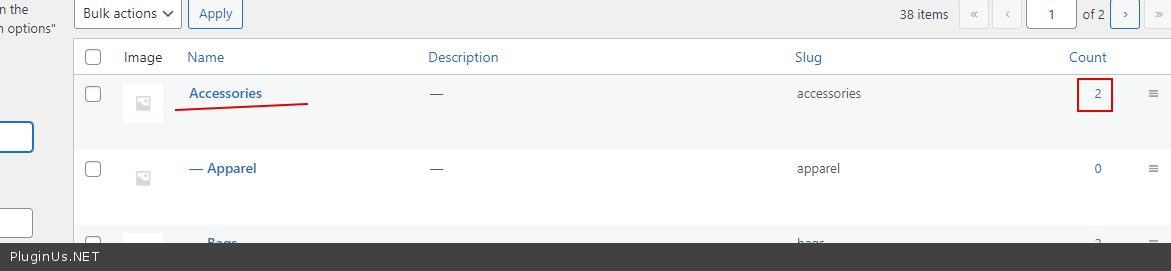
Please note that all your parent categories are empty - https://c2n.me/4bVDq8Y.png and https://c2n.me/4bVDsAs.png except - https://c2n.me/4bVDvaS.png My test  - https://c2n.me/4bVDyM6

Unfortunately, it is important for turbo mode to mark the entire taxonomy hierarchy.

The entire taxonomy heirarchy is now selected, and I still have the same issue.

Rerunning the reassemble products data an additional time got it to work, but now I notice a second issue. If I change a filter, and there is pagination, clicking the second page results in this

Hello

Read  this  please - https://products-filter.com/pagination-troubles-in-ajax-mode/