PluginUs.Net - Business Tools for WooCommerce and WordPress

[realize your idea - make your dreams come true]

Support Forum

You need to log-in to create request (topic) to the support

Tooltip showing too much information

The support doesn work on Saturdays and Sundays, so some Friday requests can be answered on Monday. If you have problems with registration ask help on contact us page please
If you not got email within 24~36 business hours, firstly check your spam box, and if no any email from the support there - back to the forum and read answer here. DO NOT ANSWER ON EMAILS [noreply@pluginus.net] FROM THE FORUM!! Emails are just for your info, all answers should be published only here.
The support doesn work on Saturdays and Sundays, so some Friday requests can be answered on Monday.

Hi, I'm using your Product filters and originally the tooltip only showed the title for a specific product attribute term which was perfect.  Since then, I needed to add descriptions to terms but now the tooltip is showing ALL of the text which looks awful.   How do I control what is displayed within the tooltip for each attribute term? https://moonrisecryst.wpengine.com/shop/

Thank you.

Hello

Please  add  in functions.php


add_filter('woof_image_allow_term_desc', function($show, $tax_slug){

return false;

});

That caused a critical error on the website when I added your code to the Child theme's functions.php file.

See screenshot:

Hello

Please  drop  me  wp-admin+FTP access  - https://share.pluginus.net/image/i20210618130558.png ->https://share.pluginus.net/image/i20210618130637.png

Yes I have added the requested info.

Hello

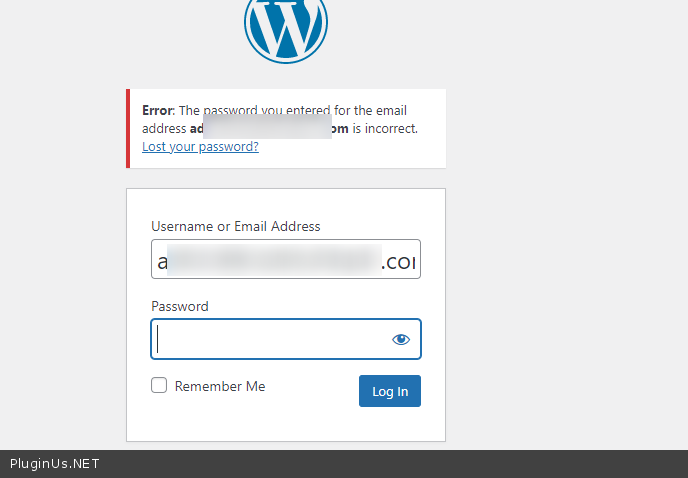
Please check  your  access - https://c2n.me/4eTB2gb.png

Sorry I've updated the password. That should work now.

Hello

Please  do a test

I already did a test and it logged me in just fine.  I tested it for a second time and it still works.

Hello

Ok! Great

I used this code:

add_filter('woof_image_allow_term_desc', function($show, $tax_slug){

return false;

}, 10, 2);

Great. Thank you that worked.

Welcome;)