PluginUs.Net - Business Tools for WooCommerce and WordPress

[realize your idea - make your dreams come true]

Support Forum

You need to log-in to create request (topic) to the support

Step by Step filter

The support doesn work on Saturdays and Sundays, so some Friday requests can be answered on Monday. If you have problems with registration ask help on contact us page please
If you not got email within 24~36 business hours, firstly check your spam box, and if no any email from the support there - back to the forum and read answer here. DO NOT ANSWER ON EMAILS [noreply@pluginus.net] FROM THE FORUM!! Emails are just for your info, all answers should be published only here.
The support doesn work on Saturdays and Sundays, so some Friday requests can be answered on Monday.

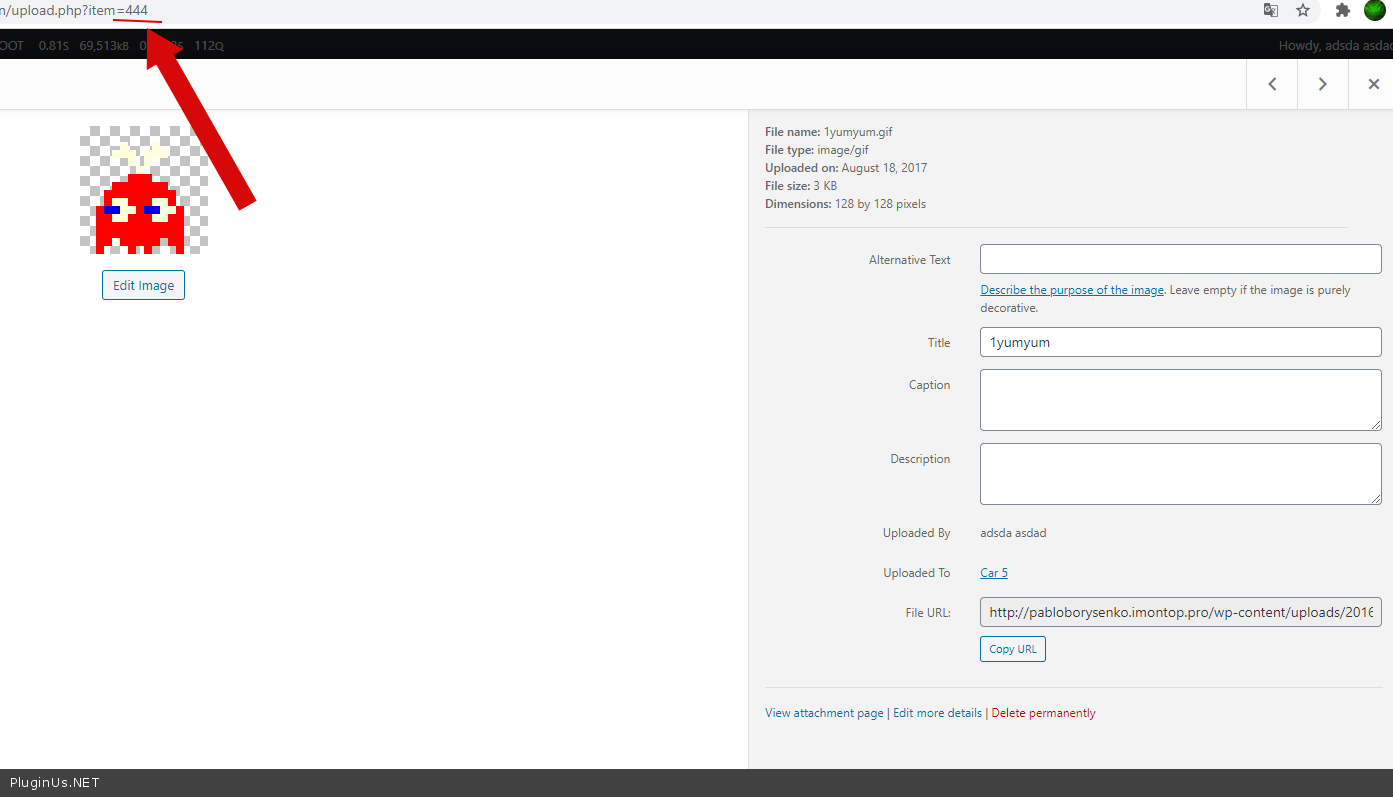
I'm not able to understand the syntax of shortcode of the Style 2 of Filter. The demo says"images=”pa_size:1382,by_price:1381,pa_wear-type:1379

What are these numbers 1382,1381,1379? How do I get these for images I want to display. Nad how do I control the size of the image?

Appreciate help on this.


[woof_step autosubmit=0 filter_type=2 by_step=”pa_size,by_price,pa_wear-type” images=”pa_size:1382,by_price:1381,pa_wear-type:1379” selector=’.woof‘ img_behavior=’prepend‘ autosubmit=1]  [woof_products is_ajax=1 display_on_search=1]

Hello

This  is  ID  of images. An example - https://c2n.me/4axfnrY.png

To set  image  size use  a hook - woof_step_filter_img_size

An exaple:

add_filter("woof_step_filter_img_size",function($size){

$size='large'; //'thumbnail', 'medium', 'large' , 'full' , array(200, 200) , 'woocommerce_thumbnail' ,'woocommerce_single', 'woocommerce_gallery_thumbnail'

return $size;
});