PluginUs.Net - Business Tools for WooCommerce and WordPress

[realize your idea - make your dreams come true]

Support Forum

You need to log-in to create request (topic) to the support

Slider with numbers are not sequentially

The support doesn work on Saturdays and Sundays, so some Friday requests can be answered on Monday. If you have problems with registration ask help on contact us page please
If you not got email within 24~36 business hours, firstly check your spam box, and if no any email from the support there - back to the forum and read answer here. DO NOT ANSWER ON EMAILS [noreply@pluginus.net] FROM THE FORUM!! Emails are just for your info, all answers should be published only here.
The support doesn work on Saturdays and Sundays, so some Friday requests can be answered on Monday.

Slider numbers are nog sequiential.

1
10
11
12
2
20
21
3
35

https://i.imgur.com/1wFly03.png

How can yo change this?

Hello

This trouble was always, and can be resolved by drag and drop on the terms page:
Example
* go here wp-admin/edit-tags.php?taxonomy=pa_shoe-size&post_type=product
* by mouse set right order of terms
Reason: for WordPress all taxonomies tiles and slugs is just STRINGS so WOOF works with them as string, and appending idea to them that they are numbers is just human logic, but not for script

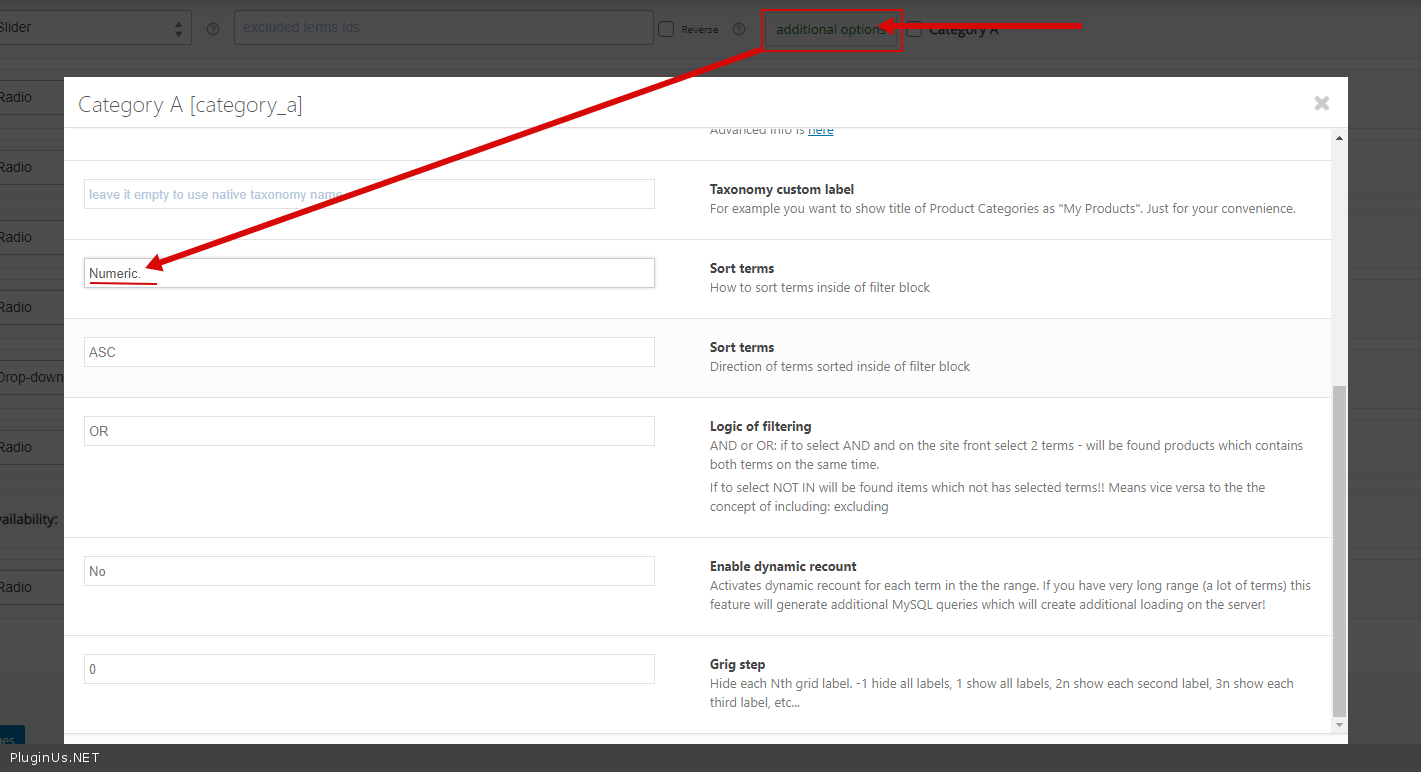
OR try this  option - https://c2n.me/47TPv2h.png

I tried that option, but does not always seem to work.

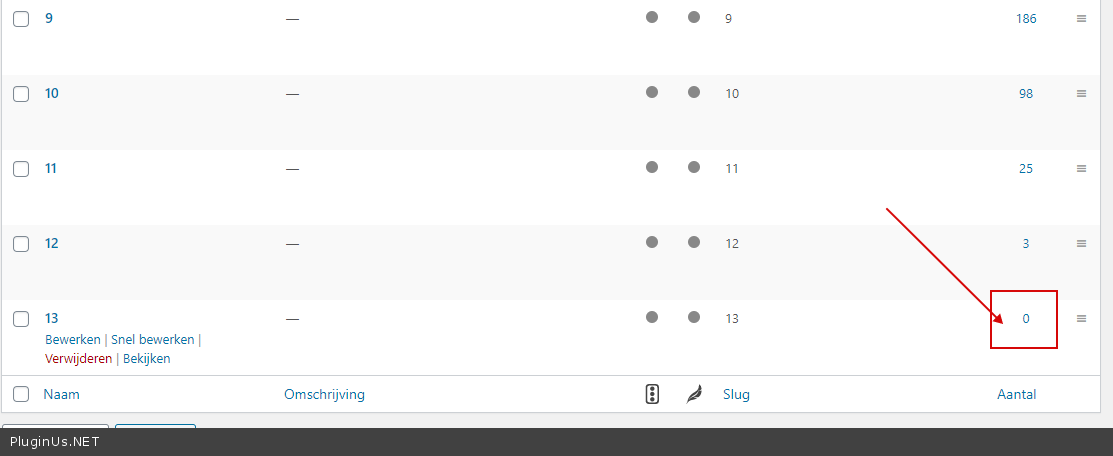
The last  numbers are both 13

and in the second slider the last numbers are 190 1258 100


(zee screenshot private data)

Also when using a filter like Subcategory (not woocom subcat, but a Attribute) it does not show correct values in other filters.
(see private data)

3. the counters and data does not seem to add up

Hello

Please  disable  turbo mode  and  do test

If  no  luck  drop me  wp-admin access

Lelies and Tulips (see privacy) both are Woocommerce categories.

But the filters seem to ignore the current selected category, how to fix this?

Hello

About  sliders - https://c2n.me/485SoJz.png - plugin hides empty terms

https://c2n.me/485SFHN.jpg  - this is not a category page this is a custom page (there is no current category here)