PluginUs.Net - Business Tools for WooCommerce and WordPress

[realize your idea - make your dreams come true]

Support Forum

You need to log-in to create request (topic) to the support

slider shows unwanted numbers which are not even in the attributes

The support doesn work on Saturdays and Sundays, so some Friday requests can be answered on Monday. If you have problems with registration ask help on contact us page please
If you not got email within 24~36 business hours, firstly check your spam box, and if no any email from the support there - back to the forum and read answer here. DO NOT ANSWER ON EMAILS [noreply@pluginus.net] FROM THE FORUM!! Emails are just for your info, all answers should be published only here.
The support doesn work on Saturdays and Sundays, so some Friday requests can be answered on Monday.

Hello,

I 've purchased the pro version of woof so I could use sliders for my attributes. Now it shows the number"8" in my slider as the highest number.

But I don't even have the number 8 in my attributes. When I change back to radio buttons it doesn't show the number"8" which is how it should be.

This is the page: https://mymobelity.be/product-categorie/steps/

Here some screenshots of both the slider and the radio buttons.


Am I overlooking something here?


Hello

Paste your license key here - https://c2n.me/43SC6rb.png -> https://c2n.me/42HBIt7.png

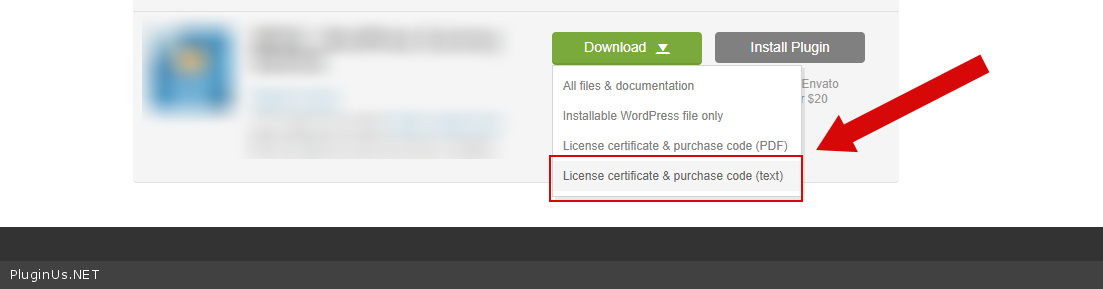
To get license key - https://codecanyon.net/downloads  - https://c2n.me/46i7Aam.png

Hi Pablo,

I've pasted the purchase code in my private data almost a week ago, but there is still no answer to my question.

Could you please check it?

Thanks in advance!


Jonathan


Hello Jonathan

I've pasted the purchase code in my private data almost a week ago - Unfortunately there is no notification if private data has been updated. You should write something like"Done!" in the forum.

Please  do test.

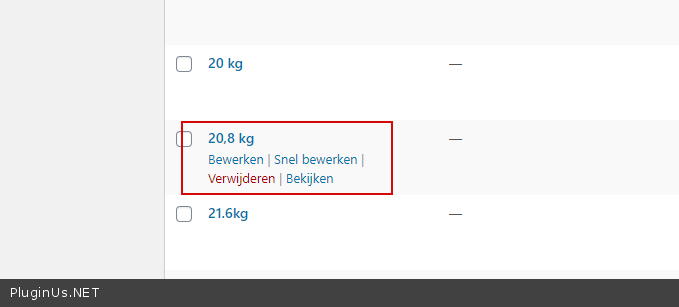
Please do not use commas in attribute names.

Hi Pablo,

I've tested and it looks much better now. I've put a"0" before"8.7" so it's now"08.7" and now it shows it right.

But.... I still have this weird number"8" in the middle of my slider. And I don't have a number 8 in my attributes.

The number"8" is also not shown when I switch to radio buttons.

Any idea how to solve this?


Best regards,


Jonathan

Hello

I fixed  it   - https://c2n.me/47RViBR.png - Do test  please

Hi Pablo,

I wanted to check but now it's impossible to use the sliders and it looks a bit strange as well, Like the numbers on the sliders fade out.

I've checked on 3 different browsers and everywhere the same problem.

This is how it looks like now...


Hello Jonathan

Please  disable  turbo mode

Ok, perfect!

Thank you very much for helping me out here!!!


Hello

Welcome;)