Quote from admin on September 10, 2020, 12:59
Hello Josh
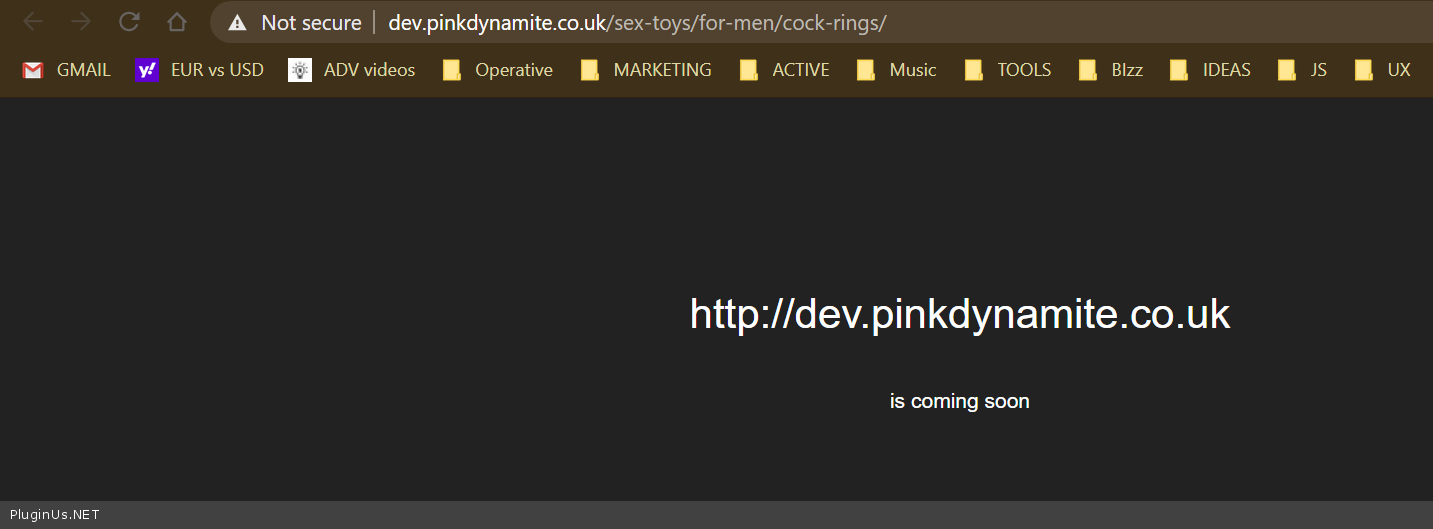
http://dev.pinkdynamite.co.uk/sex-toys/for-men/cock-rings/ - now filter on the left only
What about subcategories for category 'cock-rings' - as they not exists its not possible to show them, parent categories not shows becausethey are not relevant for the filter on the current page
In this case you can navigate trought products and select product by WOOF but inside current category page
+
On the category page, the filter shows only child categories. This is a very logical behavior. On the category page, you can show ONLY products that belong to the category OR child category. It makes sense to show only child categories( of the current category ), because clicking on any other category will always give zero products )
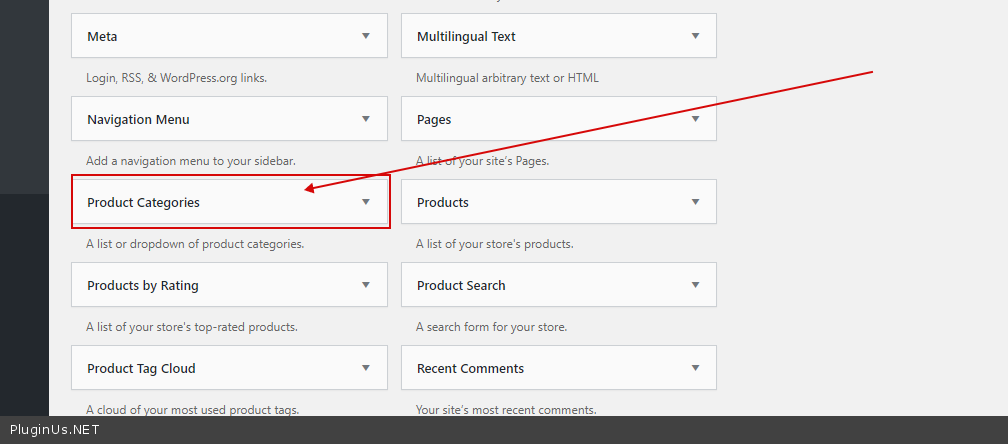
Otherwise use this widget – https://c2n.me/48laRmI.png OR to display tree of categories you need any plugin 'WOOCOMMERCE CATEGORY ACCORDION' -> https://www.google.com/search?q=WOOCOMMERCE+CATEGORY+ACCORDION&oq=WOOCOMMERCE+CATEGORY+ACCORDION&aqs=chrome..69i57j0l6j69i60.179j0j7&sourceid=chrome&ie=UTF-8
Hello Josh
http://dev.pinkdynamite.co.uk/sex-toys/for-men/cock-rings/ - now filter on the left only
What about subcategories for category 'cock-rings' - as they not exists its not possible to show them, parent categories not shows becausethey are not relevant for the filter on the current page
In this case you can navigate trought products and select product by WOOF but inside current category page
+
On the category page, the filter shows only child categories. This is a very logical behavior. On the category page, you can show ONLY products that belong to the category OR child category. It makes sense to show only child categories( of the current category ), because clicking on any other category will always give zero products )
Otherwise use this widget – https://c2n.me/48laRmI.png OR to display tree of categories you need any plugin 'WOOCOMMERCE CATEGORY ACCORDION' -> https://www.google.com/search?q=WOOCOMMERCE+CATEGORY+ACCORDION&oq=WOOCOMMERCE+CATEGORY+ACCORDION&aqs=chrome..69i57j0l6j69i60.179j0j7&sourceid=chrome&ie=UTF-8