Pablo Borysenco(@pavlo_borysenco)
34,196 Posts
Quote from Pablo Borysenco on March 8, 2021, 12:53
Hello
Please drop me exact link to the issue
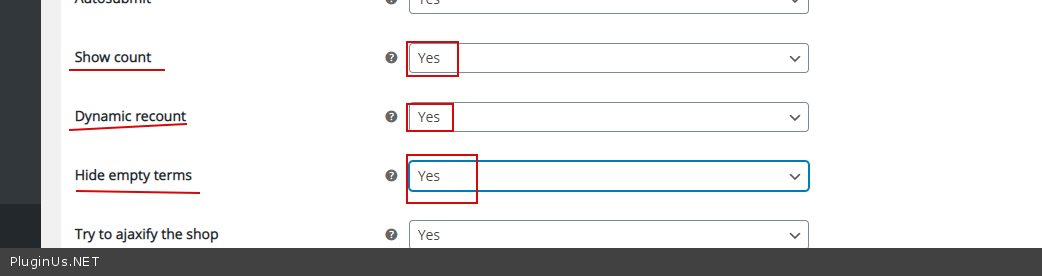
Check options - https://c2n.me/4bdD7Pg.png
Hello
Please drop me exact link to the issue
Check options - https://c2n.me/4bdD7Pg.png
Pablo Borysenco(@pavlo_borysenco)
34,196 Posts
Quote from Pablo Borysenco on March 9, 2021, 14:01
Hello
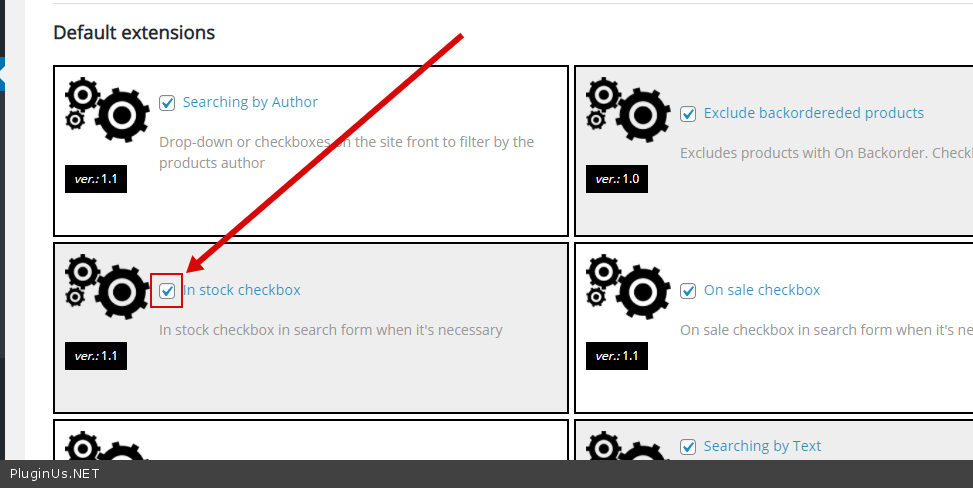
check this extension - https://c2n.me/4belopi.png try this option - https://c2n.me/4belror.png
To set it by default - https://products-filter.com/manipulate-search-data-options/
Hello
check this extension - https://c2n.me/4belopi.png try this option - https://c2n.me/4belror.png
To set it by default - https://products-filter.com/manipulate-search-data-options/
Pablo Borysenco(@pavlo_borysenco)
34,196 Posts
Quote from Pablo Borysenco on March 10, 2021, 13:21
Hello
OK! Please drop me wp-admin access - https://c2n.me/43SC6rb.png -> https://c2n.me/42BAoj4.png
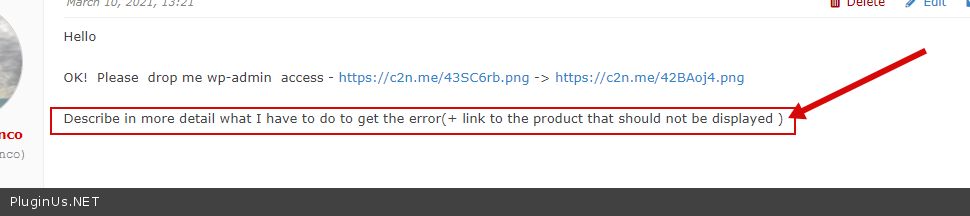
Describe in more detail what I have to do to get the error(+ link to the product that should not be displayed )
Hello
OK! Please drop me wp-admin access - https://c2n.me/43SC6rb.png -> https://c2n.me/42BAoj4.png
Describe in more detail what I have to do to get the error(+ link to the product that should not be displayed )
Pablo Borysenco(@pavlo_borysenco)
34,196 Posts
Quote from Pablo Borysenco on March 11, 2021, 12:57
Hello
Do you offer support by email? - Unfortunately not
Describe in more detail which filter I should click to get this error- https://c2n.me/4bgaJe8.png - And a link to a product that should not be displayed
Hello
Do you offer support by email? - Unfortunately not
Describe in more detail which filter I should click to get this error- https://c2n.me/4bgaJe8.png - And a link to a product that should not be displayed
Pablo Borysenco(@pavlo_borysenco)
34,196 Posts
Quote from Pablo Borysenco on March 12, 2021, 13:21
Hello
Please update the plugin to latest version - https://products-filter.com/how-to-make-auto-update-for-wordpress-plugins-and-themes-bought-on-envato/
and do a test
Hello
Please update the plugin to latest version - https://products-filter.com/how-to-make-auto-update-for-wordpress-plugins-and-themes-bought-on-envato/
and do a test