abdulrahmonadisa(@abdulrahmonadisa)
2 Posts
Customers
Quote from abdulrahmonadisa on February 12, 2026, 02:10
Hi,
I’ve added a color filter, but I want it to display the actual color swatches instead of plain text, and right now it’s not showing correctly.
Also, the “Hide empty terms” option appears to be locked — it’s labeled in red and I can’t toggle it. I’d like to set it to “Yes” but the setting isn’t clickable.
Lastly, I want the filtering to behave smarter across categories. When a user clicks into a category, I want the filters to reset and only show filters relevant to that page (like price, color, and length for that category), instead of displaying filters from unrelated categories.
I’m currently using the free version. Can you please confirm whether these features are available in the free version or if they require the premium upgrade?
Thank you.
Hi,
I’ve added a color filter, but I want it to display the actual color swatches instead of plain text, and right now it’s not showing correctly.
Also, the “Hide empty terms” option appears to be locked — it’s labeled in red and I can’t toggle it. I’d like to set it to “Yes” but the setting isn’t clickable.
Lastly, I want the filtering to behave smarter across categories. When a user clicks into a category, I want the filters to reset and only show filters relevant to that page (like price, color, and length for that category), instead of displaying filters from unrelated categories.
I’m currently using the free version. Can you please confirm whether these features are available in the free version or if they require the premium upgrade?
Thank you.
abdulrahmonadisa(@abdulrahmonadisa)
2 PostsTopic Author
Customers
Quote from abdulrahmonadisa on February 13, 2026, 14:55
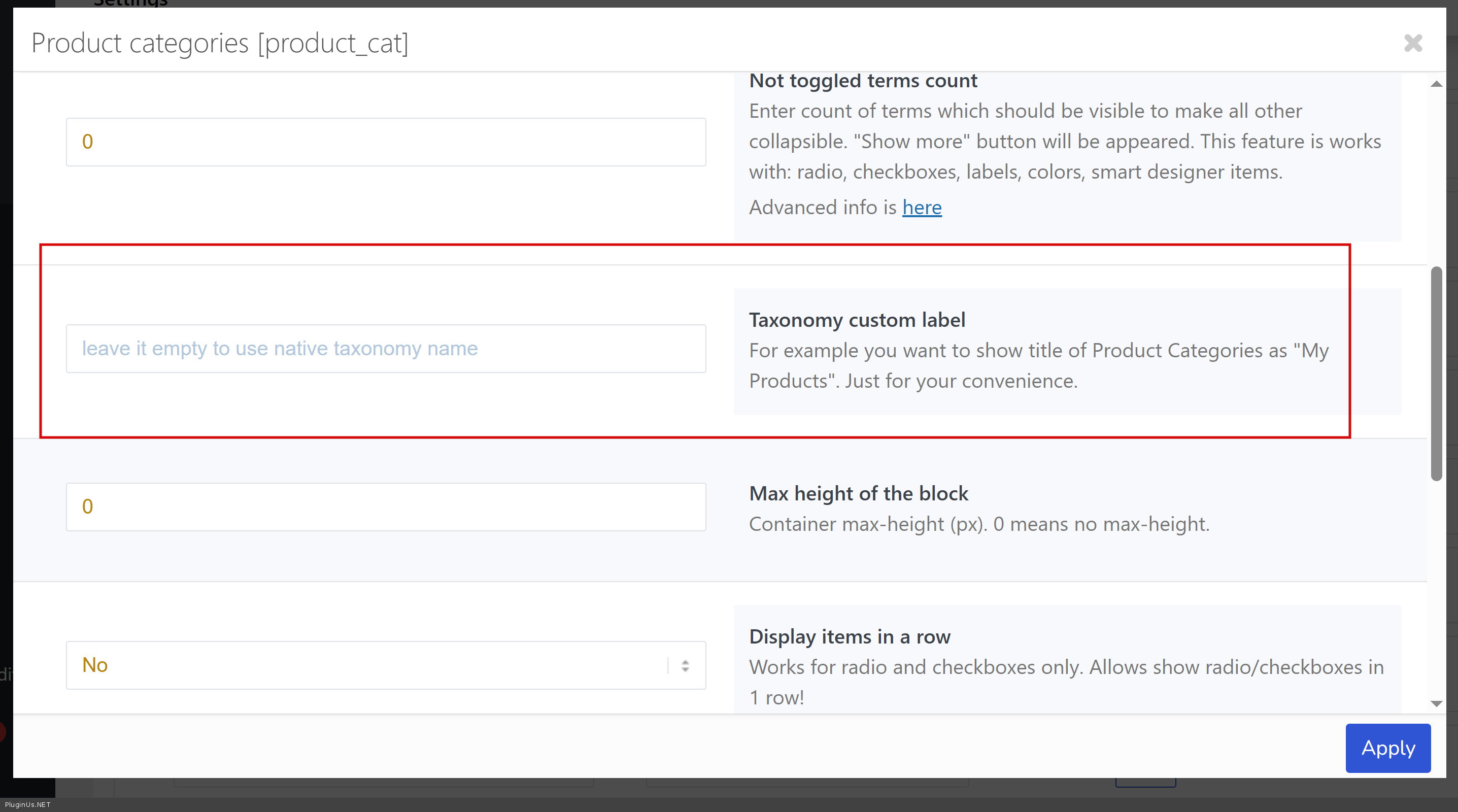
alright thanks, is there a way i can change the label, like categories and tags titles
alright thanks, is there a way i can change the label, like categories and tags titles