Pablo Borysenco(@pavlo_borysenco)
34,196 Posts
Quote from Pablo Borysenco on November 11, 2020, 10:51
Hello
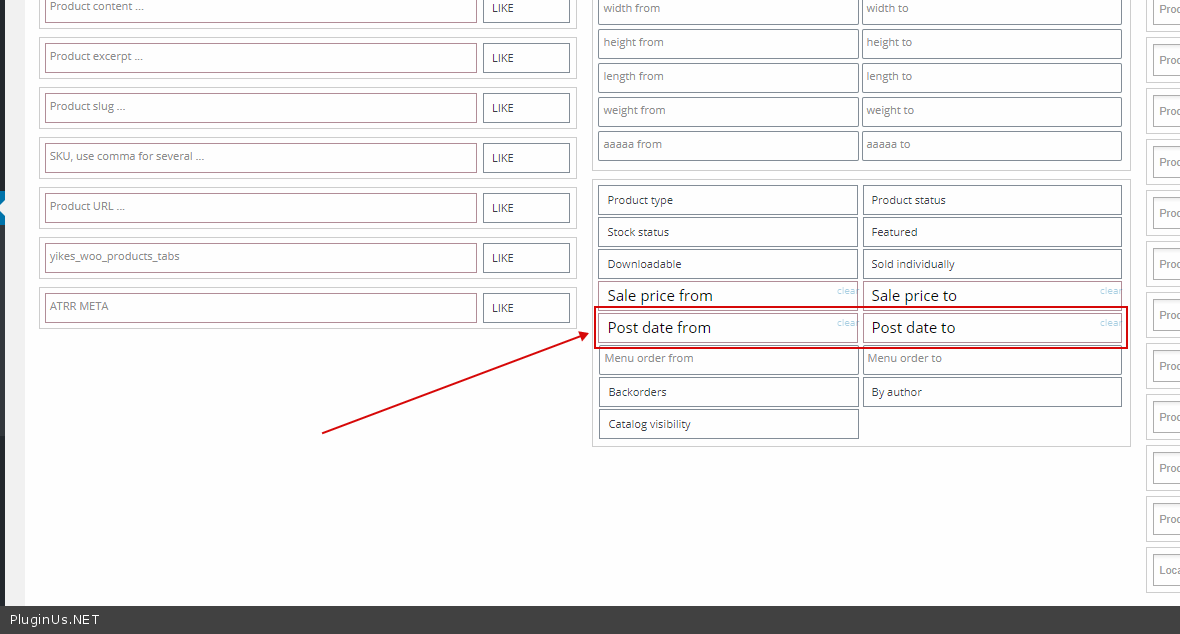
Please filter by Date Published - https://c2n.me/49MeKF2.png And delete these products - https://c2n.me/49MeOs3.png
Hello
Please filter by Date Published - https://c2n.me/49MeKF2.png And delete these products - https://c2n.me/49MeOs3.png
Pablo Borysenco(@pavlo_borysenco)
34,196 Posts
Quote from Pablo Borysenco on November 13, 2020, 12:00
Hello
Please update plugin to latest version - https://bulk-editor.com/howto/how-to-make-auto-update-for-wordpress-plugins-and-themes-bought-on-envato/
Add FTP access - https://c2n.me/43SC6rb.png ->https://c2n.me/42BAoj4.png
Hello
Please update plugin to latest version - https://bulk-editor.com/howto/how-to-make-auto-update-for-wordpress-plugins-and-themes-bought-on-envato/
Add FTP access - https://c2n.me/43SC6rb.png ->https://c2n.me/42BAoj4.png
Pablo Borysenco(@pavlo_borysenco)
34,196 Posts
Quote from Pablo Borysenco on November 17, 2020, 19:21
Hello
Please update plugin to latest version 2.0.6.2 - https://bulk-editor.com/howto/how-to-make-auto-update-for-wordpress-plugins-and-themes-bought-on-envato/
Your FTP access doesn't work
try in file - \wp-content\plugins\woocommerce-bulk-editor\ext\filters\filters.php - add code - https://clip2net.com/s/49RpBFv
unset($woobe_filter['post_date_to']);
unset($woobe_filter['post_date_from']);
And do a test
Hello
Please update plugin to latest version 2.0.6.2 - https://bulk-editor.com/howto/how-to-make-auto-update-for-wordpress-plugins-and-themes-bought-on-envato/
Your FTP access doesn't work
try in file - \wp-content\plugins\woocommerce-bulk-editor\ext\filters\filters.php - add code - https://clip2net.com/s/49RpBFv
unset($woobe_filter['post_date_to']);
unset($woobe_filter['post_date_from']);
And do a test
Pablo Borysenco(@pavlo_borysenco)
34,196 Posts
Quote from Pablo Borysenco on November 24, 2020, 11:16
Hello
Welcome;)
Hello
Welcome;)