ramigavrieli(@ramigavrieli)
1 Post
Customers
Quote from ramigavrieli on February 15, 2026, 19:28
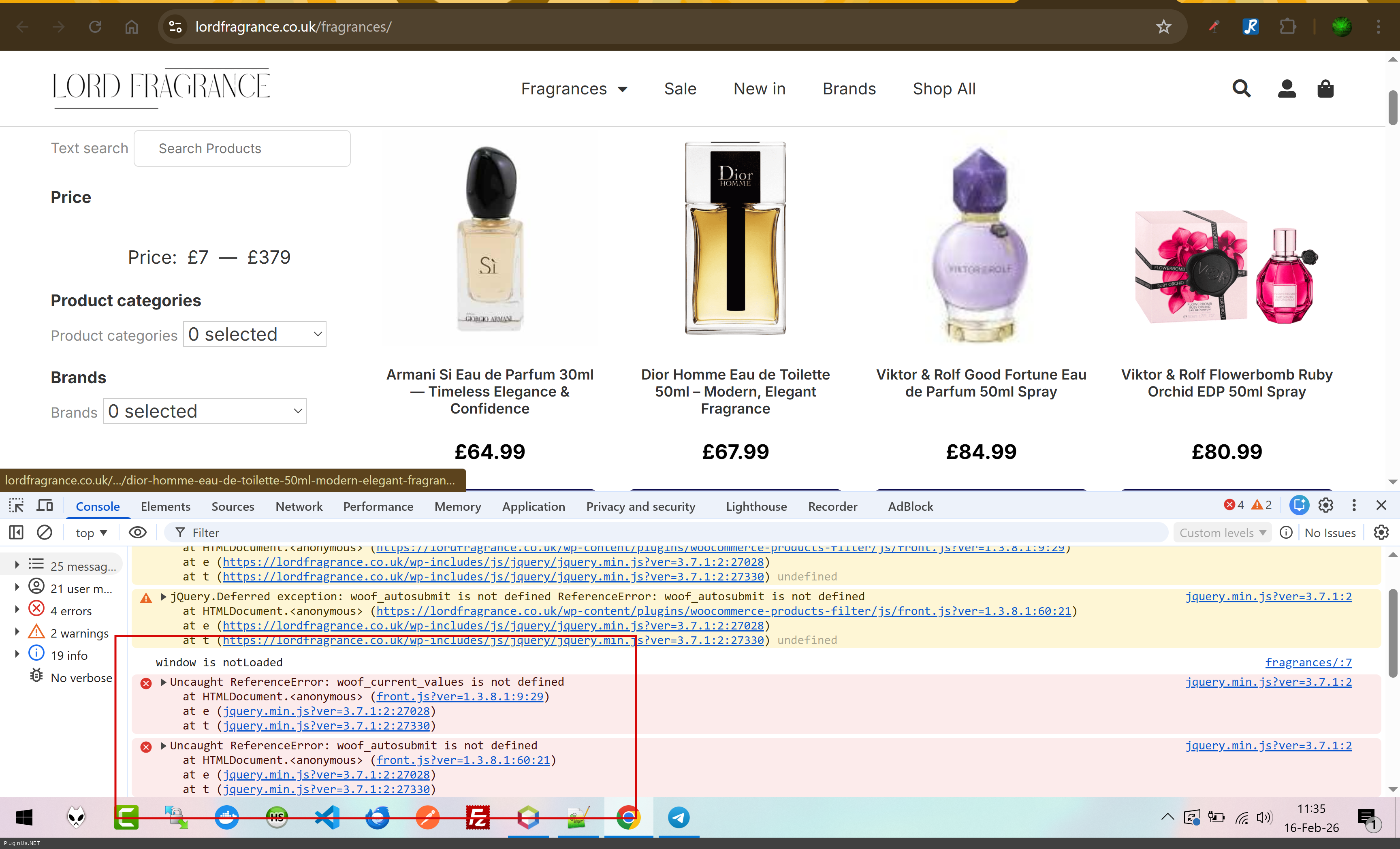
Hi, I am using HUSKY and facing several issues on mobile devices that I need your help to resolve. You can see the problems in the attached screenshots of my site (lordfragrance.co.uk):
Mobile Layout is Broken: The dropdown menus for "Product categories" and "Brands" are not responsive. They appear very narrow and do not take up the full width of the screen.
Text Overlap: There is a "0 Selected" (נבחרו 0) label appearing inside the dropdowns in a way that breaks the design and overlaps other elements.
Elementor Conflict: I tried to use Elementor's "Hide on Mobile" setting for this widget, but the filter continues to appear on mobile regardless.
Price Slider: Currently, the price slider starts from the lowest product price (£7). How can I configure it to always start from £0 by default?.
Could you please explain what is causing these display issues on mobile and how I can fix them through the plugin settings?
Thank you.
remi gavrieli
 https://lordfragrance.co.uk/fragrances/
Hi, I am using HUSKY and facing several issues on mobile devices that I need your help to resolve. You can see the problems in the attached screenshots of my site (lordfragrance.co.uk):
Mobile Layout is Broken: The dropdown menus for"Product categories" and"Brands" are not responsive. They appear very narrow and do not take up the full width of the screen.
Text Overlap: There is a"0 Selected" (נבחרו 0) label appearing inside the dropdowns in a way that breaks the design and overlaps other elements.
Elementor Conflict: I tried to use Elementor's"Hide on Mobile" setting for this widget, but the filter continues to appear on mobile regardless.
Price Slider: Currently, the price slider starts from the lowest product price (£7). How can I configure it to always start from £0 by default?.
Could you please explain what is causing these display issues on mobile and how I can fix them through the plugin settings?
Thank you.
remi gavrieli
https://lordfragrance.co.uk/fragrances/