PluginUs.Net - Business Tools for WooCommerce and WordPress

[realize your idea - make your dreams come true]

Support Forum

You need to log-in to create request (topic) to the support

image size "auto filter close/open"

The support doesn work on Saturdays and Sundays, so some Friday requests can be answered on Monday. If you have problems with registration ask help on contact us page please
If you not got email within 24~36 business hours, firstly check your spam box, and if no any email from the support there - back to the forum and read answer here. DO NOT ANSWER ON EMAILS [noreply@pluginus.net] FROM THE FORUM!! Emails are just for your info, all answers should be published only here.
The support doesn work on Saturdays and Sundays, so some Friday requests can be answered on Monday.

I can only use a image size of 15ox150px. (Square size). How to change this? I'd like to use a picture with a size much wider than the height of 150px.

Hello

Drop me  exact  link to the  issue

It happens on all the product category pages. For example: you can see it on this page: https://optiekwereld.nl/product-categorie/verrekijkers/

When I try to use this image

This is the import result:

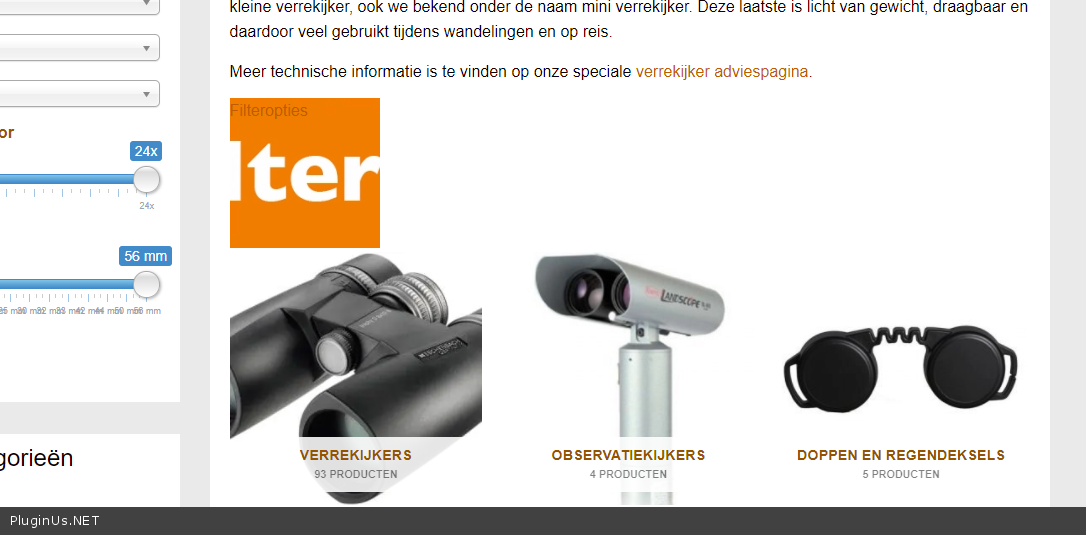
a square display with the text"filteropties" above this square. And very strange: it adds _150x150px to the image name. The original image name is: filteropties_iris.png

I disabled already the dynamic cache plugin, but the problem exists.

Hello

as I see your link( https://c2n.me/4bQuGQW.png ) you want to show this part of the image - https://c2n.me/4bQuJ1a.jpg

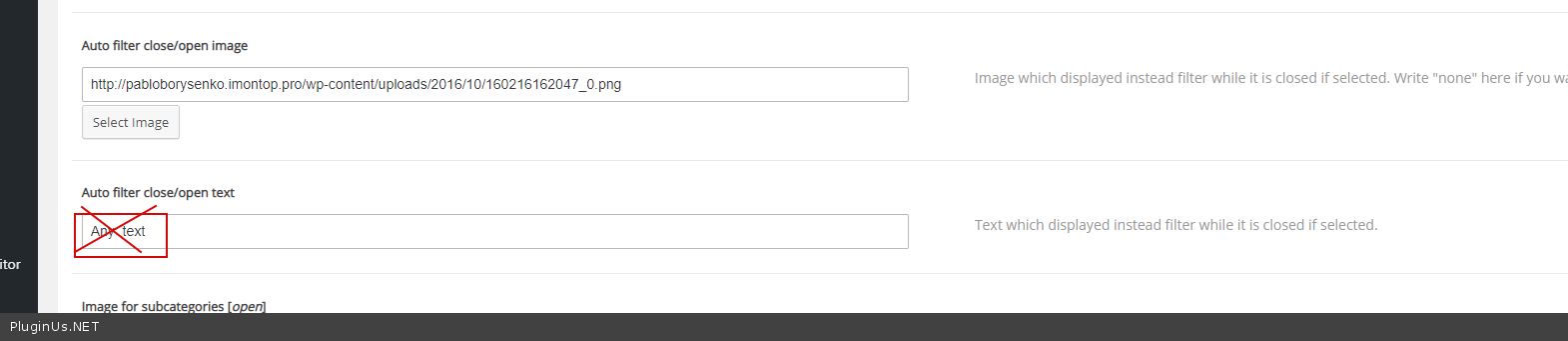
Please delete  your  text - https://c2n.me/4bQuzKS.png

add  this  CSS:

body .woof_show_auto_form, body .woof_hide_auto_form {

width: 150px;

height: 150px;

}

result : https://c2n.me/4bQuOKh.png

if you want to show the full image you should insert the correct link

Thanks! Problem solved.

One remark: change the width and height in the CSS code to the actual image size.

hello

Ok!  I will pass  it  to  developers