

Husky Front Builder
The support doesn work on Saturdays and Sundays, so some Friday requests can be answered on Monday. If you have problems with registration ask help on contact us page pleaseIf you not got email within 24~36 business hours, firstly check your spam box, and if no any email from the support there - back to the forum and read answer here. DO NOT ANSWER ON EMAILS [noreply@pluginus.net] FROM THE FORUM!! Emails are just for your info, all answers should be published only here.
The support doesn work on Saturdays and Sundays, so some Friday requests can be answered on Monday.

Quote from Jbp1988 on March 16, 2026, 16:54Im having a issue. So on the front builder, I click on the blue icon and it opens the box to edit the filter and it will show the list of filters that are already in the filter BUT it will not show the add new filter to click on to add new ones. Its just blank in that spot.
Im having a issue. So on the front builder, I click on the blue icon and it opens the box to edit the filter and it will show the list of filters that are already in the filter BUT it will not show the add new filter to click on to add new ones. Its just blank in that spot.

Quote from Alex Dovlatov on March 17, 2026, 12:47Hello
This is likely a CSS conflict or a JavaScript error hiding the "Add new filter" section in the front-end builder.
You can do next:
- Open your browser's Developer Tools (F12) → go to the Console tab, then open the filter builder again. Do you see any red errors there? If so, please share a screenshot.
- Try in a different browser (e.g. Chrome if you're using Firefox, or vice versa) — does the issue persist?
- Disable any caching plugins temporarily (WP Rocket, LiteSpeed Cache, W3 Total Cache, etc.) and clear the site cache, then check again.
- Check for theme/plugin conflicts: temporarily switch to a default theme (Storefront or Twenty Twenty-Four) and disable other plugins one by one to see if something is interfering.
OR even better share exect link to the issue here or in the private area of this ticket
https://share.pluginus.net/image/i20230222134241.png
https://share.pluginus.net/image/i20230222134615.png
https://share.pluginus.net/image/i20230222134511.pngIn the meantime, you can always add and manage filters via the WordPress admin panel under Products Filter → Settings, which bypasses the front-end builder entirely or use shortcode [woof] https://products-filter.com/shortcode/woof
Hello
This is likely a CSS conflict or a JavaScript error hiding the"Add new filter" section in the front-end builder.
You can do next:
- Open your browser's Developer Tools (F12) → go to the Console tab, then open the filter builder again. Do you see any red errors there? If so, please share a screenshot.
- Try in a different browser (e.g. Chrome if you're using Firefox, or vice versa) — does the issue persist?
- Disable any caching plugins temporarily (WP Rocket, LiteSpeed Cache, W3 Total Cache, etc.) and clear the site cache, then check again.
- Check for theme/plugin conflicts: temporarily switch to a default theme (Storefront or Twenty Twenty-Four) and disable other plugins one by one to see if something is interfering.
OR even better share exect link to the issue here or in the private area of this ticket
https://share.pluginus.net/image/i20230222134241.png
https://share.pluginus.net/image/i20230222134615.png
https://share.pluginus.net/image/i20230222134511.png


In the meantime, you can always add and manage filters via the WordPress admin panel under Products Filter → Settings, which bypasses the front-end builder entirely or use shortcode [woof] https://products-filter.com/shortcode/woof
Quote from Jbp1988 on March 17, 2026, 15:59
- attributeStyleMap: StylePropertyMap {size: 0}
- attributes: NamedNodeMap {0: value, 1: hidden, value: value, hidden: hidden, length: 2}
- baseURI: "https://blacklionarsenal.com/shop/"
- childNodes: NodeList [text]
- children: HTMLCollection []
- classList: DOMTokenList [value: '']
- contentEditable: "inherit"
- currentCSSZoom: 1
- dataset: DOMStringMap {}
- firstChild: text
- hidden: true
- innerHTML: "+ Add filter section"
- innerText: "+ Add filter section"
- isConnected: true
- label: "+ Add filter section"
- lastChild: text
- localName: "option"
- namespaceURI: "http://www.w3.org/1999/xhtml"
- nextElementSibling: option
- nextSibling: option
- nodeName: "OPTION"
- nodeType: 1
- outerHTML: "<option value=\"\" hidden=\"\">+ Add filter section</option>"
- outerText: "+ Add filter section"
- ownerDocument: document
- parentElement: select.woof-front-builder-selector
- parentNode: select.woof-front-builder-selector
- part: DOMTokenList [value: '']
- selected: true
- spellcheck: true
- style: CSSStyleDeclaration {accentColor: '', additiveSymbols: '', alignContent: '', alignItems: '', alignSelf: '', …}
- tagName: "OPTION"
- text: "+ Add filter section"
- textContent: "+ Add filter section"
- translate: true
- writingSuggestions: "true"
Here is the code I found. I see on line 23 is has
- outerHTML: "<option value=\"\" hidden=\"\">+ Add filter section</option>"
Could that be it? hidden?? If so how can I fix it?
- attributeStyleMap: StylePropertyMap {size: 0}
- attributes: NamedNodeMap {0: value, 1: hidden, value: value, hidden: hidden, length: 2}
- baseURI: "https://blacklionarsenal.com/shop/"
- childNodes: NodeList [text]
- children: HTMLCollection []
- classList: DOMTokenList [value: '']
- contentEditable: "inherit"
- currentCSSZoom: 1
- dataset: DOMStringMap {}
- firstChild: text
- hidden: true
- innerHTML: "+ Add filter section"
- innerText: "+ Add filter section"
- isConnected: true
- label: "+ Add filter section"
- lastChild: text
- localName: "option"
- namespaceURI: "http://www.w3.org/1999/xhtml"
- nextElementSibling: option
- nextSibling: option
- nodeName: "OPTION"
- nodeType: 1
- outerHTML: "<option value=\"\" hidden=\"\">+ Add filter section</option>"
- outerText: "+ Add filter section"
- ownerDocument: document
- parentElement: select.woof-front-builder-selector
- parentNode: select.woof-front-builder-selector
- part: DOMTokenList [value: '']
- selected: true
- spellcheck: true
- style: CSSStyleDeclaration {accentColor: '', additiveSymbols: '', alignContent: '', alignItems: '', alignSelf: '', …}
- tabIndex: -1
- tagName: "OPTION"
- text: "+ Add filter section"
- textContent: "+ Add filter section"
- translate: true
- writingSuggestions: "true"
Here is the code I found. I see on line 23 is has
- outerHTML: "<option value=\"\" hidden=\"\">+ Add filter section</option>"
Could that be it? hidden?? If so how can I fix it?
Quote from Alex Dovlatov on March 18, 2026, 12:38Hello
I just checked: https://demo.products-filter.com/filter-front-builder-demo/ - works
I looked your site link, all javascript there is inimized, reason can be there https://clip2net.com/s/4nNreGn
Please share a direct link to your shop page where the filter is visible, so I can see the issue myself. The site currently shows a Coming Soon page, so I can't access it to investigate
Hello
I just checked: https://demo.products-filter.com/filter-front-builder-demo/ - works
I looked your site link, all javascript there is inimized, reason can be there https://clip2net.com/s/4nNreGn
Please share a direct link to your shop page where the filter is visible, so I can see the issue myself. The site currently shows a Coming Soon page, so I can't access it to investigate
Quote from Jbp1988 on March 18, 2026, 22:30Thanks the link is in the private box
Thanks the link is in the private box
Quote from Alex Dovlatov on March 19, 2026, 20:26Hello
I tried the link
Hello
I tried the link
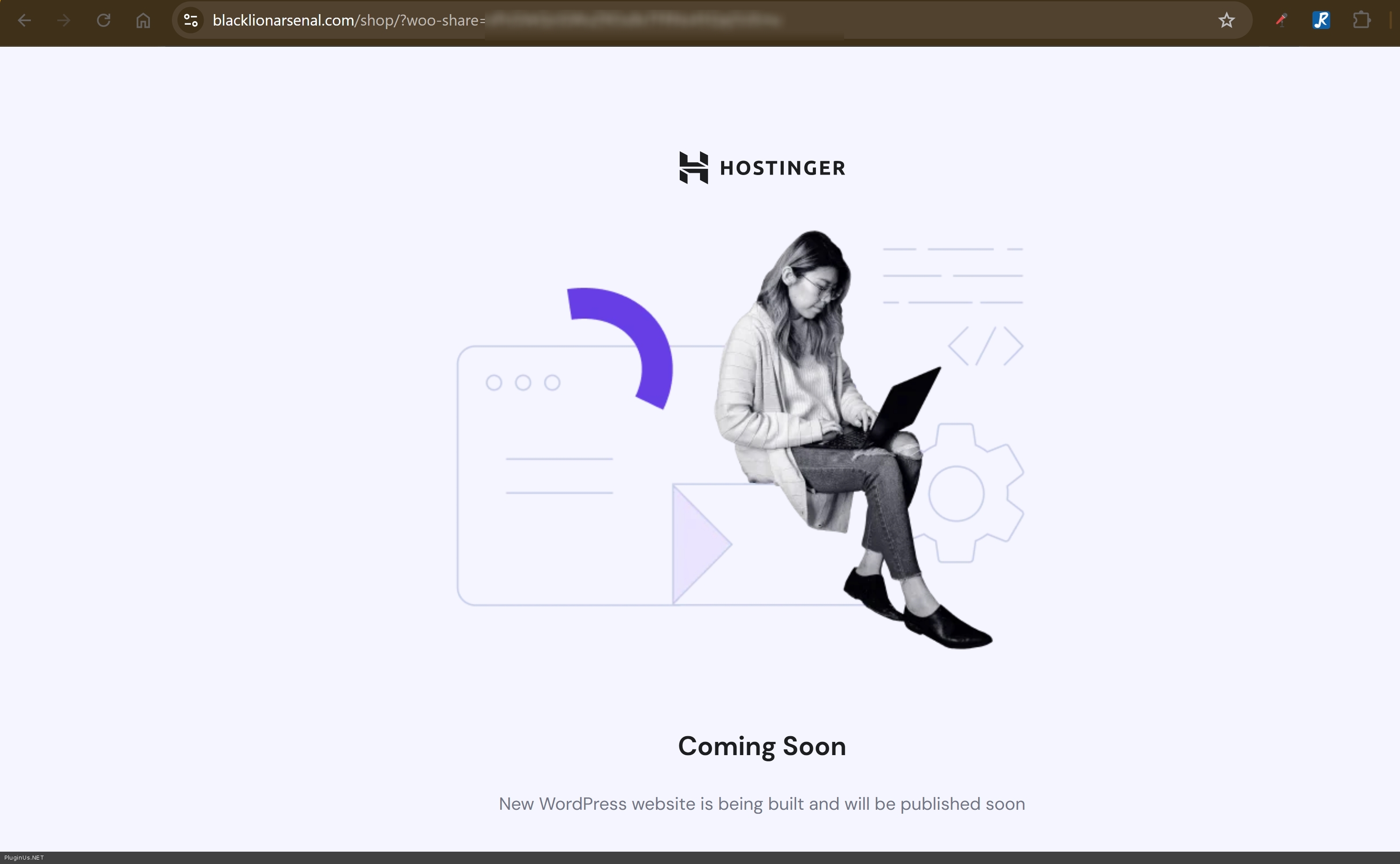
Quote from Jbp1988 on March 20, 2026, 02:30ok try again it should work now. Thanks
ok try again it should work now. Thanks
Quote from Alex Dovlatov on March 20, 2026, 17:58Hello
Juts looked the site, deal is in compressing of js files by litespeed: https://drive.google.com/file/d/124LIm7mkMA6ylQvWcm-gtWl5EVSMNxQA/view?usp=sharing
JavaScript errors are prevent the filter form functionality, but search by itself works https://blacklionarsenal.com/shop/?swoof6=1&product_brand=1791-gunleather (Showing 1-32 of 141 products)
Disable all cache plugins and make tests again, be careful with js files optimization, it can break not only this plugin functionality
Hello
Juts looked the site, deal is in compressing of js files by litespeed: https://drive.google.com/file/d/124LIm7mkMA6ylQvWcm-gtWl5EVSMNxQA/view?usp=sharing
JavaScript errors are prevent the filter form functionality, but search by itself works https://blacklionarsenal.com/shop/?swoof6=1&product_brand=1791-gunleather (Showing 1-32 of 141 products)
Disable all cache plugins and make tests again, be careful with js files optimization, it can break not only this plugin functionality