PluginUs.Net - Business Tools for WooCommerce and WordPress

[realize your idea - make your dreams come true]

Support Forum

You need to log-in to create request (topic) to the support

Hide slider irs numbers and match woo range-slider style

The support doesn work on Saturdays and Sundays, so some Friday requests can be answered on Monday. If you have problems with registration ask help on contact us page please
If you not got email within 24~36 business hours, firstly check your spam box, and if no any email from the support there - back to the forum and read answer here. DO NOT ANSWER ON EMAILS [noreply@pluginus.net] FROM THE FORUM!! Emails are just for your info, all answers should be published only here.
The support doesn work on Saturdays and Sundays, so some Friday requests can be answered on Monday.

I want to hide the giant numbers above the slider and have it look more like the woo range-slider for price as that matches the style for the rest of the site. Is there any way to easily do this without manually modifying the CSS for each class? I started to do it this way and found it to be a little too tedious.


Hello

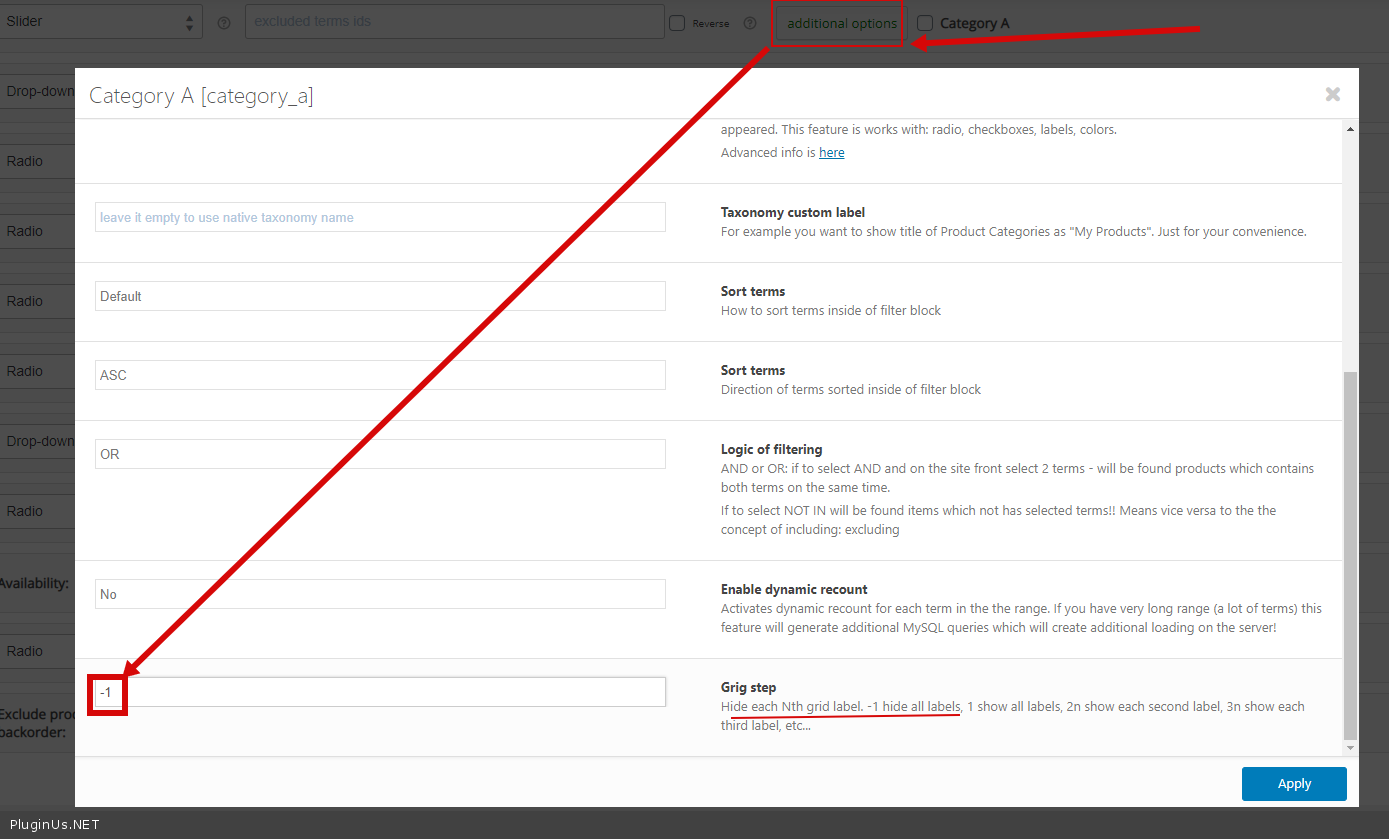
Please  check this  option - https://c2n.me/4aHmg0t.png

This is not what I was talking about. I want the numbers ABOVE gone, not below.

I also want to change the color so it matches the site theme like the price slider.

Hello

Please  add CSS

.irs-from, .irs-to{

display: none;

}

.woof .irs-bar {
border-top: 1px solid #a46497;
border-bottom: 1px solid #a46497;
background: #a46497;
background: linear-gradient(to top, #a46497 0%,#a46497 100%);
}

.woof .irs-slider {
border: 1px solid #a46497;
background: #a46497;
}