PluginUs.Net - Business Tools for WooCommerce and WordPress

[realize your idea - make your dreams come true]

Support Forum

You need to log-in to create request (topic) to the support

GTIN

The support doesn work on Saturdays and Sundays, so some Friday requests can be answered on Monday. If you have problems with registration ask help on contact us page please
If you not got email within 24~36 business hours, firstly check your spam box, and if no any email from the support there - back to the forum and read answer here. DO NOT ANSWER ON EMAILS [noreply@pluginus.net] FROM THE FORUM!! Emails are just for your info, all answers should be published only here.
The support doesn work on Saturdays and Sundays, so some Friday requests can be answered on Monday.

i added GTIN as field to edit.

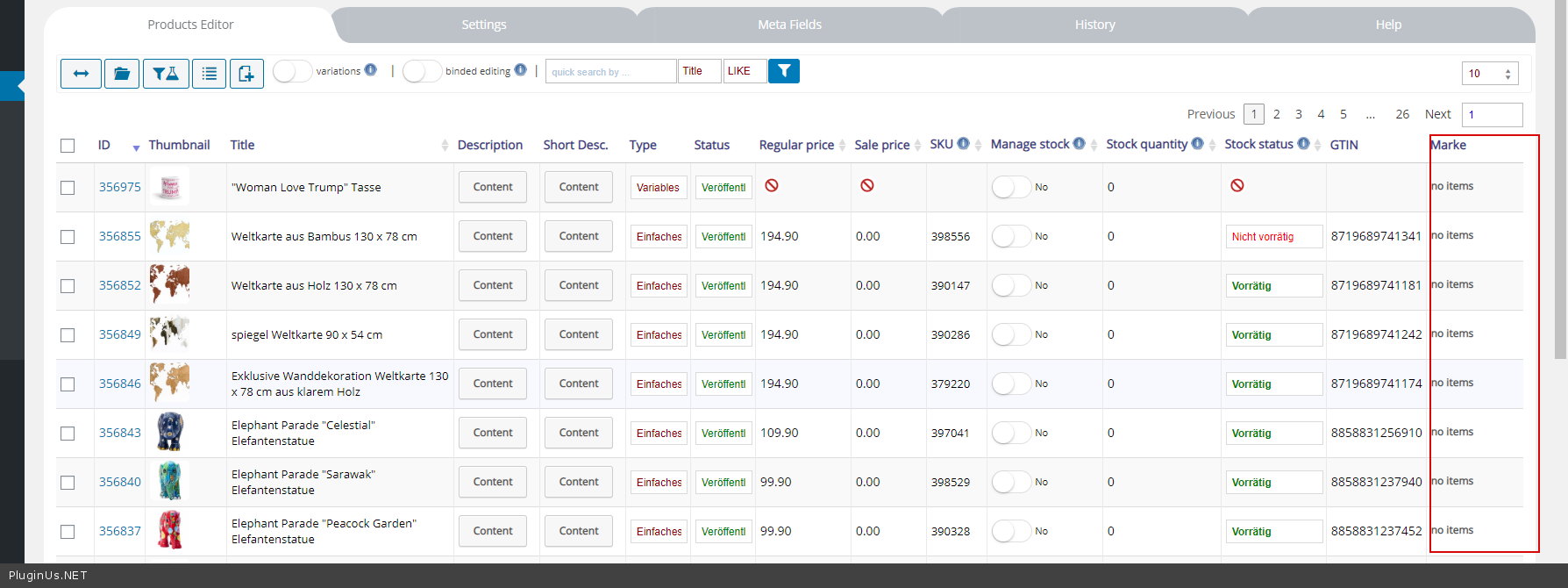
in the product editor the GTIN field appeard, but it is empty. it says: no items.

i can also not add a GTIN thru the editor. i get this"select all, deselect all, save, new, cancel" buttons

why is that?  what can i do?

thanks


Hello

Paste your license key here - https://c2n.me/43SC6rb.png -> https://c2n.me/42HBIt7.png and  wp-admin access - https://c2n.me/42BAoj4.png I will  check  it

done! :)

i have the same problem also with the BRAND column. it is acting the same way like GTIN. please be so kind and check up on this. thanks a lot in advance.

the BRANDS columns name is actually MARKE.

Hello

Please  watch  videos-  https://bulk-editor.com/video-tutorials#video_1291 AND  https://bulk-editor.com/video-tutorials#video_1290

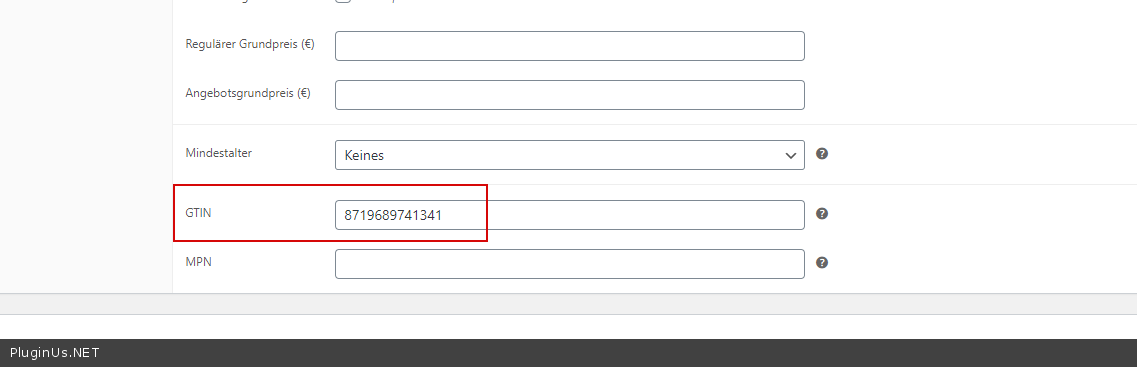
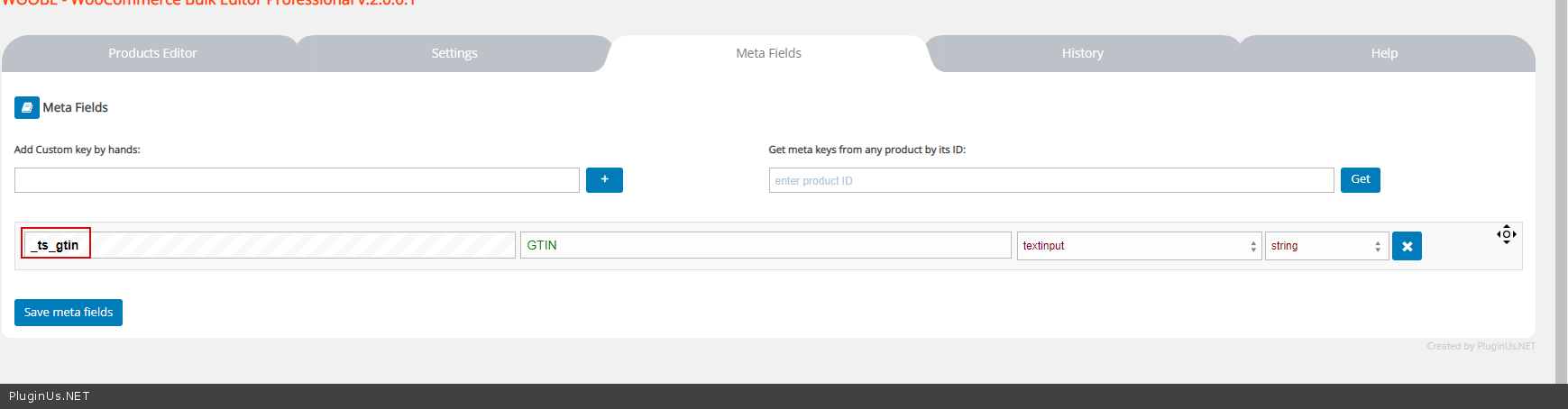
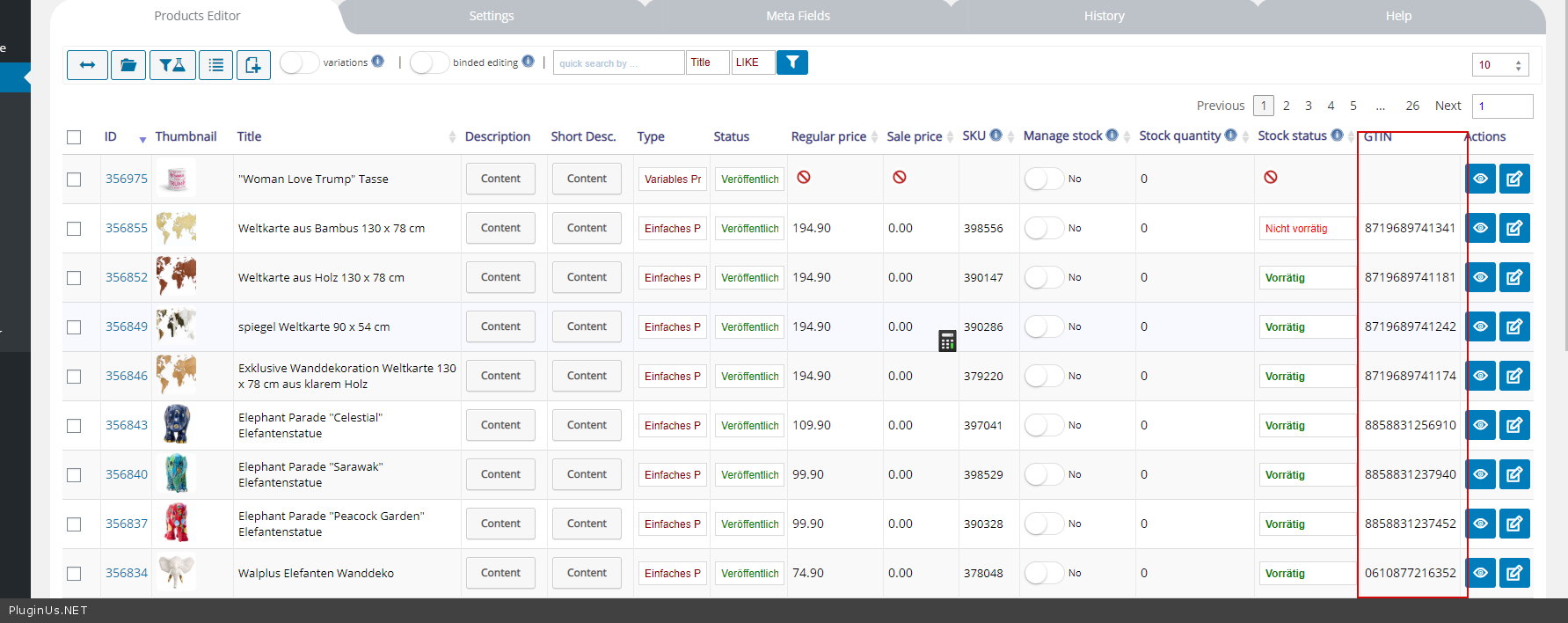
This field is not standard - https://c2n.me/48pNvYZ.png . Add it as a meta field - https://c2n.me/48pNyJj.png  Result - https://c2n.me/48pNAXq.png

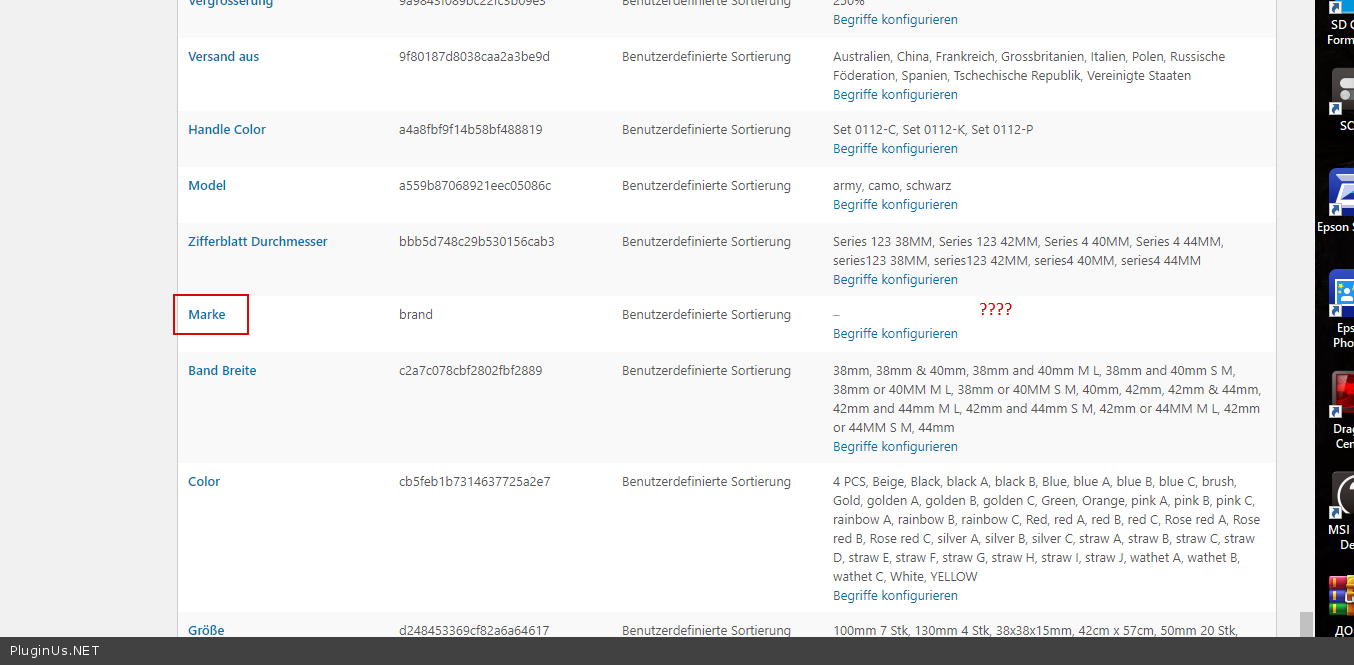
Yes  you  added Marke - https://c2n.me/48pNR8Q.png - but this attribute has no terms.  therefore products cannot have this attribute -  https://c2n.me/48pO0Ln.png

thanks it worked.

Hello

Welcome;)