

filters not showing in parent category
The support doesn work on Saturdays and Sundays, so some Friday requests can be answered on Monday. If you have problems with registration ask help on contact us page pleaseIf you not got email within 24~36 business hours, firstly check your spam box, and if no any email from the support there - back to the forum and read answer here. DO NOT ANSWER ON EMAILS [noreply@pluginus.net] FROM THE FORUM!! Emails are just for your info, all answers should be published only here.
The support doesn work on Saturdays and Sundays, so some Friday requests can be answered on Monday.

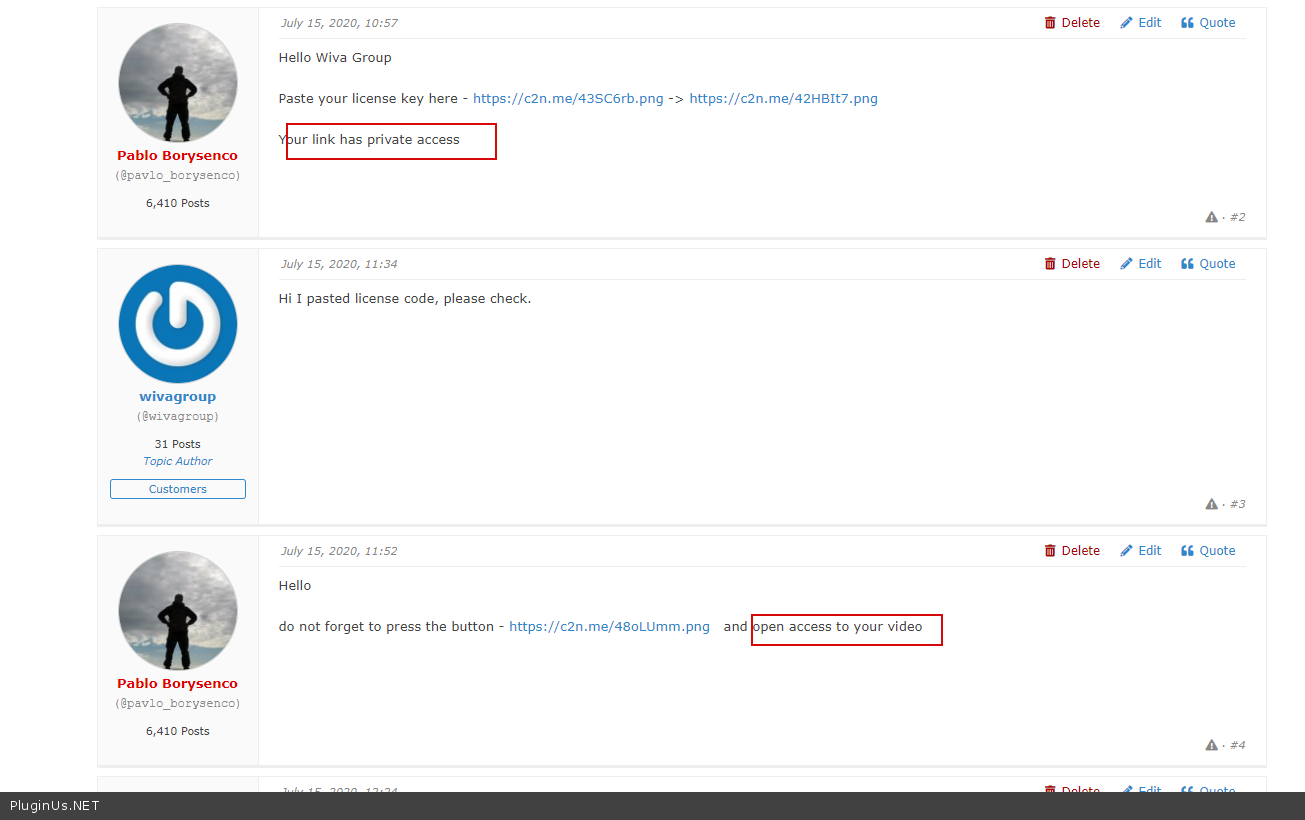
Quote from wivagroup on July 14, 2020, 12:31Dear Pablo, I have an issue regarding the showing of advanced filters. I don't know how they are not displayed in parent category "INDUSTRIAL" and they appear again in any of its Subcategory. May you please explain this behaviour? Here it is a video showing the issue. You can also login to the admin area with the credentials I sent in private.
Thank you
Wiva Group
Dear Pablo, I have an issue regarding the showing of advanced filters. I don't know how they are not displayed in parent category"INDUSTRIAL" and they appear again in any of its Subcategory. May you please explain this behaviour? Here it is a video showing the issue. You can also login to the admin area with the credentials I sent in private.
Thank you
Wiva Group

Quote from Pablo Borysenco on July 15, 2020, 10:57Hello Wiva Group
Paste your license key here - https://c2n.me/43SC6rb.png -> https://c2n.me/42HBIt7.png
Your link has private access
Hello Wiva Group
Paste your license key here - https://c2n.me/43SC6rb.png -> https://c2n.me/42HBIt7.png


Your link has private access
Quote from wivagroup on July 15, 2020, 11:34Hi I pasted license code, please check.
Hi I pasted license code, please check.
Quote from Pablo Borysenco on July 15, 2020, 11:52Hello
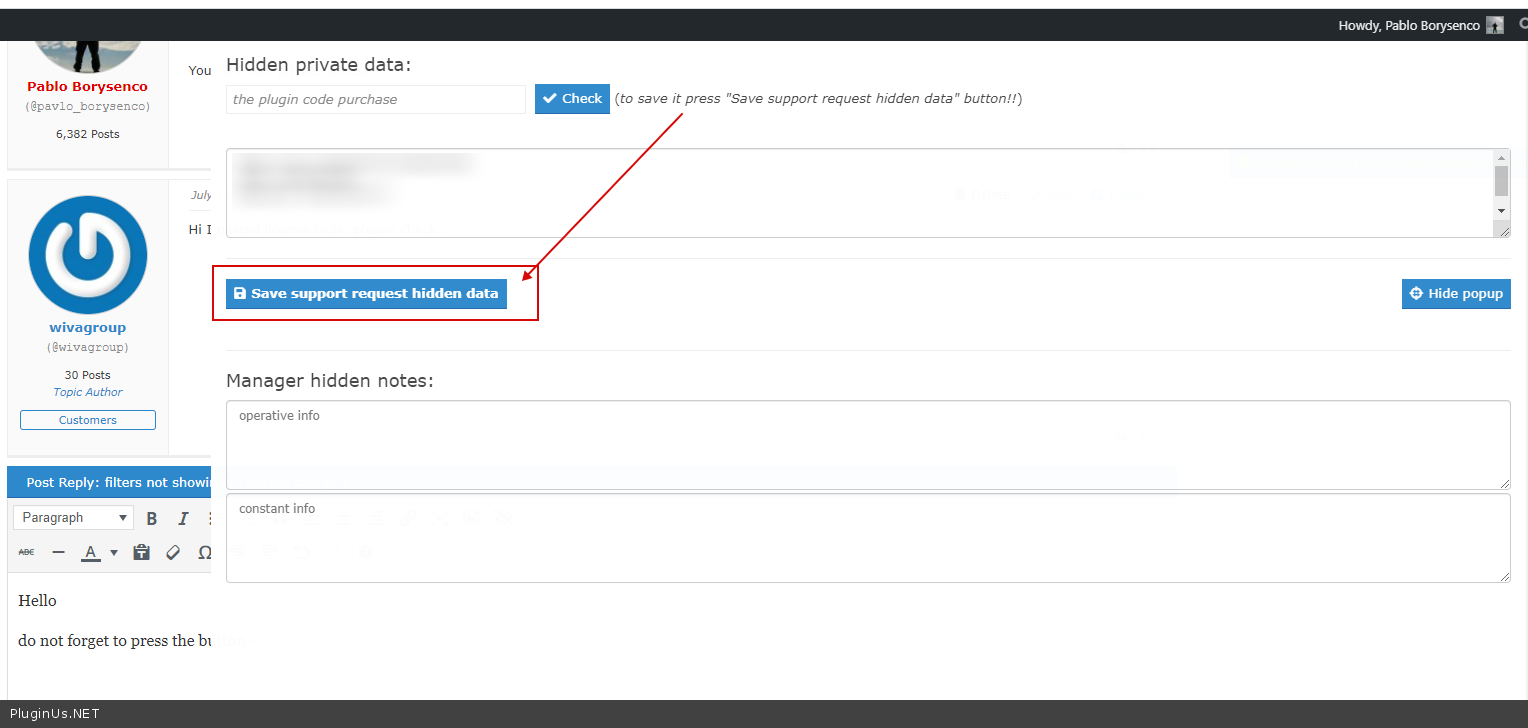
do not forget to press the button - https://c2n.me/48oLUmm.png and open access to your video
Hello
do not forget to press the button - https://c2n.me/48oLUmm.png and open access to your video
Quote from wivagroup on July 15, 2020, 12:24Ok sorry please check now
Ok sorry please check now
Quote from Pablo Borysenco on July 16, 2020, 14:37Hello
please open access( https://c2n.me/48pW4l5.png ) to your video - https://c2n.me/48pW8bq.png
Looks like I didn’t understand your problem ( https://c2n.me/48pWcxA.png )
Hello
please open access( https://c2n.me/48pW4l5.png ) to your video - https://c2n.me/48pW8bq.png
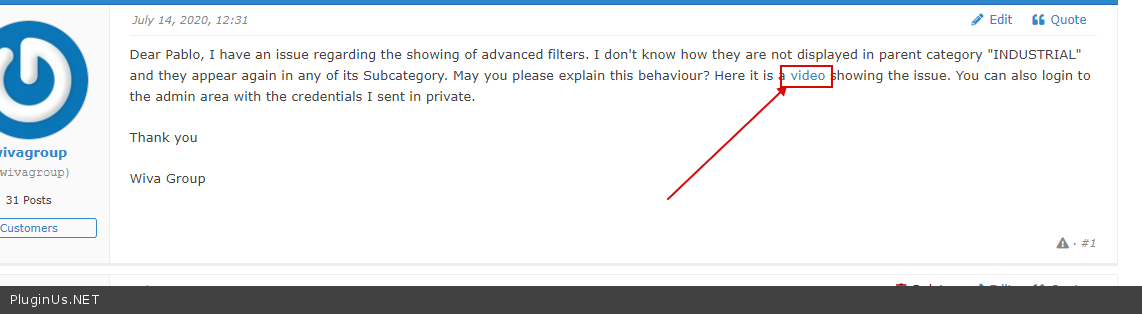
Looks like I didn’t understand your problem ( https://c2n.me/48pWcxA.png )
Quote from wivagroup on July 19, 2020, 16:40Hi, I opened the access., sorry for the delay.
https://drive.google.com/file/d/1jNxVRGbWHrQOz97eTXE8UdOwOBpePxnu/view?usp=sharing
The issue is that in MAIN category some filters values in dropdown are NOT showing, they are only showing in CHILDREN categories. This is not correct, because from the general level I should select the widest and total range of attributes. It doesn't show all attributes values, i.e. in Temperatura Colore filter, for example. But these values are existing, because in subcategories they are visible. Please look at my video and you will understand.
Thank you
Hi, I opened the access., sorry for the delay.
https://drive.google.com/file/d/1jNxVRGbWHrQOz97eTXE8UdOwOBpePxnu/view?usp=sharing
The issue is that in MAIN category some filters values in dropdown are NOT showing, they are only showing in CHILDREN categories. This is not correct, because from the general level I should select the widest and total range of attributes. It doesn't show all attributes values, i.e. in Temperatura Colore filter, for example. But these values are existing, because in subcategories they are visible. Please look at my video and you will understand.
Thank you
Quote from Pablo Borysenco on July 20, 2020, 13:52Hello
Just clear a cache - https://c2n.me/48srvHh
Hello
Just clear a cache - https://c2n.me/48srvHh
Quote from wivagroup on July 26, 2020, 19:24Hi Pablo, Please may you check again? I emptied several times the cache, but I always encounter the issue; i've tried to better explain you in this tutorial. PLEASE help me in definitively solve it. And please tell me is something is not clear.
https://drive.google.com/file/d/1KHCS8s8hoDrbaR0oRc5DISZN4ogNX3Jm/view?usp=sharing
Access data are still in private area.
Thank you for your kind help
Hi Pablo, Please may you check again? I emptied several times the cache, but I always encounter the issue; i've tried to better explain you in this tutorial. PLEASE help me in definitively solve it. And please tell me is something is not clear.
https://drive.google.com/file/d/1KHCS8s8hoDrbaR0oRc5DISZN4ogNX3Jm/view?usp=sharing
Access data are still in private area.
Thank you for your kind help
Quote from Pablo Borysenco on July 27, 2020, 11:32Hello
Thank you for your video.
Please clear the cache;) My video - https://c2n.me/48xJVl6
To display the filter on category pages, better use a widget instead of a shortcode.
Hello
Thank you for your video.
Please clear the cache;) My video - https://c2n.me/48xJVl6
To display the filter on category pages, better use a widget instead of a shortcode.
Quote from wivagroup on July 27, 2020, 12:32Hi Pablo, finally I discovered this cache option, I didn't know it was available, and I continuously used only the general wordpress cache, it was not sufficient.
Thank you for your help, finally I think we are oK!!!
Hi Pablo, finally I discovered this cache option, I didn't know it was available, and I continuously used only the general wordpress cache, it was not sufficient.
Thank you for your help, finally I think we are oK!!!
Quote from Pablo Borysenco on July 28, 2020, 10:19Hello
Great! Welcome;)
Hello
Great! Welcome;)