PluginUs.Net - Business Tools for WooCommerce and WordPress

[realize your idea - make your dreams come true]

Support Forum

You need to log-in to create request (topic) to the support

Filters are not working properly - Premium Version of WOOF

The support doesn work on Saturdays and Sundays, so some Friday requests can be answered on Monday. If you have problems with registration ask help on contact us page please
If you not got email within 24~36 business hours, firstly check your spam box, and if no any email from the support there - back to the forum and read answer here. DO NOT ANSWER ON EMAILS [noreply@pluginus.net] FROM THE FORUM!! Emails are just for your info, all answers should be published only here.
The support doesn work on Saturdays and Sundays, so some Friday requests can be answered on Monday.

Hi, I bought the premium version of WOOF but unfortunately it's not working properly.

Here http://acerteiemcheio.com/index.php/product-category/bicicletas-infantis/aro-12/ you are not able to filter by brand if you choose"Bandeirante" it didnt appear correctly.

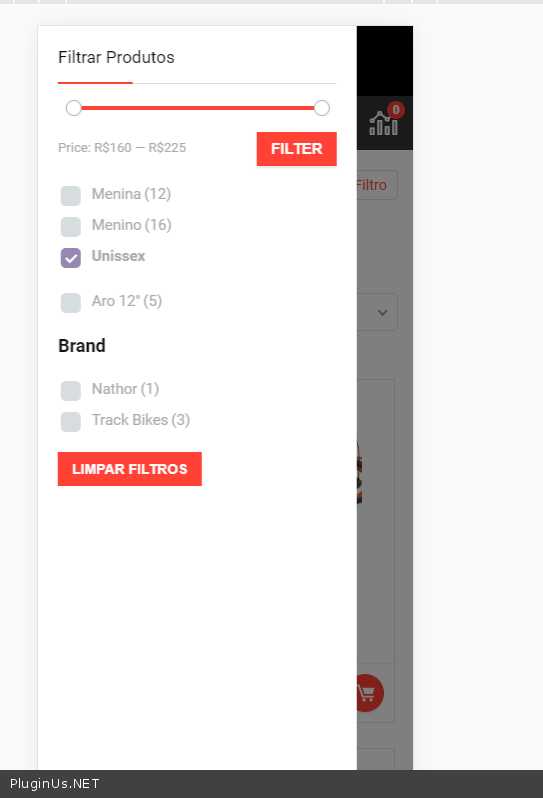
Also If you access in Mobile the price range is above filter button and completely hard for users to understand.

Please, help me here.

Extra Info:
WP version  5.4.2

PHP 7.3

REhub 5.5

Hello

 not able to filter by brand  - Do you use third party plugins to create your taxonomy"brand"?

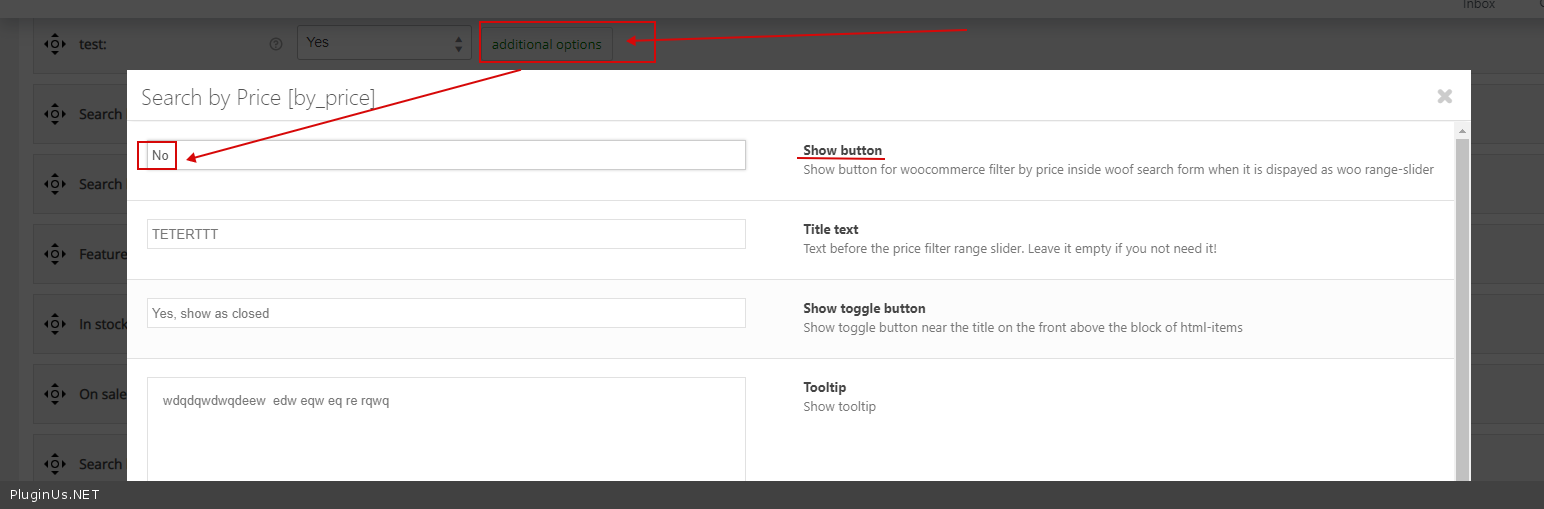
My  test - https://c2n.me/48xFuc2.png -  better hide this button - https://c2n.me/48xFGim.png

I have been creating them in Woocommerce, What is the right way?

Hello

Some third party plugins add taxonomies + special functionality for those taxonomies.  for example, this functionality can track search queries and change them according to its logic

The best way is to create a custom taxonomy using code (without unnecessary functionality)  OR  try  this  plugin -  https://wordpress.org/plugins/custom-post-type-ui/