PluginUs.Net - Business Tools for WooCommerce and WordPress

[realize your idea - make your dreams come true]

Support Forum

You need to log-in to create request (topic) to the support

Filtermenu close

The support doesn work on Saturdays and Sundays, so some Friday requests can be answered on Monday. If you have problems with registration ask help on contact us page please
If you not got email within 24~36 business hours, firstly check your spam box, and if no any email from the support there - back to the forum and read answer here. DO NOT ANSWER ON EMAILS [noreply@pluginus.net] FROM THE FORUM!! Emails are just for your info, all answers should be published only here.
The support doesn work on Saturdays and Sundays, so some Friday requests can be answered on Monday.

Hi,

Is there a possibility that, whenever i click on 'Filter', the filtermenu automatically closes?
If yes, how do we do that?

Greetings Timo

Hello Timo

If I understood you right:

  1. in usual text widget paste shortcode [woof] https://products-filter.com/shortcode/woof/
  2. use attribute autohide, search form will be hidden

Another way: https://demo.products-filter.com/hidden-search-form/ - form will be loadinf by ajax if user will decide to use it, use: [woof start_filtering_btn=1] in text widget or in wordpress theme code

Hi,

Thanks so much for responding fast.
But i think this does not completely solve my problem.

What i didn't mention is that the problem arises as soon as you use the website on mobile devices.

So, when I go to the webshop on my mobile device (https://www.klinkenbergschoenen.nl/) and then want to filter on, for example, 'brand'. Then I select the brand that I want to view and then press 'Filter'. After I press filter I want the filter menu to disappear automatically.

I'm sorry i didn't mention some of the above described parts well.
I hope you can help me out.

Greetings Timo

Hello

Unfortunately the plugin does not have this feature.

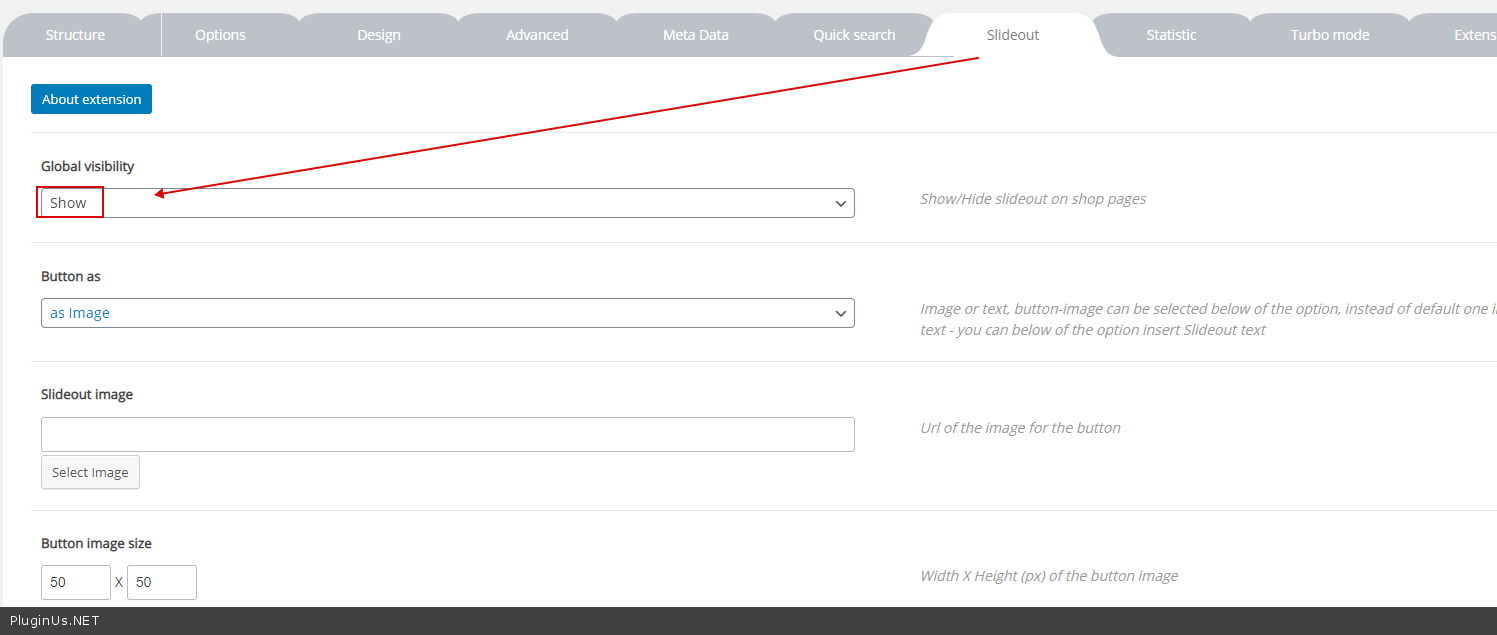
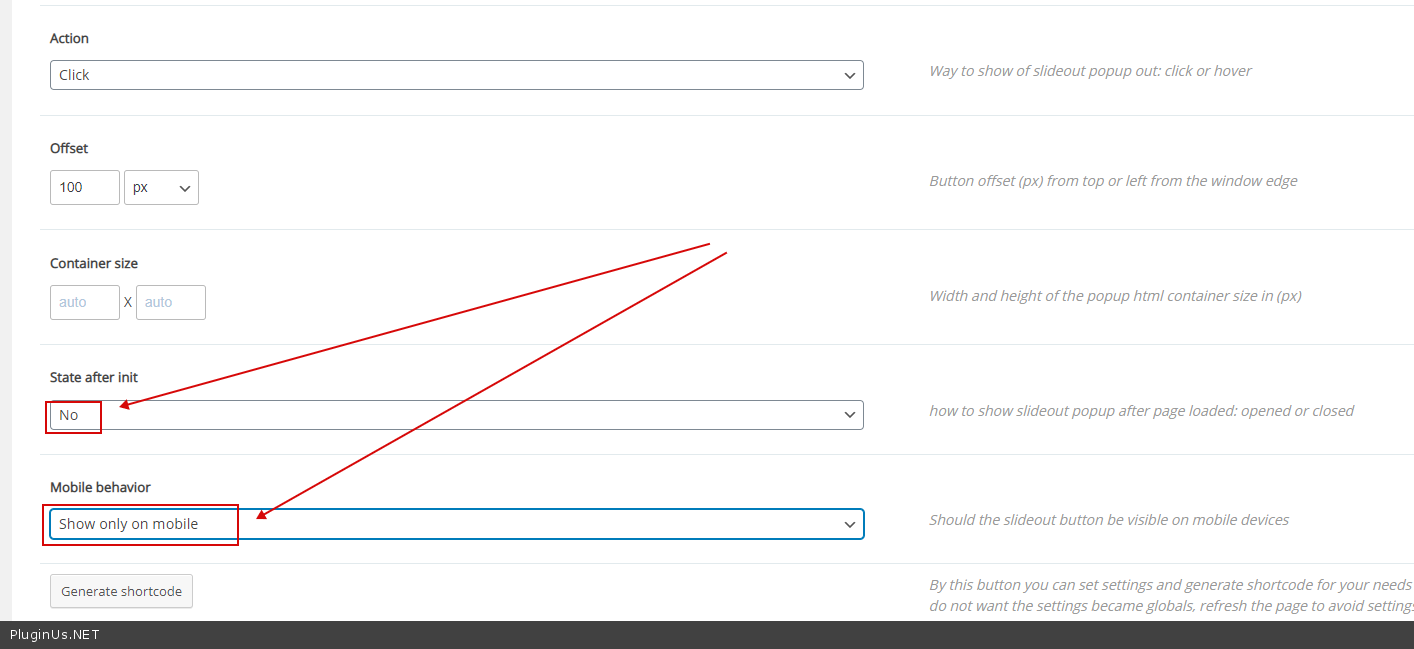
But  you can  use  slideout - https://products-filter.com/extencion/slideout/

With  this  settings  - https://c2n.me/496iKLs.png AND  https://c2n.me/496iOEV.png