Pablo Borysenco(@pavlo_borysenco)
34,196 Posts
Quote from Pablo Borysenco on September 1, 2020, 09:33
Hello
Please paste your license key here - https://c2n.me/43SC6rb.png -> https://c2n.me/42HBIt7.png and wp-admin access - https://c2n.me/42BAoj4.png
Hello
Please paste your license key here - https://c2n.me/43SC6rb.png -> https://c2n.me/42HBIt7.png and wp-admin access - https://c2n.me/42BAoj4.png
Pablo Borysenco(@pavlo_borysenco)
34,196 Posts
Quote from Pablo Borysenco on September 4, 2020, 10:25
Hello
Please add the link to your site
Hello
Please add the link to your site
Pablo Borysenco(@pavlo_borysenco)
34,196 Posts
Quote from Pablo Borysenco on September 4, 2020, 13:07
Do you use some cache on server side.
You can check that the export file is being created correctly - \wp-content\plugins\woocommerce-bulk-editor\ext\export\__exported_files\woobe_exported.csv
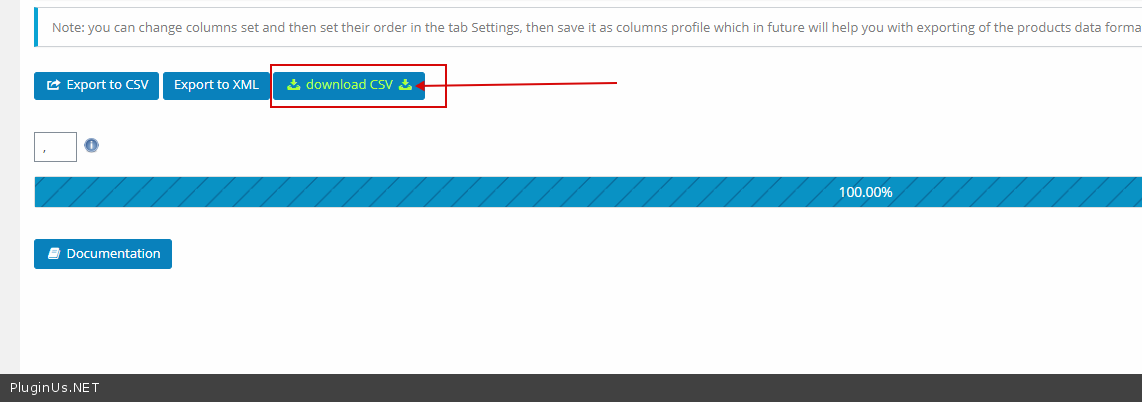
But when you press this button - https://c2n.me/48YfCHi.png - the server gives you a cached version of the file
Do you use some cache on server side.
You can check that the export file is being created correctly - \wp-content\plugins\woocommerce-bulk-editor\ext\export\__exported_files\woobe_exported.csv
But when you press this button - https://c2n.me/48YfCHi.png - the server gives you a cached version of the file
Pablo Borysenco(@pavlo_borysenco)
34,196 Posts
Quote from Pablo Borysenco on September 7, 2020, 11:40
Hello
2 ways:
By example you can disable cahing files for csv files: https://stackoverflow.com/questions/40243633/disable-nginx-cache-for-javascript-files
But also you can change file (we will also do it in the next update to void such issue): wp-content\plugins\woocommerce-bulk-editor\ext\export\export.php - different names generates there
File: https://bulk-editor.com/wp-content/uploads/2020/09/export.zip - do not forget to unzip before placing
Hello
2 ways:
By example you can disable cahing files for csv files: https://stackoverflow.com/questions/40243633/disable-nginx-cache-for-javascript-files
But also you can change file (we will also do it in the next update to void such issue): wp-content\plugins\woocommerce-bulk-editor\ext\export\export.php - different names generates there
File: https://bulk-editor.com/wp-content/uploads/2020/09/export.zip - do not forget to unzip before placing