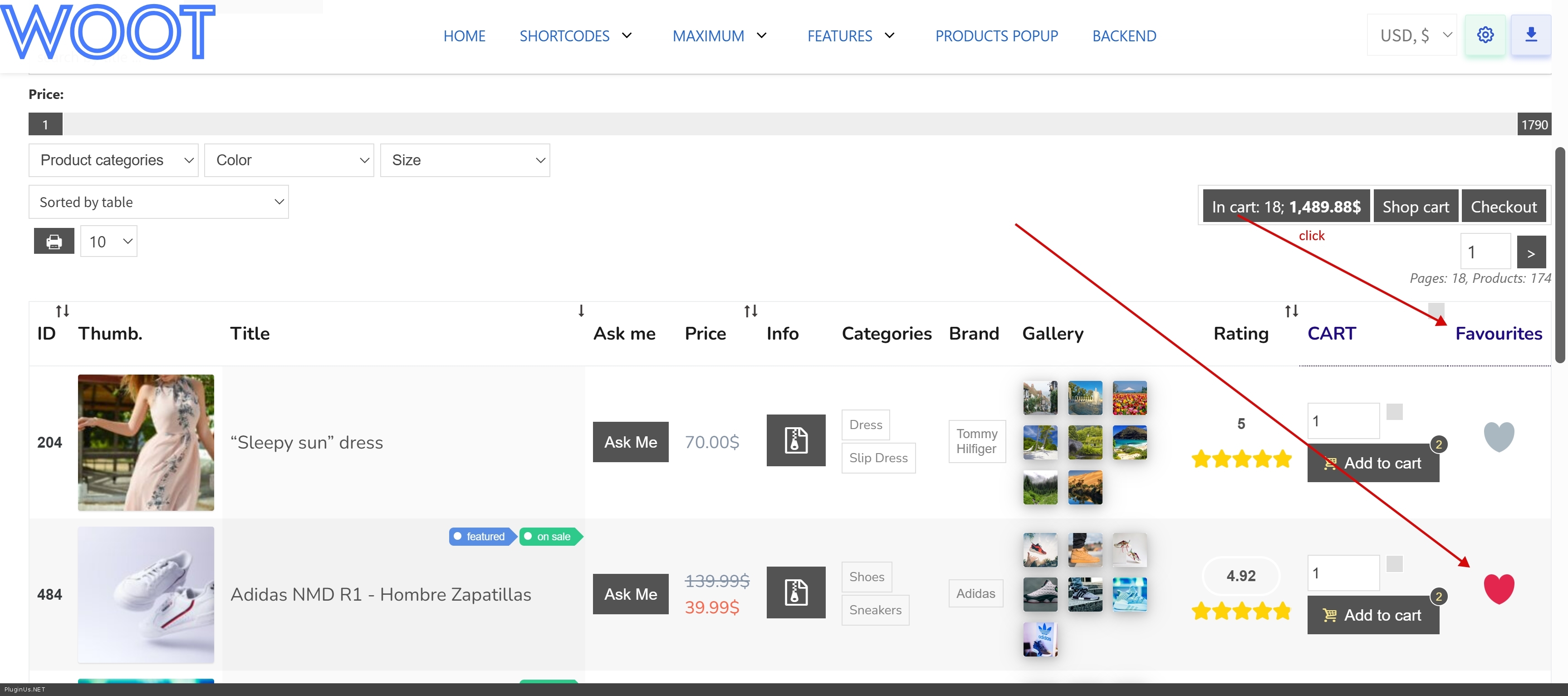
display problem
The support doesn work on Saturdays and Sundays, so some Friday requests can be answered on Monday. If you have problems with registration ask help on contact us page pleaseIf you not got email within 24~36 business hours, firstly check your spam box, and if no any email from the support there - back to the forum and read answer here. DO NOT ANSWER ON EMAILS [noreply@pluginus.net] FROM THE FORUM!! Emails are just for your info, all answers should be published only here.
The support doesn work on Saturdays and Sundays, so some Friday requests can be answered on Monday.

Quote from Mino on November 30, 2025, 12:57Hi,
please I have a problem with the display in the DEOTHEMES theme.

If I tried the storefront it works.

Can you advise me how to make it work, because otherwise I bought a plugin that is useless to me.

I am not a programmer and I need some solution, is there an error in ajax or somewhere.
Thank you
Hi,
please I have a problem with the display in the DEOTHEMES theme.

If I tried the storefront it works.

Can you advise me how to make it work, because otherwise I bought a plugin that is useless to me.

I am not a programmer and I need some solution, is there an error in ajax or somewhere.
Thank you

Quote from Alex Dovlatov on December 1, 2025, 12:51Hello Mino
Need to look on the site closer to see what the issue. Here is demo with storefront child theme and its works fine https://demo.products-tables.com/
In the private area please share exect link to the issue, I will look om it, but if any problems from wp theme I can only give an advice what is wrong, but maybe you has installed some scripts with js errors and that is the reason
https://share.pluginus.net/image/i20230222134241.png
https://share.pluginus.net/image/i20230222134615.png
https://share.pluginus.net/image/i20230222134511.png
Hello Mino
Need to look on the site closer to see what the issue. Here is demo with storefront child theme and its works fine https://demo.products-tables.com/
In the private area please share exect link to the issue, I will look om it, but if any problems from wp theme I can only give an advice what is wrong, but maybe you has installed some scripts with js errors and that is the reason
https://share.pluginus.net/image/i20230222134241.png
https://share.pluginus.net/image/i20230222134615.png
https://share.pluginus.net/image/i20230222134511.png


Quote from Alex Dovlatov on December 3, 2025, 13:07Hello Mino
Sorry for delay, I not got signal that something changed in the ticket, next time please if you leave something in the private area, also leave short message here that you did it
So I looked the site link, and what I see in console is 509 error
What's happening:
Error 509 is a rare code, usually meaning:
- Bandwidth Limit Exceeded (hosting traffic limit exceeded)
Rate Limit (too many requests)
Cloudflare blockingJSON Parse Error - some JS is returning invalid JSON
WooCommerce scripts aren't loading - you see woocommerce/assets/client/admin/sanitize/index.js getting net::ERR_ABORTED
PayPal/GooglePay errors - this means the entire WooCommerce payment system is downSite possible issue:
Hosting is blocking requests (limits)
Cloudflare/firewall is blocking
Security plugin is too aggressive
CDN issuesWhat I suggest: you can create site clone by https://wordpress.org/plugins/duplicator/ - better even on another hosting account to test, OR even on the same hosting but disable cloudflare and firewall plugins (use test subdomain), even better do test: leave only woo+woot plugins to see how is it. Make tests and give me know please
Welcome :)
Hello Mino
Sorry for delay, I not got signal that something changed in the ticket, next time please if you leave something in the private area, also leave short message here that you did it
So I looked the site link, and what I see in console is 509 error
What's happening:
Error 509 is a rare code, usually meaning:
- Bandwidth Limit Exceeded (hosting traffic limit exceeded)
Rate Limit (too many requests)
Cloudflare blocking
JSON Parse Error - some JS is returning invalid JSON
WooCommerce scripts aren't loading - you see woocommerce/assets/client/admin/sanitize/index.js getting net::ERR_ABORTED
PayPal/GooglePay errors - this means the entire WooCommerce payment system is down
Site possible issue:
Hosting is blocking requests (limits)
Cloudflare/firewall is blocking
Security plugin is too aggressive
CDN issues
What I suggest: you can create site clone by https://wordpress.org/plugins/duplicator/ - better even on another hosting account to test, OR even on the same hosting but disable cloudflare and firewall plugins (use test subdomain), even better do test: leave only woo+woot plugins to see how is it. Make tests and give me know please
Welcome :)
Quote from Mino on December 4, 2025, 10:11Hi Alex,
I had all the security features turned off and the only place it works is the storefront. Not a single block theme can display the content.

I also have the domain www.modelarskepotreby.sk where I installed only wordpress, woocommerce and your lite plugin for the test and it didn't display there either.

There is some error there and it is important for you to be informed that the display does not work under block themes.

In secret message you have the error.
the problem itself is with the display. We are using the latest version of Wordpress and woocommerce. PHP 8.4 and we would like to upgrade to PHP 8.5 Thank you
Hi Alex,
I had all the security features turned off and the only place it works is the storefront. Not a single block theme can display the content.

I also have the domain www.modelarskepotreby.sk where I installed only wordpress, woocommerce and your lite plugin for the test and it didn't display there either.

There is some error there and it is important for you to be informed that the display does not work under block themes.

In secret message you have the error.
the problem itself is with the display.
We are using the latest version of Wordpress and woocommerce.
PHP 8.4 and we would like to upgrade to PHP 8.5
Thank youQuote from Mino on December 4, 2025, 10:21If you will you can see on the wordpress theme twenty twenty the same problem.
https://www.modelarskepotreby.sk/
If you will you can see on the wordpress theme twenty twenty the same problem.
Quote from Alex Dovlatov on December 4, 2025, 12:37Hello Mino
Provide please wp-admin + ftp access to https://www.modelarskepotreby.sk/ I will play with code and will see. What I see now is json structure is broken, so somwhere should be error. Also I will install Duplicator and will test your site on my hostin to exclude or not any questions about hosting.
Hello Mino
Provide please wp-admin + ftp access to https://www.modelarskepotreby.sk/ I will play with code and will see. What I see now is json structure is broken, so somwhere should be error. Also I will install Duplicator and will test your site on my hostin to exclude or not any questions about hosting.
Quote from Mino on December 4, 2025, 12:49Thank you very much, you have access in private message. Feel free to test as you need :)
Thank you very much, you have access in private message. Feel free to test as you need :)
Quote from Alex Dovlatov on December 4, 2025, 14:40Hello Mino
Add please Spain to firewal options on the hosting: https://clip2net.com/s/4nrtwQr
Hello Mino
Add please Spain to firewal options on the hosting: https://clip2net.com/s/4nrtwQr
Quote from Mino on December 4, 2025, 14:44It should be fine now, I turned it off. :)
It should be fine now, I turned it off. :)Quote from Alex Dovlatov on December 5, 2025, 17:52Hello Mino
I found the issue and resolved it
The issue was caused by WordPress Czech localization automatically converting standard quotes to Czech typographic quotes („ and "), which broke JSON parsing. I added an exception for Czech language in the functions.php - everything works correctly now, please check it.
// We disable it only for problematic localesadd_action('init', function() {$locale = get_locale();$problematic_locales = ['cs_CZ', 'sk_SK', 'de_DE', 'fr_FR'];if (in_array($locale, $problematic_locales)) {//if (wp_doing_ajax()) {add_filter('run_wptexturize', '__return_false');//}}});
Hello Mino
I found the issue and resolved it
The issue was caused by WordPress Czech localization automatically converting standard quotes to Czech typographic quotes („ and"), which broke JSON parsing. I added an exception for Czech language in the functions.php - everything works correctly now, please check it.
Quote from Mino on December 6, 2025, 11:34it looks great. Please can you set it up for me on www.ustarejvrtule.sk, since this is just a test site and the paid plugin is on ustarejvrtule.sk Also a question if it will work. If necessary, I will add the access data to the message. THANK YOU VERY MUCH
it looks great.

Please can you set it up for me on www.ustarejvrtule.sk, since this is just a test site and the paid plugin is on ustarejvrtule.sk

Also a question if it will work.

If necessary, I will add the access data to the message.

THANK YOU VERY MUCHQuote from Alex Dovlatov on December 8, 2025, 13:06Hello Mino
Sure, I can paste the code or you, look it is simple:
- go here /wp-admin/theme-editor.php
- select file functions.php
- go to the same bottom of it
- paste code
- save file
- use: )
Sure you can wp-admin acess to that site and I will do it ...
Hello Mino
Sure, I can paste the code or you, look it is simple:
- go here /wp-admin/theme-editor.php
- select file functions.php
- go to the same bottom of it
- paste code
- save file
- use: )
Sure you can wp-admin acess to that site and I will do it ...
Quote from Mino on December 8, 2025, 13:39Alex thank you very much,
I'll try to do it :).

Please, one more question, I'm using wpmozo's wishlist and I'd like it to be in the table as well. Can you share with me some steps on how to do it correctly, or is it even possible?
Alex thank you very much,
I'll try to do it :).

Please, one more question, I'm using wpmozo's wishlist and I'd like it to be in the table as well. Can you share with me some steps on how to do it correctly, or is it even possible?Quote from Alex Dovlatov on December 9, 2025, 12:25Hello Mino
WOOT has its own favourites list, and as it prosucts table its like application and to add product into wishlist its need button, button is code, code is another app... sorry, but they are not works together. What is possible is to show already added product into wishlits somewhere on another pages, you can show it in popup, read please: https://products-tables.com/how-to-add-custom-column-to-the-tables/
Hello Mino
WOOT has its own favourites list, and as it prosucts table its like application and to add product into wishlist its need button, button is code, code is another app... sorry, but they are not works together. What is possible is to show already added product into wishlits somewhere on another pages, you can show it in popup, read please: https://products-tables.com/how-to-add-custom-column-to-the-tables/