PluginUs.Net - Business Tools for WooCommerce and WordPress

[realize your idea - make your dreams come true]
Botoscope is currently in early access

Support Forum

You need to log-in to create request (topic) to the support

decrease line height between filters

The support doesn work on Saturdays and Sundays, so some Friday requests can be answered on Monday. If you have problems with registration ask help on contact us page please
If you not got email within 24~36 business hours, firstly check your spam box, and if no any email from the support there - back to the forum and read answer here. DO NOT ANSWER ON EMAILS [noreply@pluginus.net] FROM THE FORUM!! Emails are just for your info, all answers should be published only here.
The support doesn work on Saturdays and Sundays, so some Friday requests can be answered on Monday.

Hi, how can i decrease the line height between filters?

See:

https://weekplanner.eu/product-category/stel-zelf-je-weekplanner-samen-2/


SO the lin height between:

i want to edit (make less).


regards arie


Hello

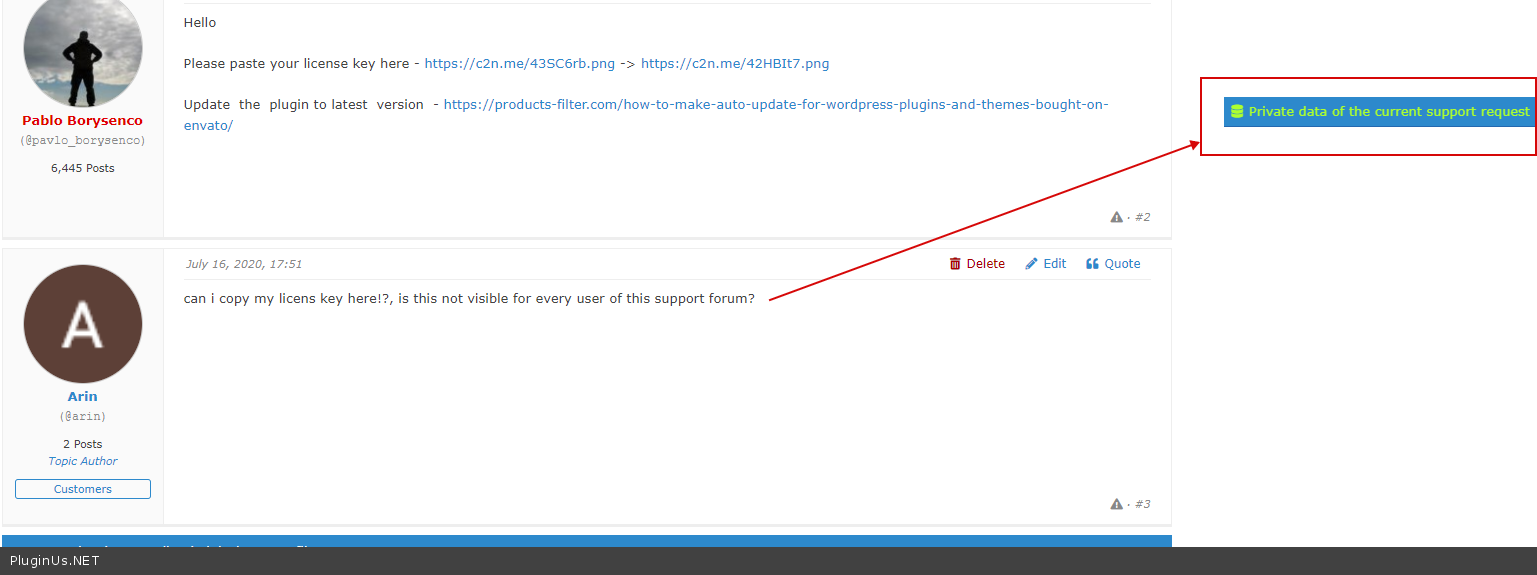
Please paste your license key here - https://c2n.me/43SC6rb.png -> https://c2n.me/42HBIt7.png

Update  the  plugin to latest  version  - https://products-filter.com/how-to-make-auto-update-for-wordpress-plugins-and-themes-bought-on-envato/


can i copy my licens key here!?, is this not visible for every user of this support forum?

Hello

Add  your code  here - https://c2n.me/43SC6rb.png -> https://c2n.me/42HBIt7.png

Only you and I can see this private data.- https://c2n.me/48qHRoo.png

I add the code to"privat data for this topic" , can you see it, because after click on save, i dont see anything

Hello

Try  to  add  this  CSS:

.woof .woof_checkbox_term{

margin-bottom: 0px;

}

.woof .woof_checkbox_label{

margin-bottom: 0px;

padding-top: 0px;

padding-bottom: 0px;

}