PluginUs.Net - Business Tools for WooCommerce and WordPress

[realize your idea - make your dreams come true]

Support Forum

You need to log-in to create request (topic) to the support

columns bottom scroll bar and filters bug

The support doesn work on Saturdays and Sundays, so some Friday requests can be answered on Monday. If you have problems with registration ask help on contact us page please
If you not got email within 24~36 business hours, firstly check your spam box, and if no any email from the support there - back to the forum and read answer here. DO NOT ANSWER ON EMAILS [noreply@pluginus.net] FROM THE FORUM!! Emails are just for your info, all answers should be published only here.
The support doesn work on Saturdays and Sundays, so some Friday requests can be answered on Monday.

Hello and thank you for your plugin.

As contacted in codecanyon i think that the scrollbar from left to right so we can see all the columns is only on the bottom pf page.

This in a small screen in desktop computer (which doesnt have a touchpad like desktop) need to be done with keyboard.

I would like to know if it possible the scroll bar to be floating in the bottom of screen.

Also we encounter a problem when opening filters the first time the third column filters (categories brands etc) not appear and we need to reload.

Dont know if its a known bug so just submitting it.

Thank you again.

Hello

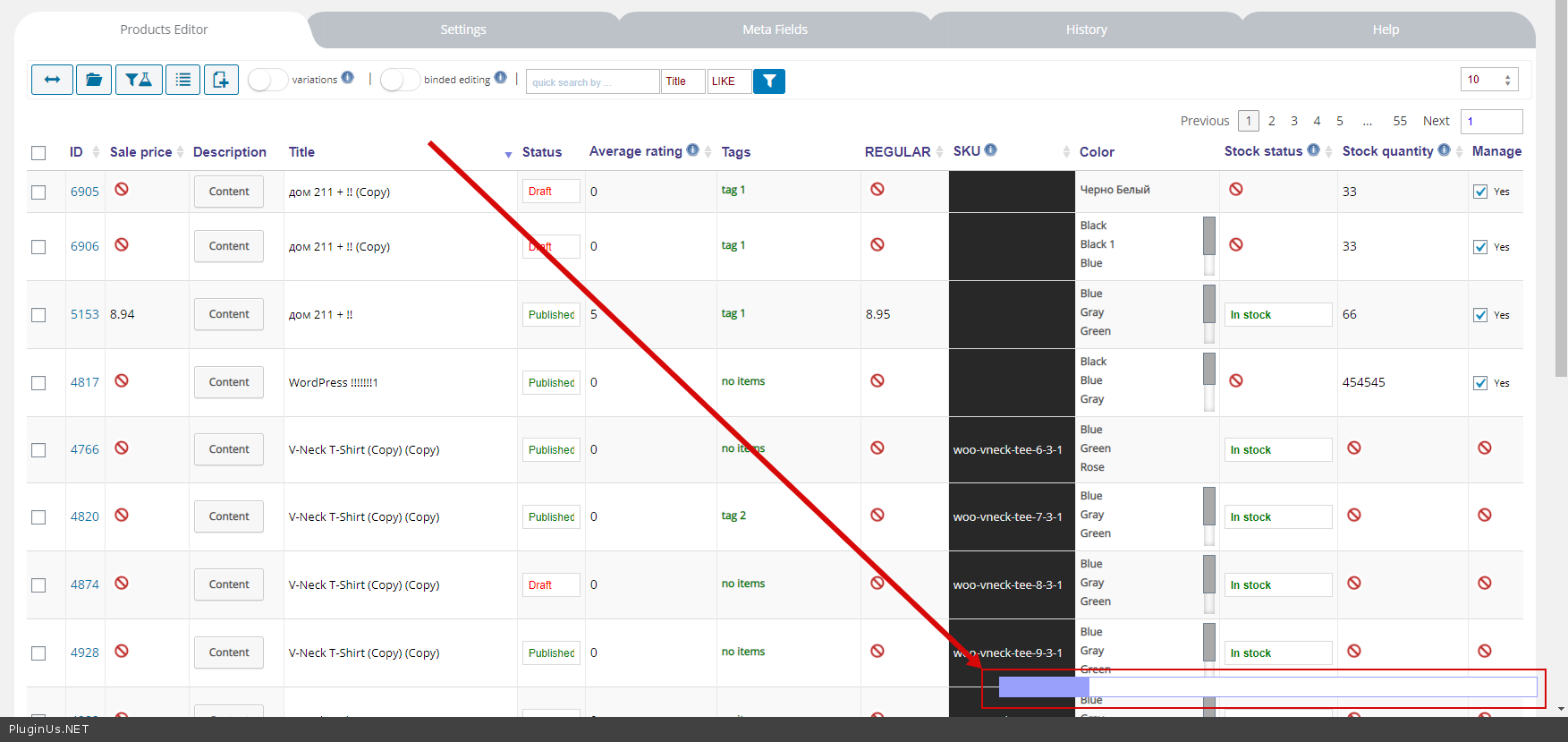
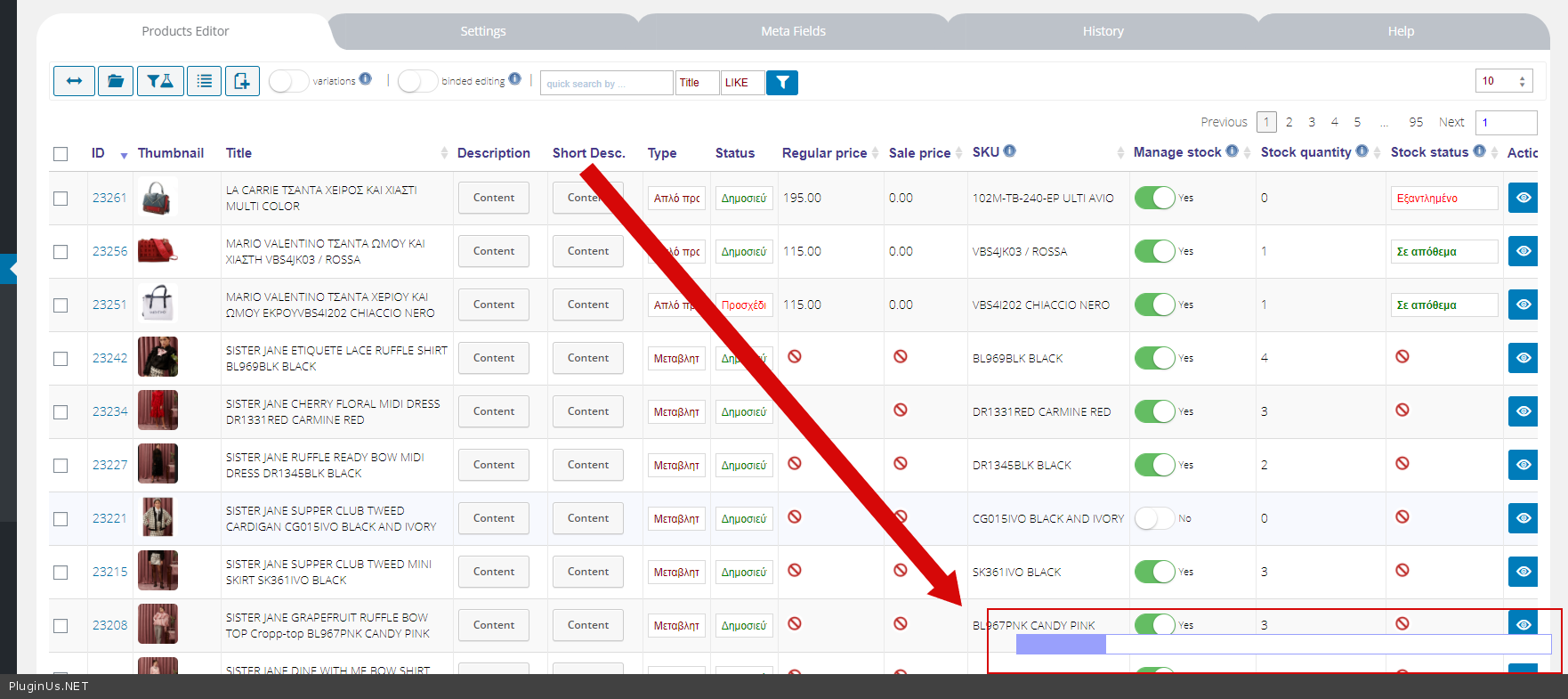
 if it possible the scroll bar to be floating in the bottom of screen - https://c2n.me/4b3G6ko.png

Also we encounter a problem when opening filters the first time the third column filters (categories brands etc) not appear and we need to reload. - Please  drop   me  a screenshot of the  issue


Thank you for you fast answer again.

Saw the screenshot I confirm that i saw that bar when tried the plugin in the start, but now there is no way to make it appear.

The only way to scroll is either with a touchpad or selecting a product and press left and right arrows.

Can it be a brownser issue? We use Firefox in mac os. Ad blocker closed. Should i look for any conflict? But didn't installed anything new for a while.

As for the other bug i will make a screenshot when it happens because it happened randomly.


Hello

Should i look for any conflict? - Please  drop  me wp-admin access - https://c2n.me/43SC6rb.png ->https://c2n.me/42BAoj4.png

I will  check  it

Sorry for the delay. Just submitted. Thank you very much.

Hello

Your  site - https://c2n.me/4b89tXA.png

Can you do  a  test on  another  device or browser

Hello thank you for checking.

It works in Google Chrome and in Safari.

Seems to not work only in Firefox in Mac OS. Im using ad block but i turned it off for the page we use it.

We can ask shop manager to work on it in Safari or Chrome.

Hoped its our side problem only. Thanks again.

Hello

Ok!  Great

I passed it to our developer