PluginUs.Net - Business Tools for WooCommerce and WordPress

[realize your idea - make your dreams come true]

Support Forum

You need to log-in to create request (topic) to the support

Changing Attributes in bulk for Simple products

The support doesn work on Saturdays and Sundays, so some Friday requests can be answered on Monday. If you have problems with registration ask help on contact us page please
If you not got email within 24~36 business hours, firstly check your spam box, and if no any email from the support there - back to the forum and read answer here. DO NOT ANSWER ON EMAILS [noreply@pluginus.net] FROM THE FORUM!! Emails are just for your info, all answers should be published only here.
The support doesn work on Saturdays and Sundays, so some Friday requests can be answered on Monday.

Hi, i am new to wordpress, after 1 month strugging i meed Bulk editor. Such a wonderful, time saving, easy to use program. Thanks everyone involved.

Now i want to set attributes to Simpel products, but changes are not made. So how to do changes on simple products? I want to add attributes , without set them as Variable product. ( I manually can set , but no in the bulk plugin )

Hello

Please  watch a  video - https://bulk-editor.com/video-tutorials#video_1291

But attributes are not available in the free version


Creating attributes for Variable products is possible with Free version ( using it for a month now ) and created many attributes in bulk.

However not possible for Simple. I watch studied the video several times.

Hello

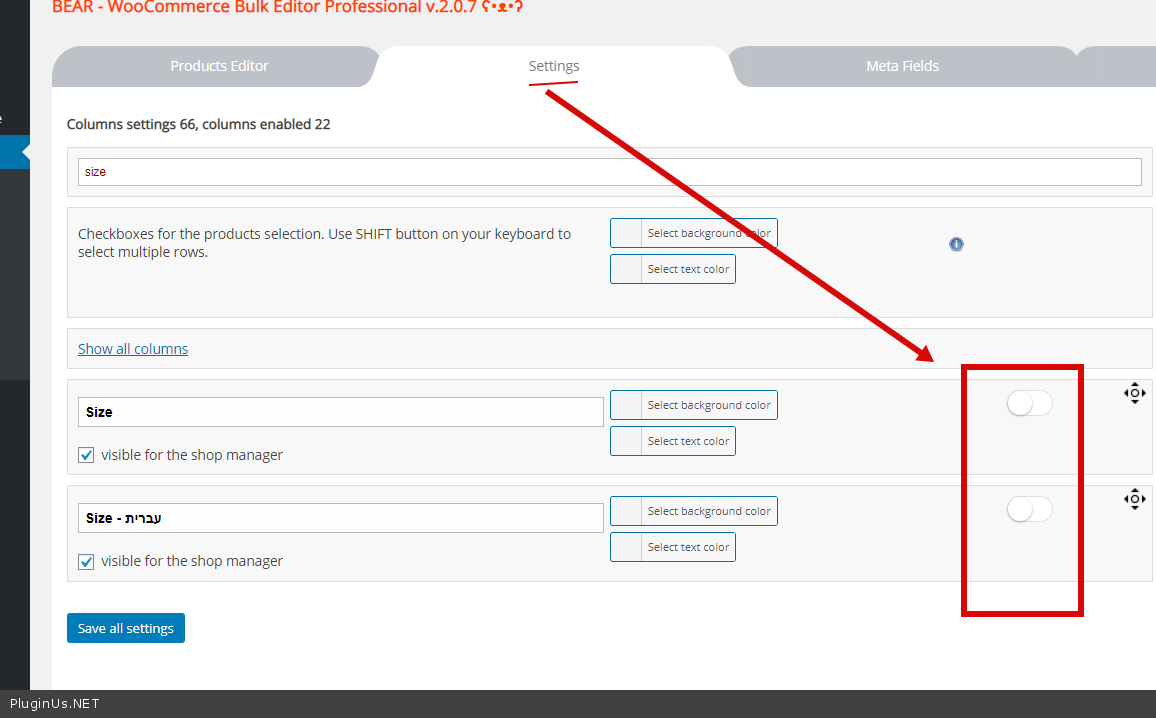
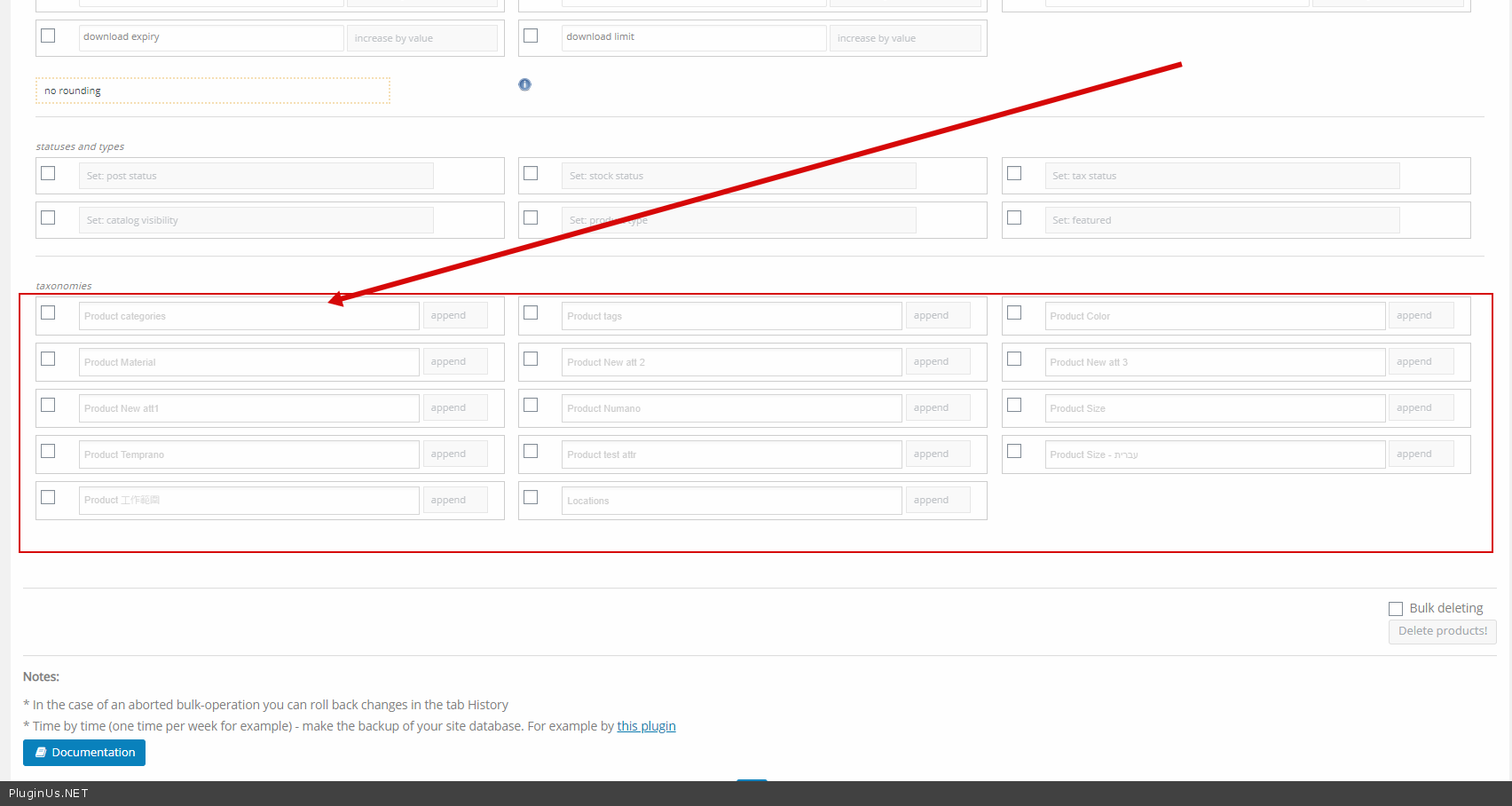
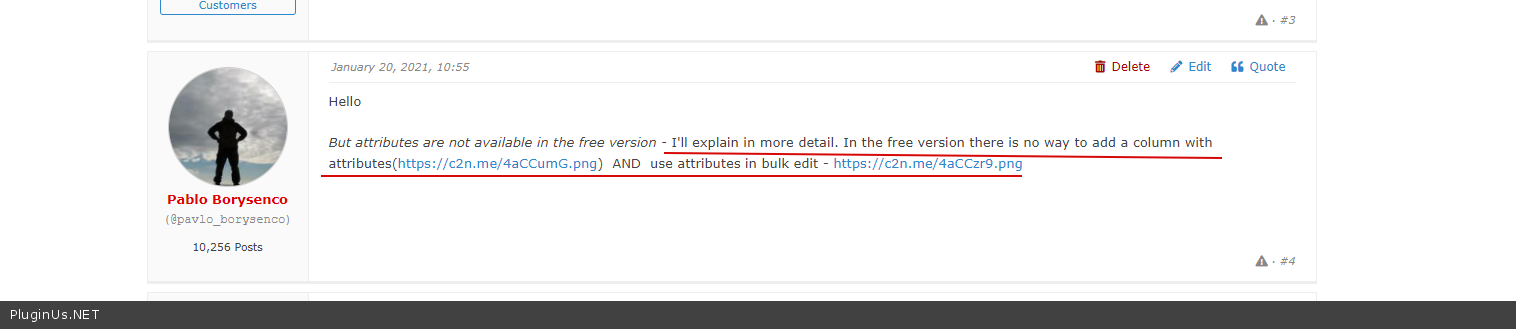
But attributes are not available in the free version - I'll explain in more detail. In the free version there is no way to add a column with attributes(https://c2n.me/4aCCumG.png)  AND  use attributes in bulk edit - https://c2n.me/4aCCzr9.png

Ok then watch this images

https://postimg.cc/gallery/L4XXv9Z

I have the free edition, but still able to enable things which you mention there is no way to.. so it most be a bug, and im lucky :) :P

Hello

Everything works correctly.

as I wrote above  - https://c2n.me/4aDyLHv.png You gave me screenshots from editing variations