PluginUs.Net - Business Tools for WooCommerce and WordPress

[realize your idea - make your dreams come true]

Support Forum

You need to log-in to create request (topic) to the support

Cannot bulk edit selected products

The support doesn work on Saturdays and Sundays, so some Friday requests can be answered on Monday. If you have problems with registration ask help on contact us page please
If you not got email within 24~36 business hours, firstly check your spam box, and if no any email from the support there - back to the forum and read answer here. DO NOT ANSWER ON EMAILS [noreply@pluginus.net] FROM THE FORUM!! Emails are just for your info, all answers should be published only here.
The support doesn work on Saturdays and Sundays, so some Friday requests can be answered on Monday.

Hello, i've a problem with bulk editor... when i tried it and selected the products, the plugin didn't recognize that I had selected them and bulk editing was applied to all filtered products.

Hot to fix this problem?

Wordpress version: 5.6.1
Woocommerce version: 4.9.2
Plugin version: 2.0.5.1

Thank you

Hello

Paste your license key here - https://c2n.me/43SC6rb.png -> https://c2n.me/42HBIt7.png

Update  plugib  to  latest version - https://bulk-editor.com/howto/how-to-make-auto-update-for-wordpress-plugins-and-themes-bought-on-envato/

Ok, done.

I await your feedback

Thank you

Hello

Ok!  Great!  Clear  all  cache  and  CTRL+F5  and  do a test

Ok thanks.

We imported the variations with a CSV file, we will try the next product entry.

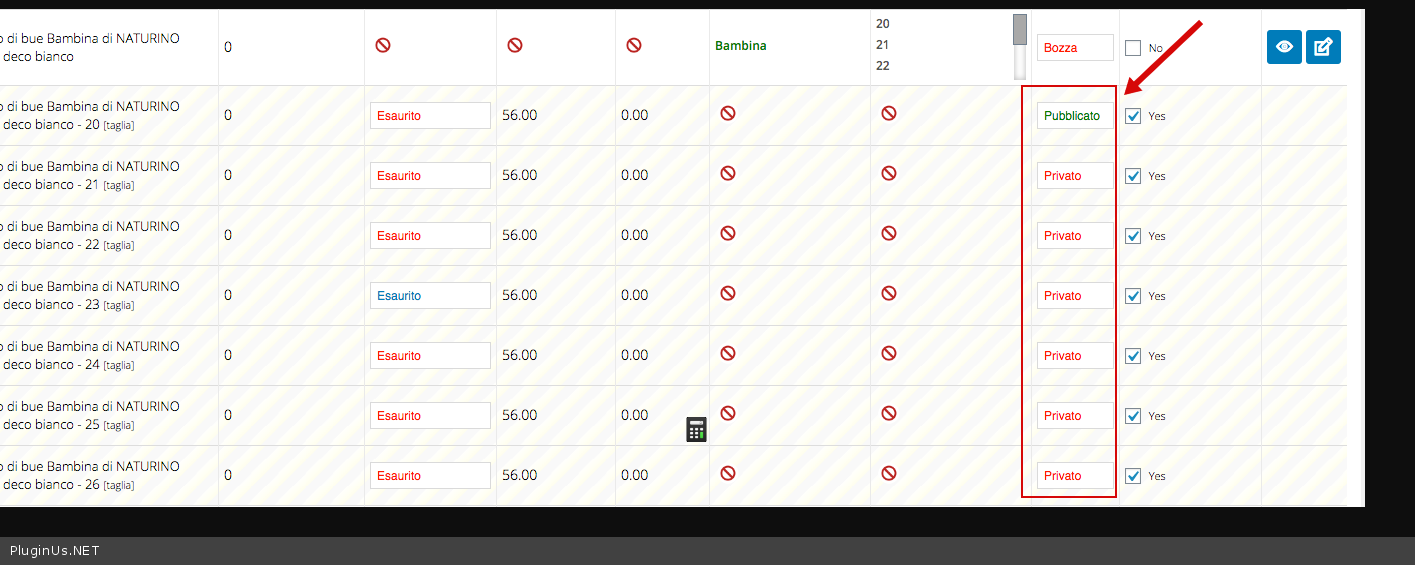
Last question, all variations are as private status and parent in drafts, but when we publish the parent, the status of the children does not change to published but we have to do it one by one.

Why? should i add a column to the CSV file?

Thanks so much

Please  try  to watch a  video - https://bulk-editor.com/video-tutorials#video_2502

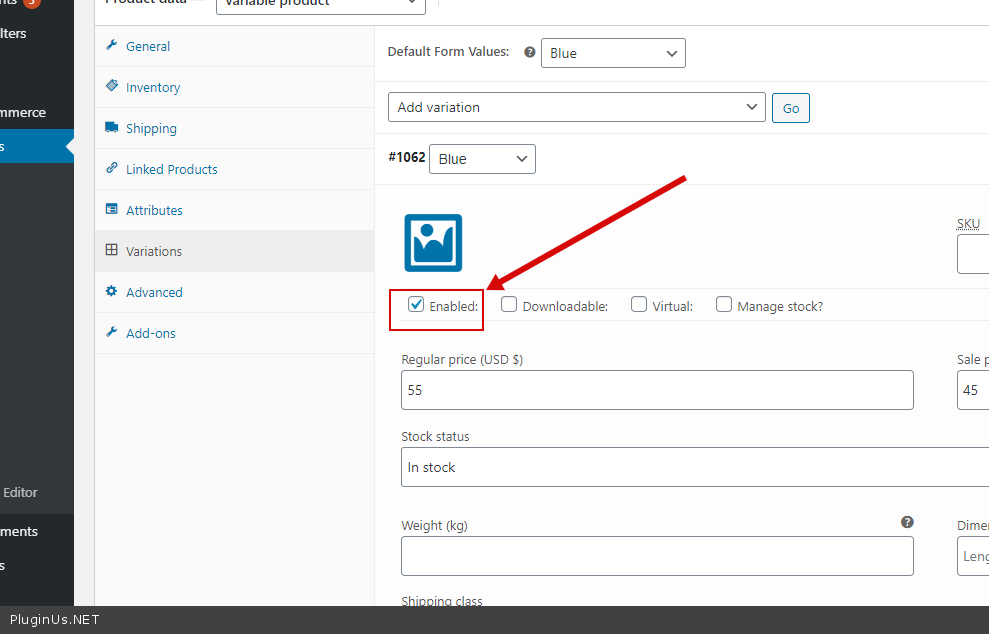
 all variations are as private status  - Do you  mean this  option? - https://c2n.me/4aTAvEa.png


No i mean this options -->  image

Hello

Yes! This is the same field  https://c2n.me/4aTAvEa.png = https://c2n.me/4aUoOM4.png

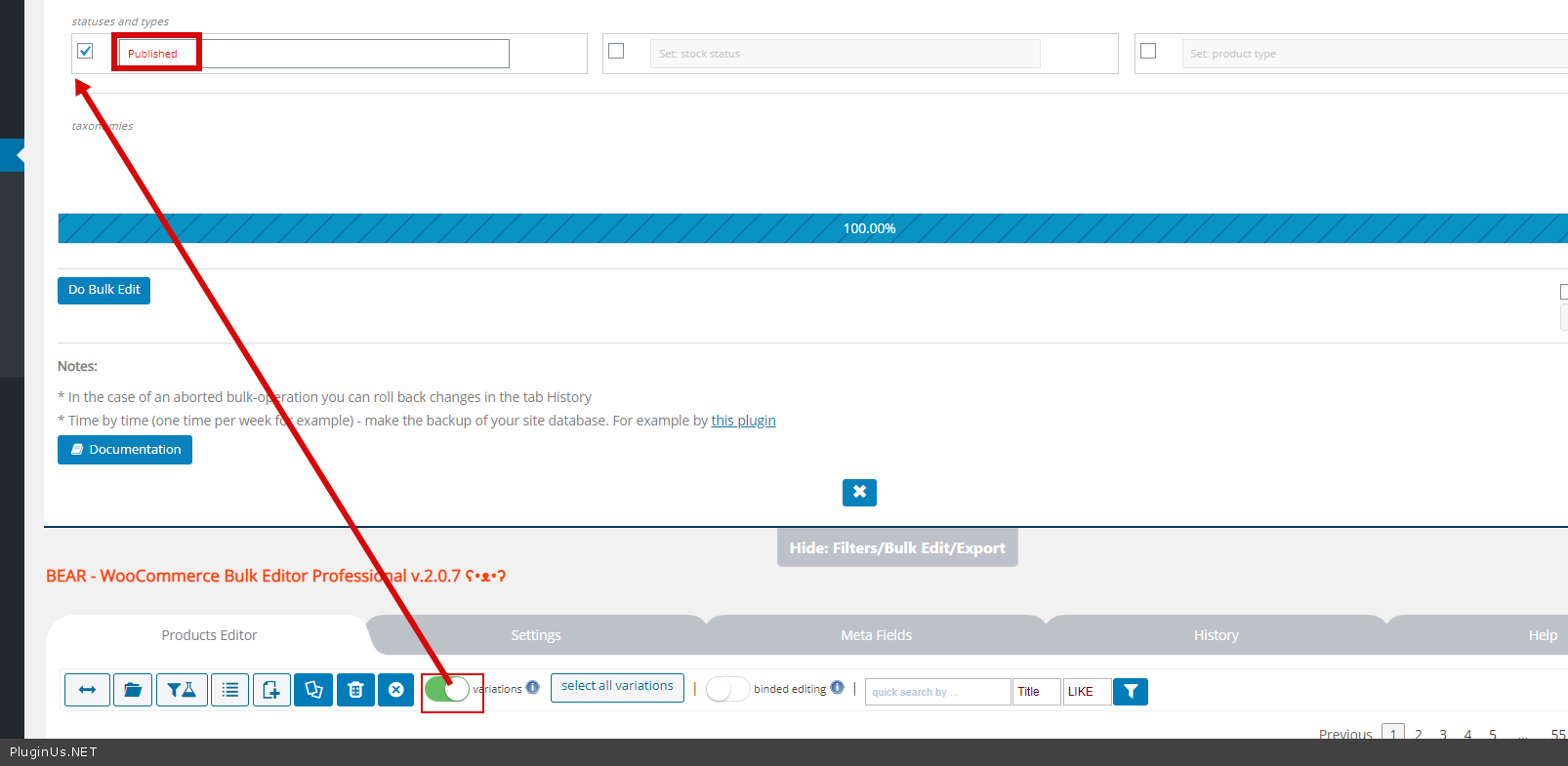
In  this  case  use "Bulk  editor" - https://c2n.me/4aUp3np.png