

Actualizacion de productos relacionados
The support doesn work on Saturdays and Sundays, so some Friday requests can be answered on Monday. If you have problems with registration ask help on contact us page pleaseIf you not got email within 24~36 business hours, firstly check your spam box, and if no any email from the support there - back to the forum and read answer here. DO NOT ANSWER ON EMAILS [noreply@pluginus.net] FROM THE FORUM!! Emails are just for your info, all answers should be published only here.
The support doesn work on Saturdays and Sundays, so some Friday requests can be answered on Monday.

Quote from nico.caride on September 8, 2020, 20:34Necesito cambiar masivamente los productos relacionados por categoria o etiqueta. WOOBE Bulk editor me detecta un numero por cada categoria. Cuando copio ese numero de cateogira en el resto de los productos, los cambios no se me aplican a los productos automaticamente. Tengo que entrar en cada una de las fichas de producto y hacer click en actualizar.
I need to massively change the related products by category or label. WOOBE Bulk editor detects a number for each category. When I copy that category number to the rest of the products, the changes are not applied to the products automatically. I have to enter each of the product sheets and click update.
Is there any option to do this automatically?
Thanks
Necesito cambiar masivamente los productos relacionados por categoria o etiqueta. WOOBE Bulk editor me detecta un numero por cada categoria. Cuando copio ese numero de cateogira en el resto de los productos, los cambios no se me aplican a los productos automaticamente. Tengo que entrar en cada una de las fichas de producto y hacer click en actualizar.
I need to massively change the related products by category or label. WOOBE Bulk editor detects a number for each category. When I copy that category number to the rest of the products, the changes are not applied to the products automatically. I have to enter each of the product sheets and click update.
Is there any option to do this automatically?
Thanks

Quote from admin on September 9, 2020, 16:08Hello
Can you make short video please what and how you doing?
Hello
Can you make short video please what and how you doing?
Quote from nico.caride on September 9, 2020, 19:02Hello,
Yes, I send you 2 videos.The first one you will see what i do (and it doesn't work) and the second what i must to do so the changes of this meta make effect. I have premium version of related products and bulk editor.
https://we.tl/t-JqSH2AN43g
Thanks,
Hello,
Yes, I send you 2 videos.
The first one you will see what i do (and it doesn't work) and the second what i must to do so the changes of this meta make effect. I have premium version of related products and bulk editor.
Thanks,
Quote from admin on September 10, 2020, 11:06Hello
Lets clarify, you changed meta key _wcrp_related_cats and this displayed in backend but not in fron end?
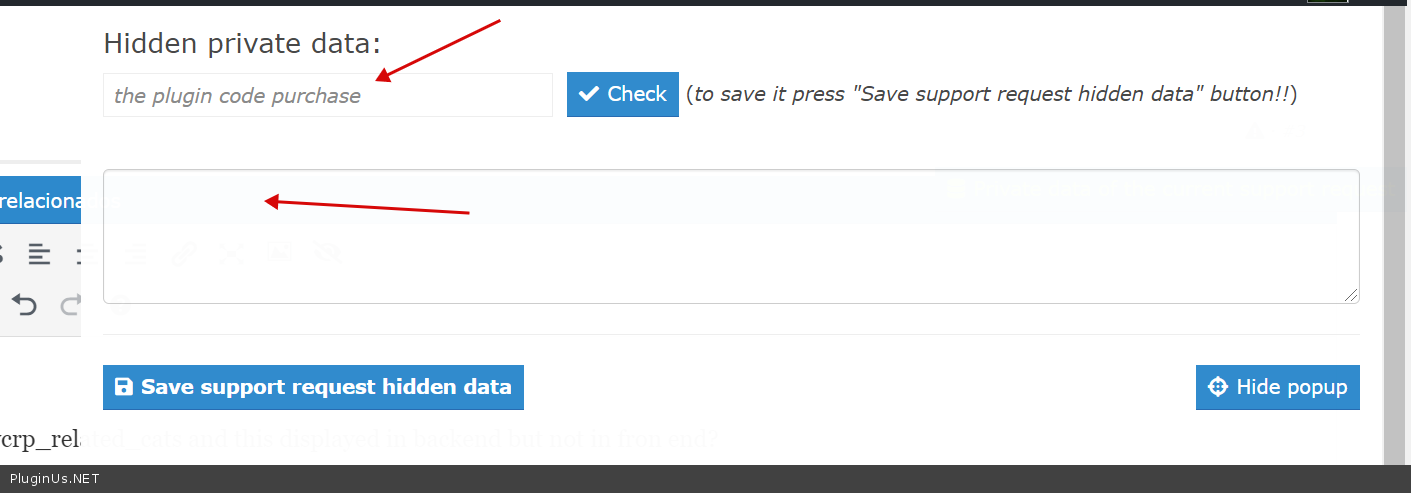
Please set your purchase code in private area on the right side of this forum page and tmp wp-admin access there https://c2n.me/492cSbr.png
Hello
Lets clarify, you changed meta key _wcrp_related_cats and this displayed in backend but not in fron end?
Please set your purchase code in private area on the right side of this forum page and tmp wp-admin access there https://c2n.me/492cSbr.png
Quote from nico.caride on September 10, 2020, 20:14Hello,
Yes, that is my problem.
Please set your purchase code in private area on the right side of this forum page and tmp wp-admin access there https://c2n.me/492cSbr.png :DONE
Hello,
Yes, that is my problem.
Please set your purchase code in private area on the right side of this forum page and tmp wp-admin access there https://c2n.me/492cSbr.png :DONE
Quote from admin on September 11, 2020, 15:51Hello
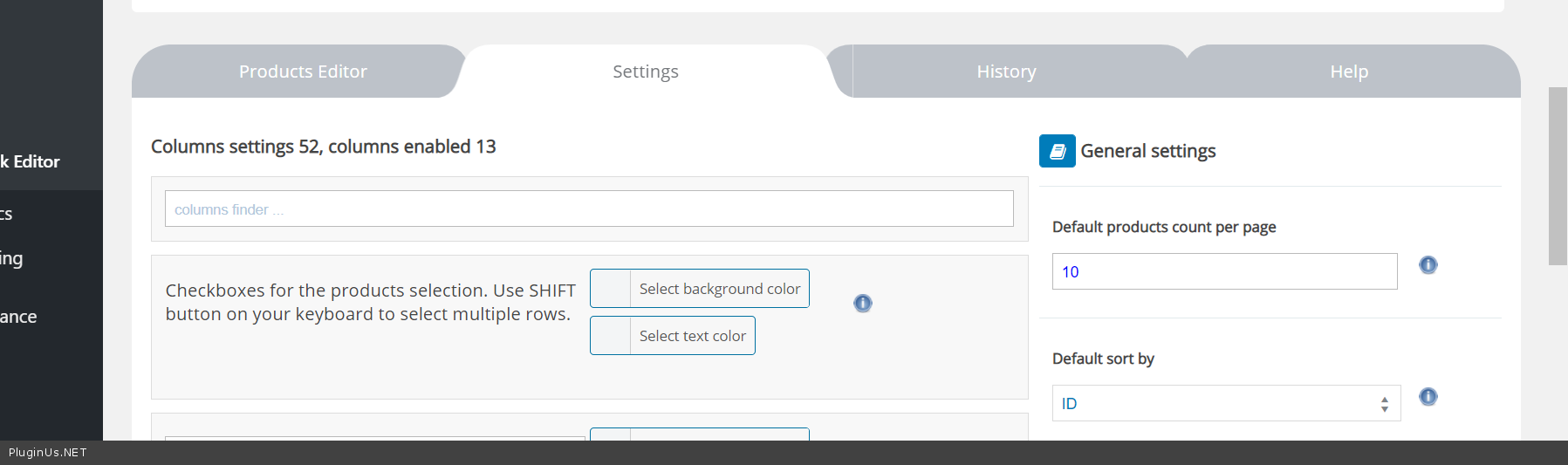
I not see tab Meta fields https://c2n.me/493jT4S.png , I need role 'admin' to see it https://clip2net.com/s/493jQMX
Hello
I not see tab Meta fields https://c2n.me/493jT4S.png , I need role 'admin' to see it https://clip2net.com/s/493jQMX
Quote from nico.caride on September 11, 2020, 17:37Sorry, done
Sorry, done

Quote from Pablo Borysenco on September 14, 2020, 10:05Hello
I checked it.
Product-side data changes correctly. So try to disable all cache (on site and server side ) and do a test
Hello
I checked it.
Product-side data changes correctly. So try to disable all cache (on site and server side ) and do a test
Quote from nico.caride on September 14, 2020, 15:43Hola,
Podras explicarme que hiciste? Yo sigo sin poder ver los cambios, aun desactivando el cacche y trabajando con pestaña de incognito. Puedo cambiar el numero de la meta, al ver como aplica, no veo que cambie de categoria en la ficha de producto.
Hello.,
Can you explain what you did? I still can't see the changes, even deactivating the cache and working in private mode. I can change the number of the meta from example 141 to 142, but when I see how it applies, I do not see that it in the product sheet.
Thank You
Hola,
Podras explicarme que hiciste? Yo sigo sin poder ver los cambios, aun desactivando el cacche y trabajando con pestaña de incognito. Puedo cambiar el numero de la meta, al ver como aplica, no veo que cambie de categoria en la ficha de producto.
Hello.,
Can you explain what you did? I still can't see the changes, even deactivating the cache and working in private mode. I can change the number of the meta from example 141 to 142, but when I see how it applies, I do not see that it in the product sheet.
Thank You
Quote from Pablo Borysenco on September 15, 2020, 10:51Hello
Product-side data changes correctly. - My video - https://c2n.me/495lL9d - as you can see, the data on the product side changes correctly
Hello
Product-side data changes correctly. - My video - https://c2n.me/495lL9d - as you can see, the data on the product side changes correctly
Quote from nico.caride on September 15, 2020, 14:57Hello pablo,
Yes, I note that, but if you go the product page of the webpage, the changes doesnt' take effect y related products. The categories shown of the related products are not the correct.
Thank you
Hello pablo,
Yes, I note that, but if you go the product page of the webpage, the changes doesnt' take effect y related products. The categories shown of the related products are not the correct.
Thank you
Quote from Pablo Borysenco on September 16, 2020, 10:42Hello
Yes - https://c2n.me/496aSdK.png - If it's not a cache. Contact third party plugin support. Perhaps this third-party plugin creates a transient with products and a special hook is needed to update this data
Hello
Yes - https://c2n.me/496aSdK.png - If it's not a cache. Contact third party plugin support. Perhaps this third-party plugin creates a transient with products and a special hook is needed to update this data
